Help us give you a better experience. We use cookies to remember your cart, speed up checkout, and show you authentic US products worth importing. You stay in control — your data is handled per India's DPDP Act 2023. Cookie Policy
QUI
QUI Presentation Clicker with Volume Control, Wireless Presenter Remote | 328ft Range
All-inclusive price — duties & taxes paid, no customs charges at delivery
The QUI Wireless Presentation Clicker provides seamless control for your presentations, empowering teachers and professionals to engage audiences from anywhere in the room. Its plug-and-play functionality means no drivers are needed; simply connect the USB receiver to your Mac or Windows laptop and start presenting. The bright red pointer light clearly highlights key points, ensuring your audience follows along, even in large venues. This device supports PowerPoint, Keynote, Google Slides, and more, making it a versatile tool for any presentation need.
Experience freedom with a 328ft wireless range, allowing you to move around the classroom or conference hall while maintaining full control over your slides. The ergonomic design ensures comfort during extended use, and the convenient clip attaches to pockets or notebooks for easy portability. Its reliable connectivity and intuitive button layout, including page up/down, hyperlink navigation, volume control, and screen switching, make it an efficient slideshow clicker for demanding presenters.
For Indian educators and business professionals, this imported clicker offers a reliable alternative to local options, ensuring smooth transitions and enhanced audience engagement. All customs duties and GST are included in the price, with delivery via ExpressBox tracked shipping. Requires one AAA battery, not included.
Key Features
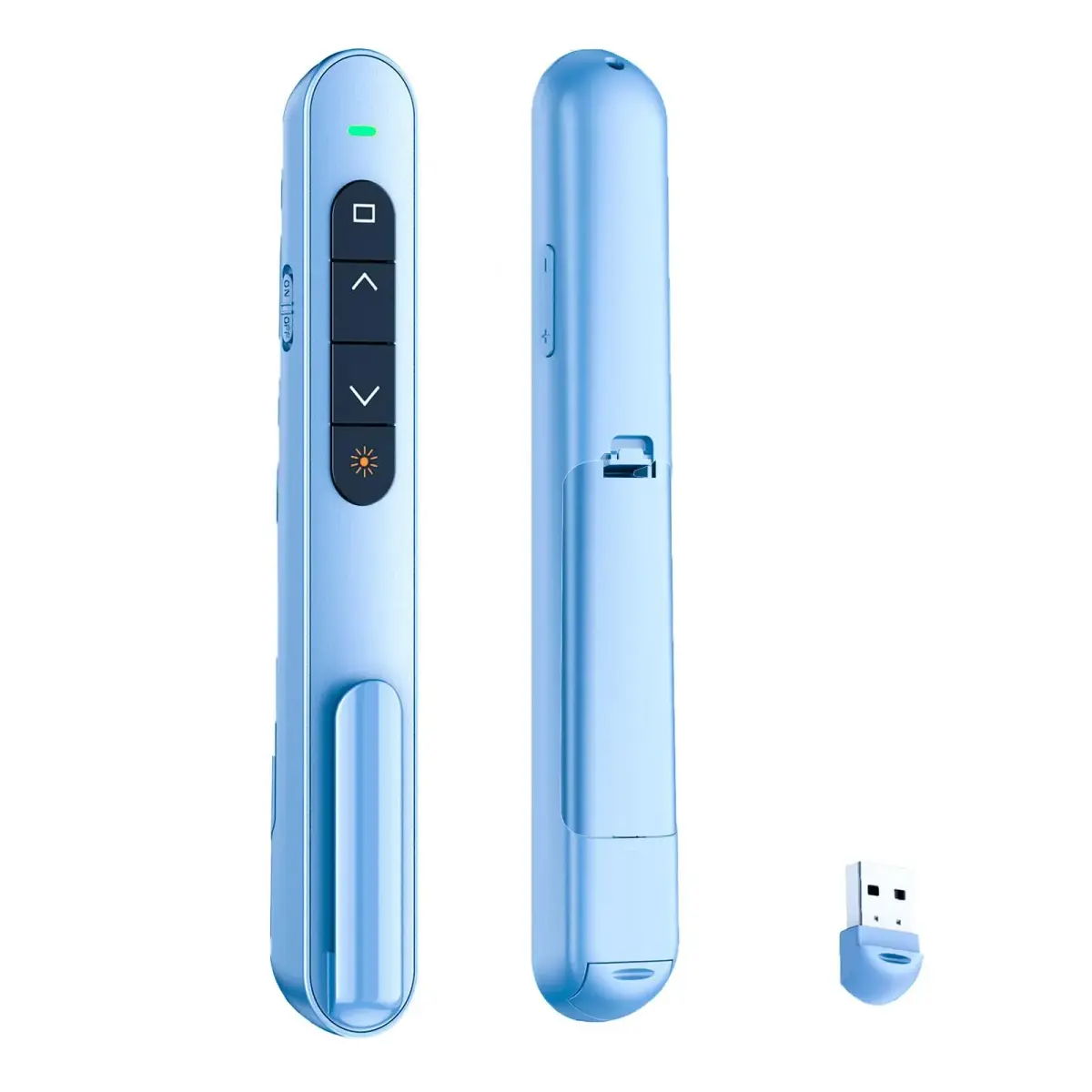
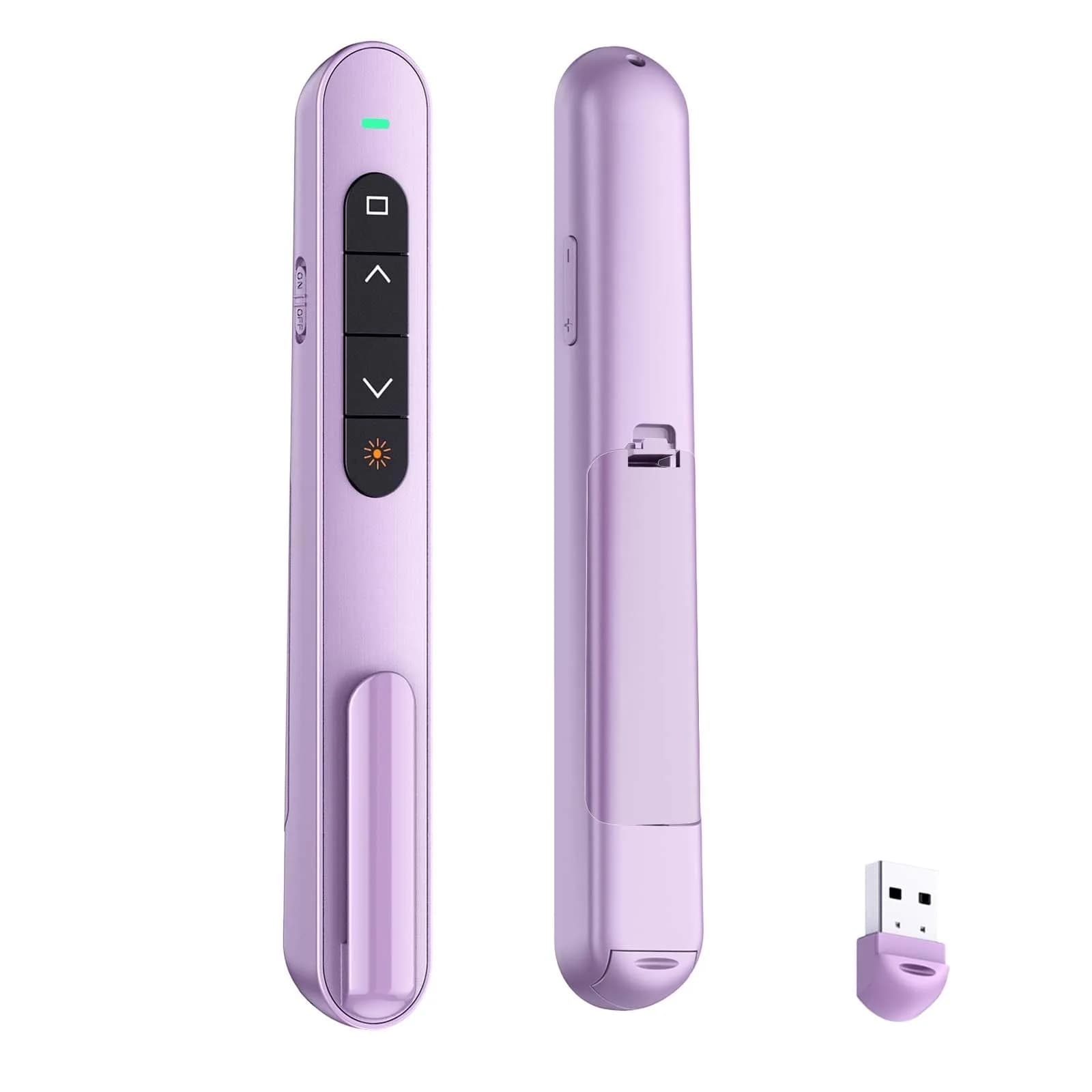
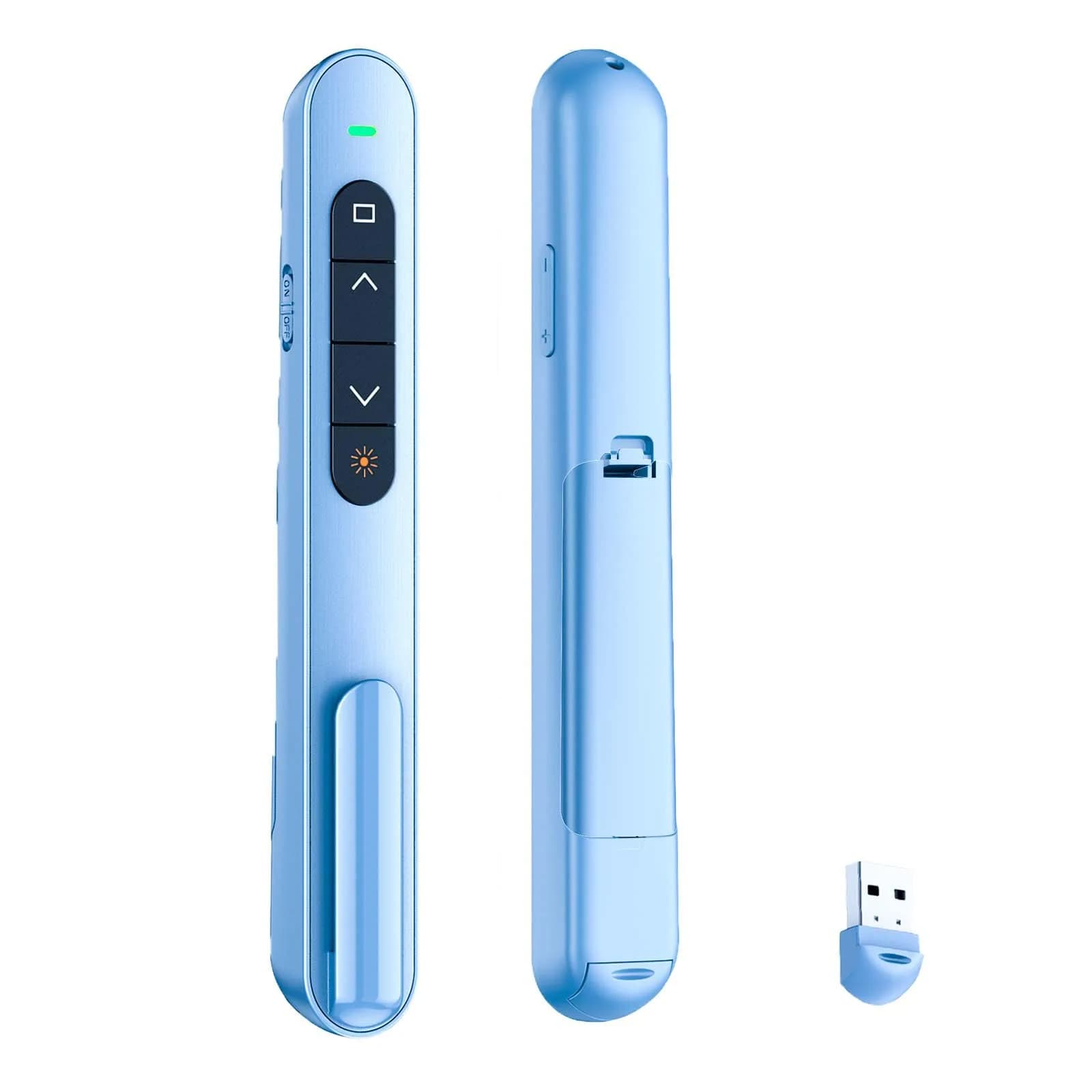
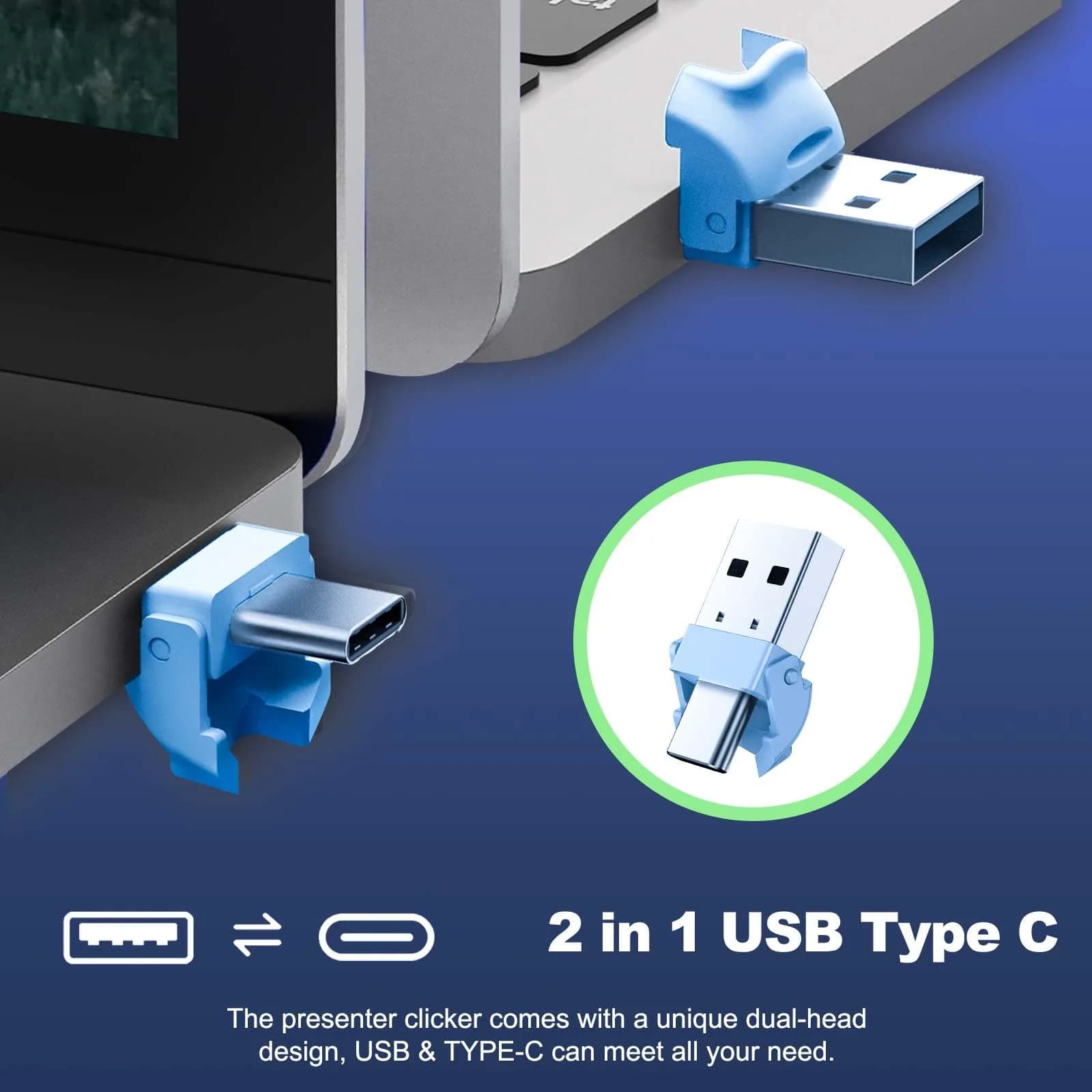
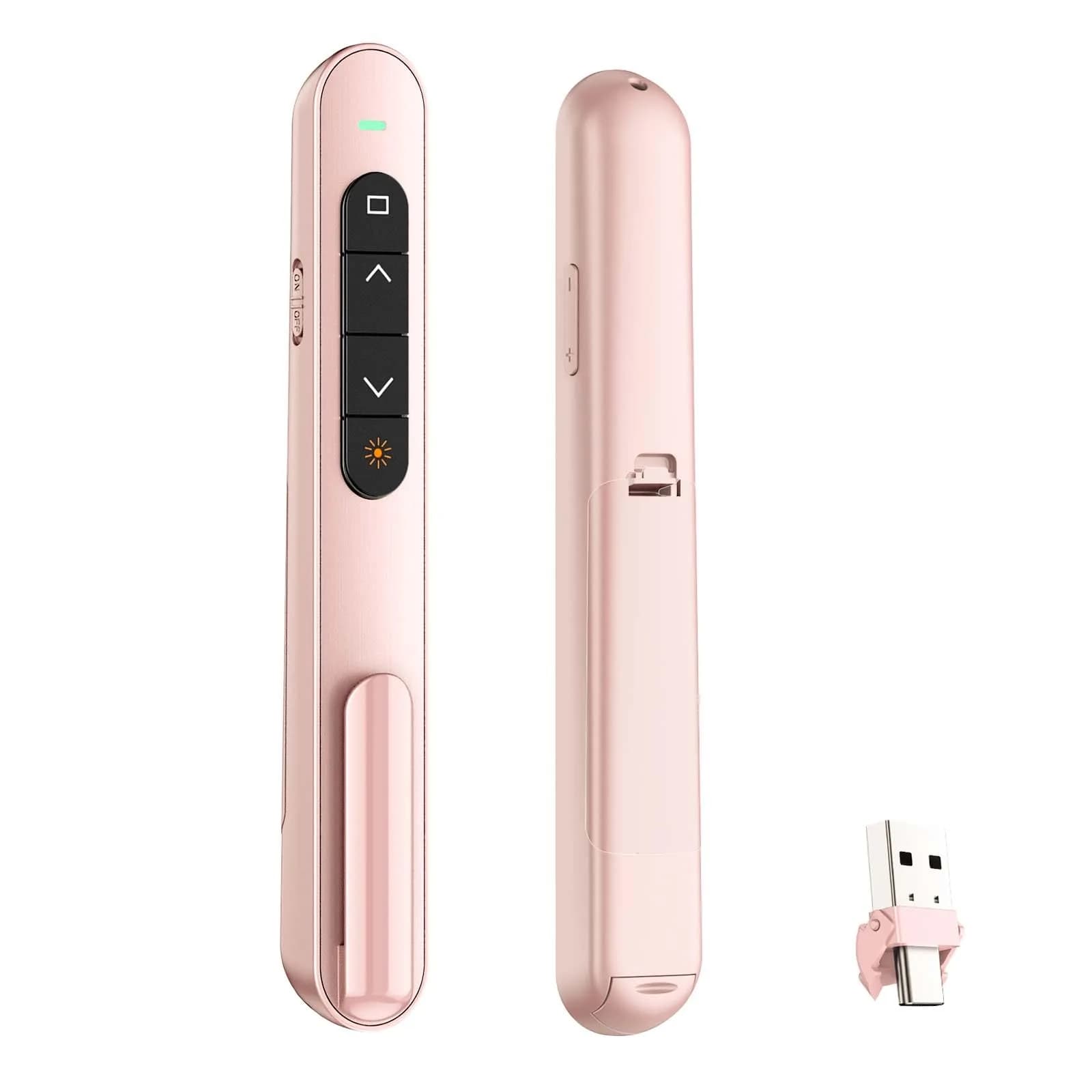
PLUG & PLAY — This presentation clicker supports page up/down, hyperlink navigation, volume control, power on/off, and full screen/black screen switching. No software or driver is required, just plug the USB receiver into your computer's USB port and you're ready to start the show (Requires one AAA battery, not included)
BRIGHT RED POINTER LIGHT — This powerpoint clicker emits a bright red light that helps you clearly mark key parts of each slide so your audience can easily follow your main points. It remains clearly visible even in large conference rooms or lecture halls
328FT LONG WIRELESS RANGE — This clicker for PowerPoint presentations delivers a control distance of up to 328 ft, allowing you to roam the entire hall and interact directly with your audience. Step away from the limits of a stationary podium to deliver a more dynamic presentation
BROAD COMPATIBILITY — This wireless presenter remote works smoothly across different systems and software, compatible with Mac OS and Windows laptops. It supports software such as PowerPoint, Keynote, Google Slides, Excel, ACDSee, and Prezi
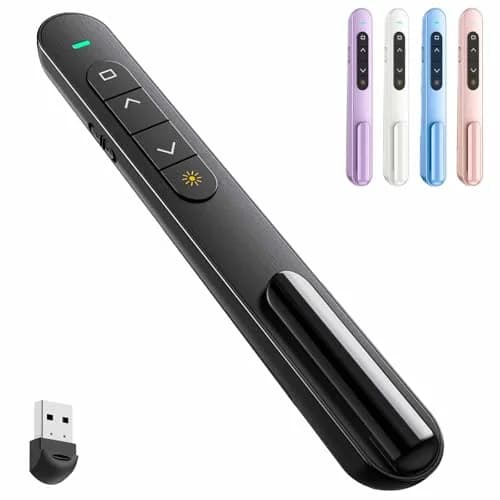
PORTABLE SLIDE CLICKER — This presentation pointer includes a convenient clip that attaches to a notebook or pocket for easy carrying. It is a helpful tool for meetings, classrooms, training sessions, and presentations, and it is also suitable for sharing with colleagues and friends
Why choose this product
Reliable Control for Engaging Presentations
This QUI Wireless Presentation Clicker is engineered for smooth, reliable slide transitions, empowering you to command attention. Its bright red laser pointer ensures key points are never missed, while the extensive 328ft wireless range liberates you from the podium. Experience plug-and-play simplicity with broad compatibility across Mac and Windows systems, supporting all major presentation software. The ergonomic design and convenient clip make it comfortable and portable for daily use in classrooms, boardrooms, or lecture halls. It's the functional tool for anyone who values efficiency and control during their presentations.
Who It's For vs. Who Should Consider Alternatives
Ideal for teachers, business professionals, and public speakers who need reliable slide control and a clear pointer. It's perfect for those who present frequently and value freedom of movement. Consider alternatives if you require advanced features like wireless mouse control or a built-in timer, as this model focuses on core presentation functions. Users needing a rechargeable battery might also prefer a different model, as this one requires one AAA battery (not included).
How to use
Prepare the Clicker — Insert one AAA battery (not included) into the designated compartment. Ensure the battery is correctly oriented. Turn the power switch to the 'ON' position.
Connect the USB Receiver — Locate the USB receiver stored within the clicker or its base. Plug it into an available USB port on your computer (laptop or desktop). The computer should automatically detect the receiver.
Control Your Presentation — Open your presentation software (e.g., PowerPoint, Keynote, Google Slides). Use the buttons on the clicker to advance slides (down button), go back (up button), control volume, and activate the red pointer.
Example scenarios
Typical situations where QUI Presentation Clicker with Volume Control helps — illustrative scenarios, not customer reviews.
1
Scenario 1
Illustrative example
Where it helps
A teacher needs to move freely around the classroom while presenting lessons.
How this product helps
This QUI clicker's 328ft wireless range allows teachers to walk around, engage students directly, and change slides from anywhere. Its plug-and-play setup is quick for classroom use.
2
Scenario 2
Illustrative example
Where it helps
A business professional needs a reliable tool for board meetings and client presentations.
How this product helps
The QUI Wireless Presenter offers essential slide control and a clear red pointer for highlighting key data. Its broad compatibility ensures it works with any presentation software, providing confidence during important meetings.
Technical specifications
Setup & usage
Battery Type
AAA
Number of Batteries
1
Batteries Included
No
Compatible Devices
MS Word, Excel, PowerPoint, Keynote, Google Slides, Mac, Windows, Linux, Android
Supported Devices Quantity
1
Warranty
CrowCrowCrow helps you bring this product to India. Any warranty is offered by QUIunder its own policy.
Page up/down, hyperlink, volume, full/black screen, red pointer
Varies by brand; basic models offer slide control, some include pointers, advanced features less common
Wireless Range
Up to 328ft (100m)
Typically 10-20m (33-66ft) for basic models; higher range less common
Pointer Type
Bright Red Laser
Often basic red laser, some models may lack a pointer or offer weaker light
Compatibility
Mac OS, Windows, PowerPoint, Keynote, Google Slides
Primarily Windows-focused; Mac/Linux support can be inconsistent
Portability & Design
Ergonomic, pocket clip, lightweight
Designs vary; some can be bulkier, clip feature not always present
Product details
SKU
fs4561
GTIN
0765071612292
Brand
QUI
Model Name
Wireless Presenter
Part Number
BK600-blue
Color
Blue
Connectivity Technology
Radio Frequency
Maximum Range
328 feet
Button Quantity
6
Controller Type
Button Control
Special Feature
Ergonomic
Item Package Weight
0.032 kilograms
Item Package Dimensions
1.9 cm x 16.8 cm x 4.4 cm
Country of Origin
Not stated by manufacturer — US retail version, sourced from authorized US retailers and authorized brand partners
About QUI
QUI Technology focuses on functional, user-friendly presentation tools designed for modern professionals and educators.
Compliance & Legal
No product-specific compliance warnings identified. Standard imported-goods terms apply: customs duties & GST paid; for personal use in India; follow the manufacturer's usage instructions on the packaging.
Customer Reviews
Share your experience
Bought this from CrowCrowCrow? Other buyers want to hear how it went.
No reviews from buyers in India yet. Be the first to share your experience!
FAQ, See What Others Asked
How is this QUI Wireless Presentation Clicker authentic vs the version sold in Indian stores?
Sourced directly from authorized US retailers and brand partners, this clicker is factory-sealed and imported per-order, matching the SKU and quality US buyers receive. All customs duties and GST are included in the displayed price. Arrives via ExpressBox tracked shipping within 13-15 days.
Will the presentation clicker I receive match what is shown on the US retailer's page?
Yes, orders are placed against the listed US retailer page at the time of purchase. Batch codes and packaging match what US retailers dispatch. Photographs are taken before international handover to ensure accuracy.
What are the main functions of this wireless presenter remote?
This clicker supports page up/down, hyperlink navigation, volume control, power on/off, and full screen/black screen switching. It also features a bright red pointer light for highlighting key points.
What is the wireless range of this presentation clicker?
The QUI Wireless Presentation Clicker delivers a control distance of up to 328 feet (approximately 100 meters), allowing you to move freely around large classrooms or conference halls.
Is this presentation clicker compatible with Mac and Windows?
Yes, this wireless presenter remote works smoothly across different systems and software, compatible with both Mac OS and Windows laptops. It supports software such as PowerPoint, Keynote, Google Slides, Excel, and Prezi.
Does this presentation clicker come with a battery?
No, this presentation clicker requires one AAA battery, which is not included with the purchase. Please ensure you have a AAA battery ready for use.
How long does this presentation clicker typically last?
While specific lifespan varies with usage, one reviewer reported it worked great for about a year before needing replacement. The on-off button helps conserve battery life for extended use between battery changes.
Can I use this presentation clicker for daily writing or note-taking?
This clicker is designed for presentation navigation, not for daily writing or note-taking. Its functions are specific to controlling slides, volume, and screen modes during presentations.
Are there any side effects of using this presentation clicker?
There are no known side effects associated with using this presentation clicker. It is a simple electronic device designed for presentation control.
How do I choose the right presentation clicker for my needs?
Consider your primary use: for basic slide control and a pointer, this QUI clicker is excellent. If you need advanced features like wireless mouse control or a timer, look for models with those specific functions.
How to use the QUI Wireless Presentation Clicker?
Plug the USB receiver into your computer's USB port. Insert one AAA battery (not included). Use the buttons to navigate slides, control volume, and activate the red pointer. The on-off switch conserves battery.
What is the best presentation pointer for Indian students?
For Indian students, the QUI Wireless Presentation Clicker offers reliable slide control and a clear pointer at an accessible price point. Its long wireless range and broad compatibility make it suitable for classroom presentations and study sessions.
Is this presentation clicker safe to use?
Yes, this presentation clicker is safe to use. It operates on standard radio frequency and is FCC compliant, designed for presentation control without any health risks.
What are the benefits of using a wireless presentation clicker?
Wireless clickers offer freedom of movement, allowing presenters to engage with their audience more effectively. They provide convenient control over slides and can enhance the overall flow and professionalism of a presentation.
Frequently bought together
This item:
QUI Presentation Clicker with Volume Control, Wireless Presenter Remote | 328ft Range
₹2,430
This item
QUI Presentation Clicker with Volume Control, Wireless Presenter Remote | 328ft Range
₹2,430
Total price:
₹9,840
You save ₹4,550 (32%) Extra
3 items selected
3 items
₹9,840
You save ₹4,550 (32%) Extra
Product Comparison
Attributes
Current
QUI Presentation Clicker with Volume Control, Wireless Presenter Remote | 328ft RangeBuy Now
QUI Presentation Clicker with Volume Control, Wireless Presenter Remote | Plug & Play 2.4GHz USB Slide Advancer Compatible with Mac/Windows, Keynote, Google SlidesBuy Now
QUI Presentation Clicker with Volume Control, Wireless Presenter Remote, Blue | 328ft Wireless RangeBuy Now
QUI Wireless Presentation Clicker with Volume Control & Red Pointer, 328ft Range | Plug & Play USB Remote for Mac/WindowsBuy Now
QUI Presentation Clicker with Volume Control, Wireless Presenter Remote, Pink | 328ft Wireless RangeBuy Now
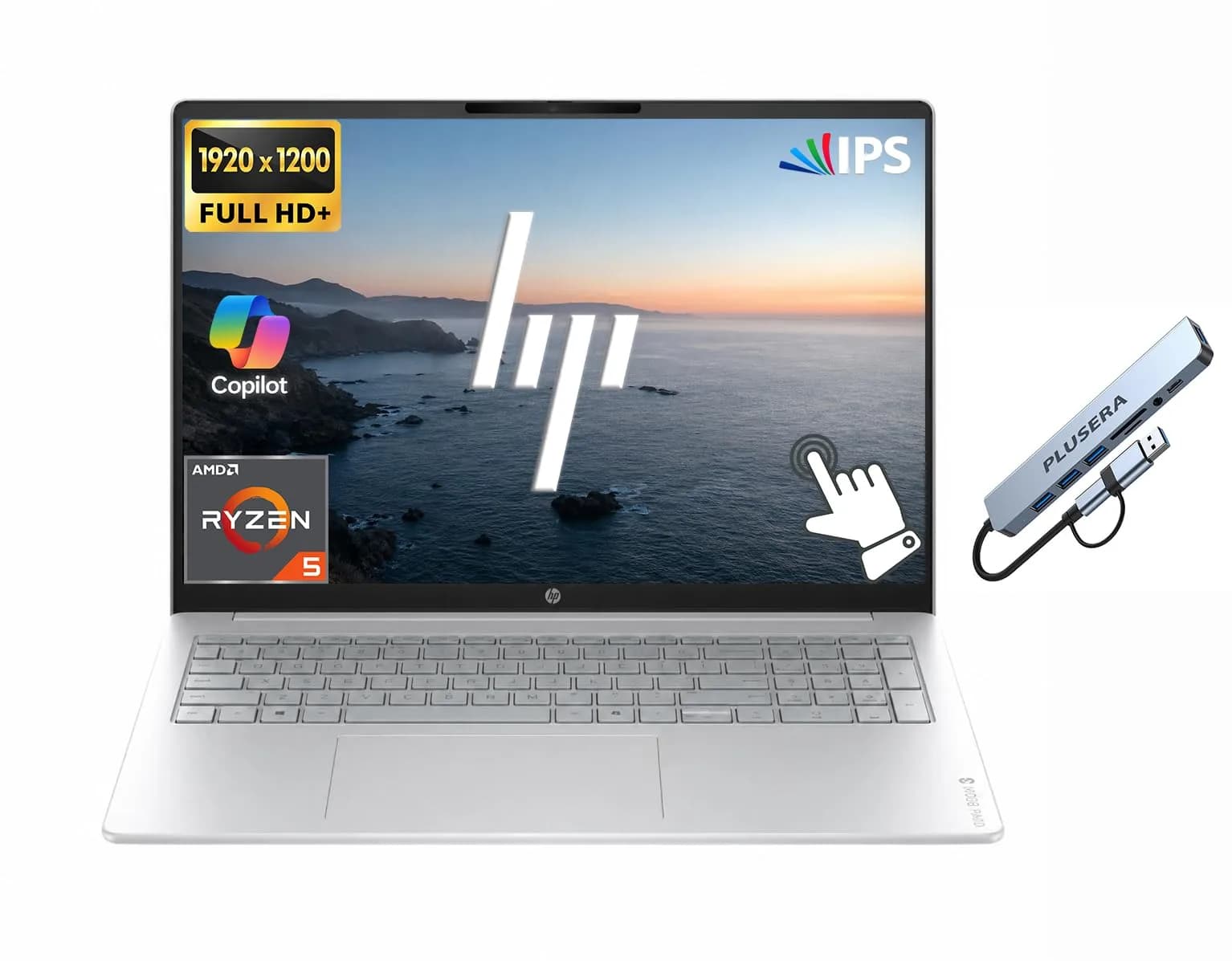
HP OmniBook 3 Touchscreen Business Laptop 16" WUXGA | AMD Ryzen 5 40, 8GB RAM, 512GB SSDBuy Now
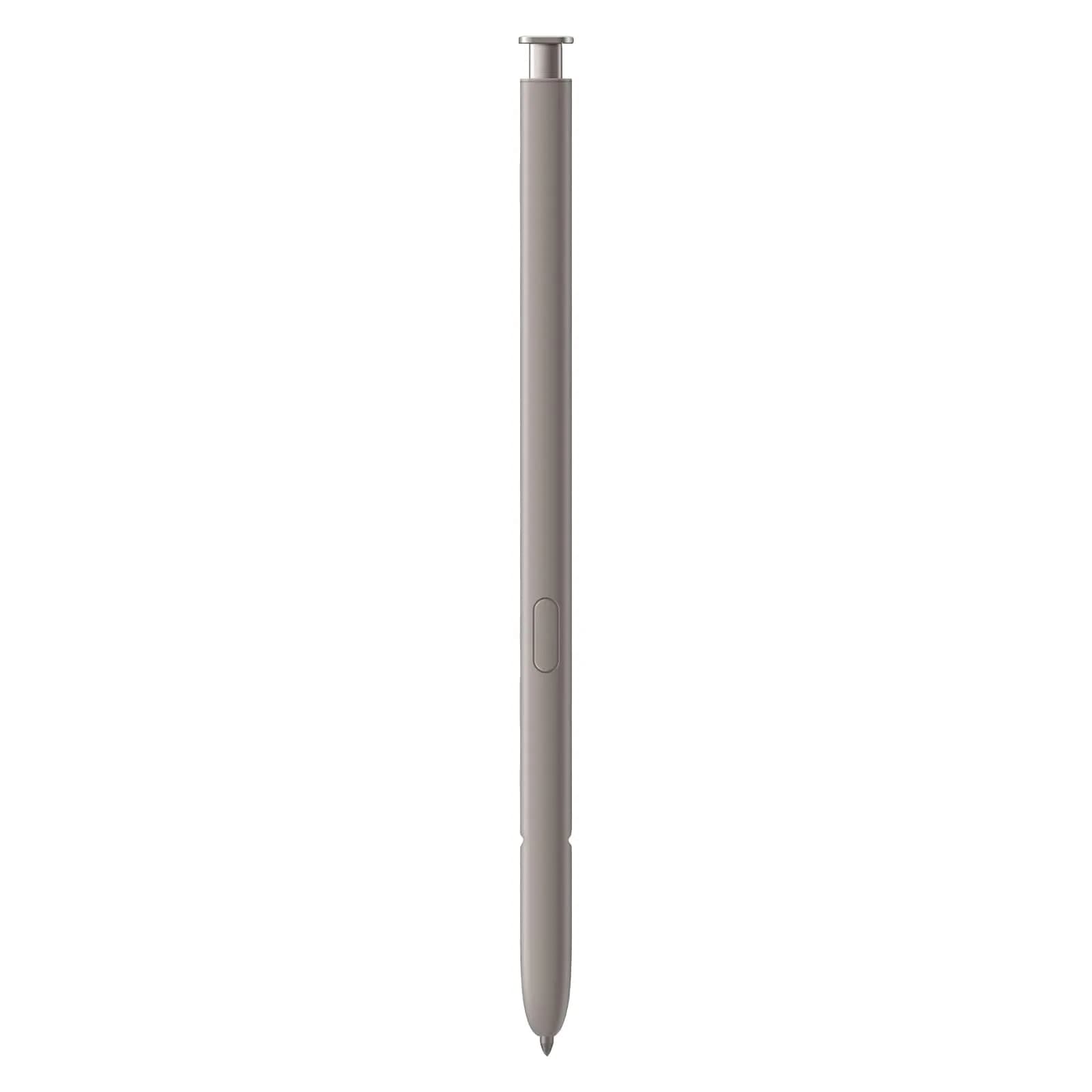
TYHJ S Pen Stylus for Samsung Galaxy S24 Ultra 5G (Light Gray) | 0.7mm Tip, 4096 Pressure LevelsBuy Now
Spec
Price
₹2,430
₹2,720
₹3,820
₹6,160
₹3,590
₹5,510
₹2,700
₹3,880
₹3,820
₹5,010
₹1,20,790
₹1,60,730
₹1,480
₹2,100
Brand Name
QUI
QUI
QUI
QUI
QUI
HP
TYHJ
Source
US Retail
US Retail
US Retail
US Retail
US Retail
US Retail
US Retail
Sold By
CrowCrowCrow
CrowCrowCrow
CrowCrowCrow
CrowCrowCrow
CrowCrowCrow
CrowCrowCrow
CrowCrowCrow
Your Order Journey: From Purchase to Doorstep
You Order
Place your order
USA Warehouse dispatch
Packed & shipped
International Air Shipping
Fast transit
Consignment to India Warehouse
Customs cleared
Doorstep delivery
Delivered to you
You Order
Place your order
USA Warehouse dispatch
Packed & shipped
International Air Shipping
Fast transit
Consignment to India Warehouse
Customs cleared
Doorstep delivery
Delivered to you
Why shop with us
Crowcrowcrow:The Only Safe Lane for US-Market Exclusives
One price. One payment. No surprises.
High risk
Buying Direct
Recommended
Crowcrowcrow
Safe Lane
vs
₹7,290+ (3× the price)
₹2,430 locked, all-in
Hard to get the original US version in India
Original US version, shipped to your door
Extra pay for Import Duties, GST, and forex fees
One price in INR, no customs charges at delivery
4–12 weeks · No tracking
13-15 days · live tracking
Grey market, no guarantee, no protection, no refund
Sourced from US retailers, India-verified, return available