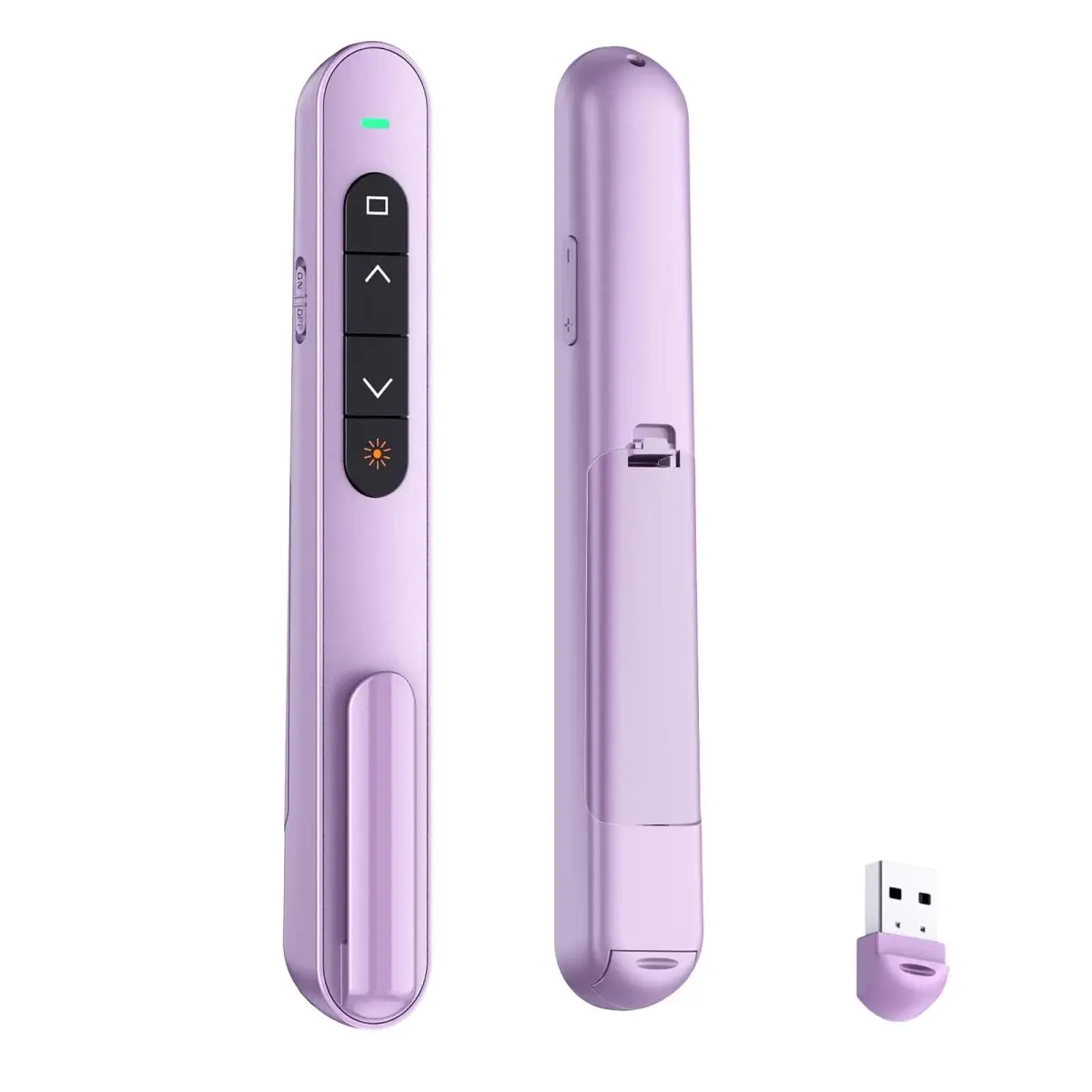
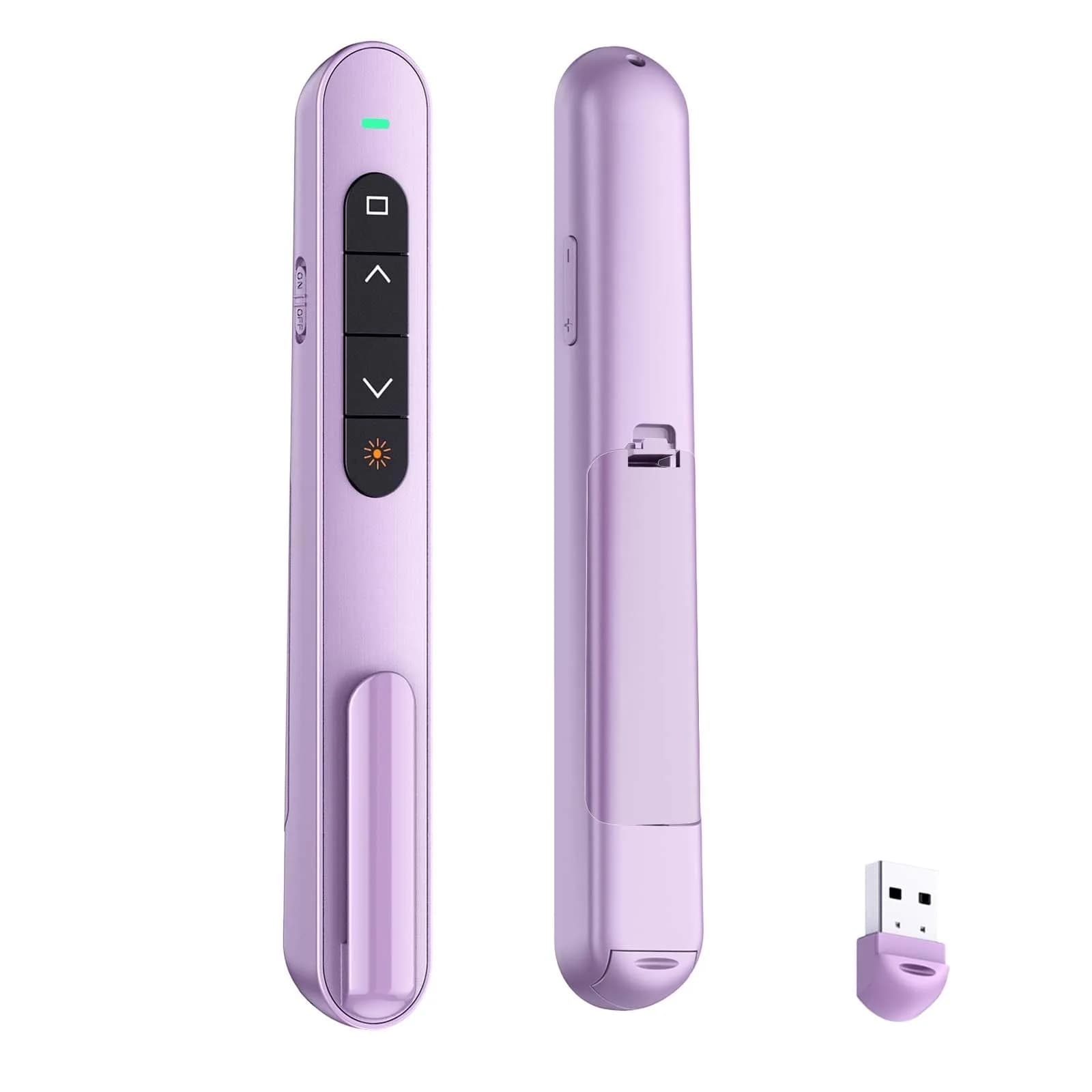
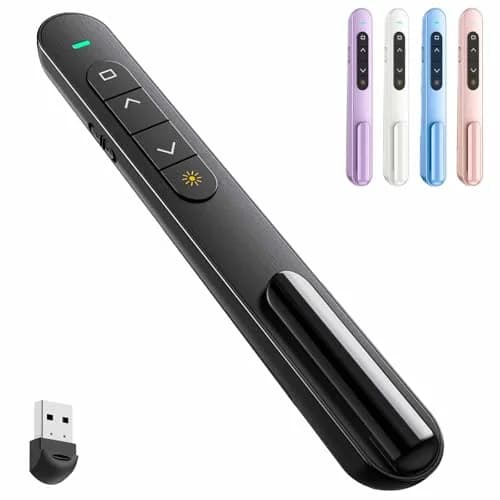
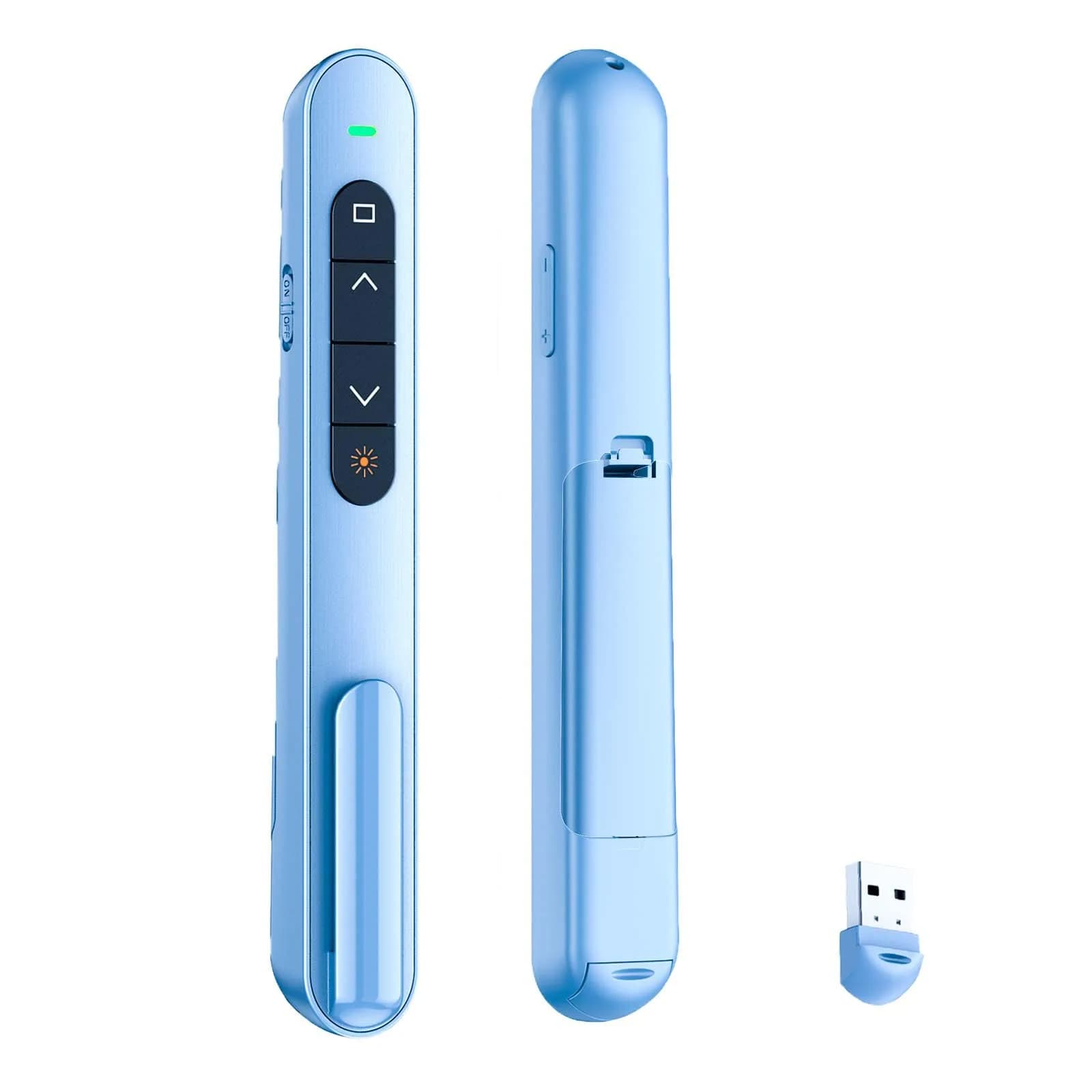
# QUI Presentation Clicker with Volume Control, 2.4GHz USB Wireless Presenter Remote, Purple (BK600-purple) | Plug & Play Slide Advancer for Mac & Windows

**Brand:** QUI
**SKU:** ks6207
**ASIN:** B0D4H2LS41
**Canonical URL:** https://crowcrowcrow.com/p/qui-presentation-clicker-volume-control-2-4ghz-usb-wireless-presenter-remote-powerpoint-ks6207/ks6207
**Category:** electronics
**Subcategory:** Office Electronics
**Availability:** in_stock
**Price (INR, all-inclusive):** ₹1,631
**Discount:** 17%
**Customer rating:** 4.50/5 from 10 ratings

## Description

QUI Presentation Clicker (Purple) offers plug-and-play USB connectivity for seamless slide control, volume adjustment, and a bright red pointer. Works with Mac/Windows and popular presentation software. Enjoy a 328ft wireless range for dynamic delivery. Imported directly, duties included, arrives {{ccc_delivery_eta}}.

## Highlights

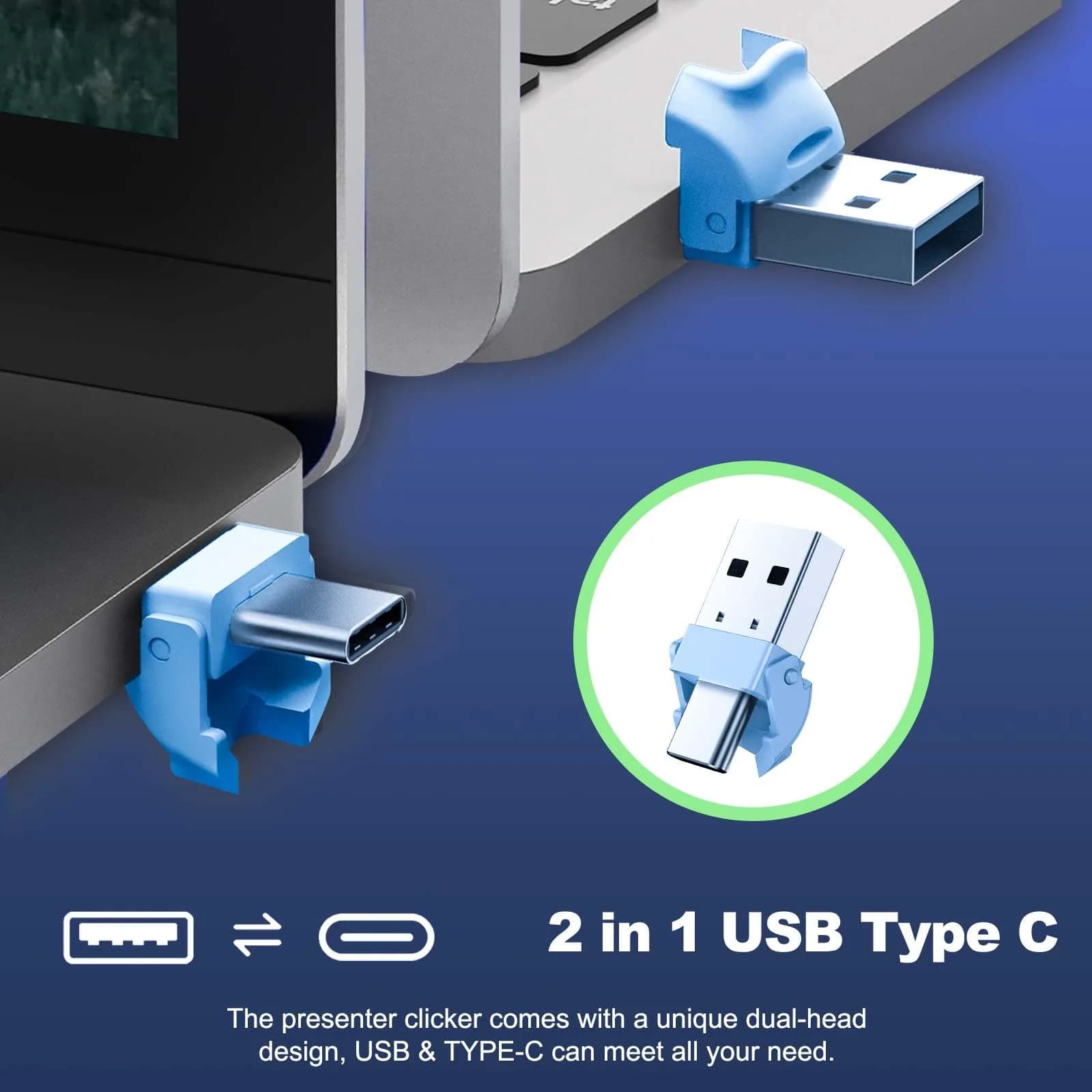
- Plug-and-Play Simplicity — Connect the USB receiver to your Mac or Windows device instantly. No drivers or software needed for page up/down, volume control, and screen switching.
- Bright Red Pointer — Clearly highlight key points on your slides with a bright red light, ensuring your audience stays focused, even in large conference rooms or lecture halls.
- Extended Wireless Range — Control your presentation from up to 328 feet away, allowing you to move freely around the room and interact directly with your audience.
- Broad System & Software Compatibility — Works seamlessly with Mac OS and Windows, supporting popular software like PowerPoint, Keynote, Google Slides, and Excel for versatile presentation needs.

## Key features

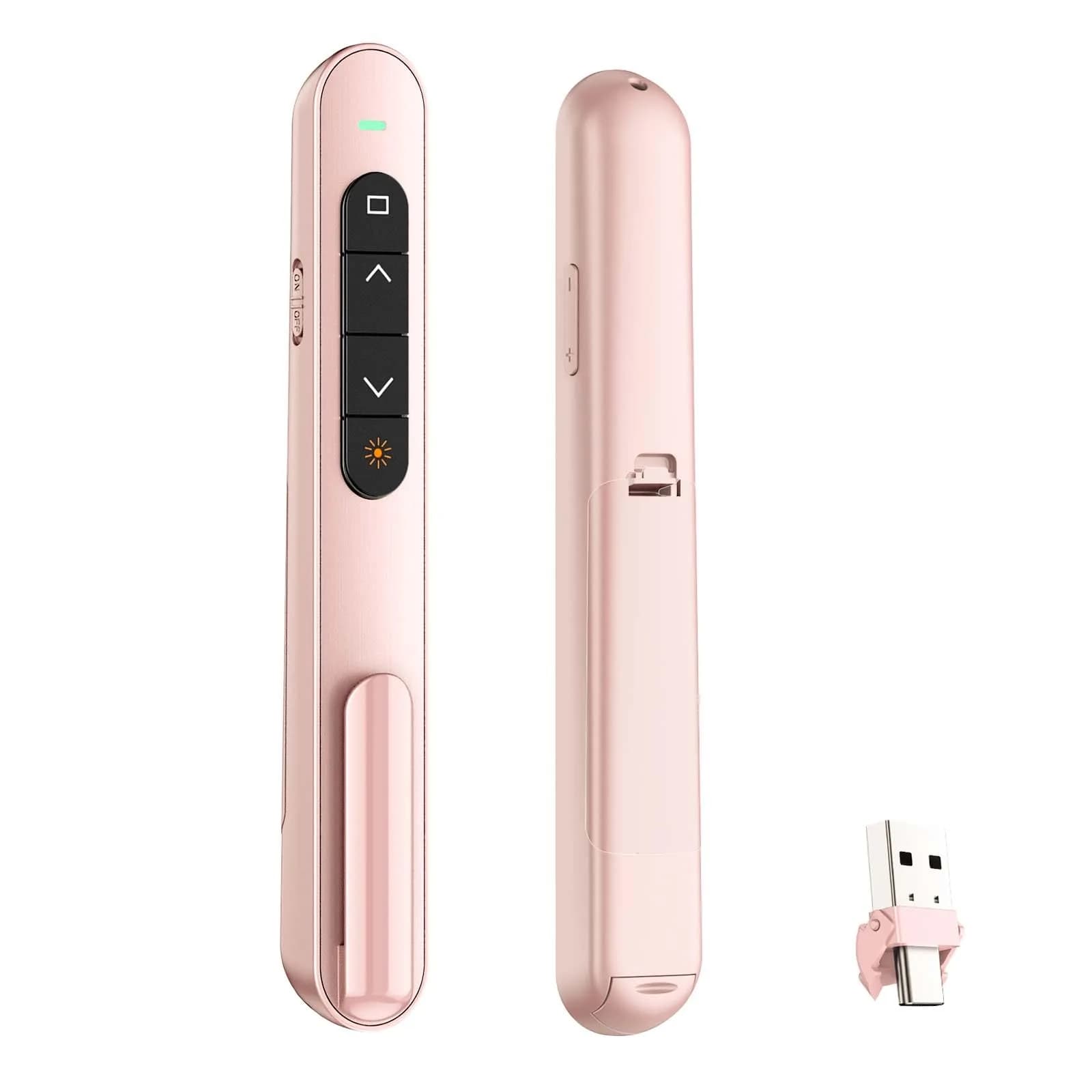
- 【PLUG & PLAY】This presentation clicker supports page up/down, hyperlink navigation, volume control, power on/off, and full screen/black screen switching. No software or driver is required, just plug the USB receiver into your computer's USB port and you're ready to start the show (Requires one AAA battery, not included)
- 【BRIGHT RED POINTER LIGHT】This powerpoint clicker emits a bright red light that helps you clearly mark key parts of each slide so your audience can easily follow your main points. It remains clearly visible even in large conference rooms or lecture halls
- 【328FT LONG WIRELESS RANGE】This clicker for PowerPoint presentations delivers a control distance of up to 328 ft, allowing you to roam the entire hall and interact directly with your audience. Step away from the limits of a stationary podium to deliver a more dynamic presentation
- 【BROAD COMPATIBILITY】This wireless presenter remote works smoothly across different systems and software, compatible with Mac OS and Windows laptops. It supports software such as PowerPoint, Keynote, Google Slides, Excel, ACDSee, and Prezi
- 【PORTABLE SLIDE CLICKER】This presentation pointer includes a convenient clip that attaches to a notebook or pocket for easy carrying. It is a helpful tool for meetings, classrooms, training sessions, and presentations, and it is also suitable for sharing with colleagues and friends

## Why choose this product

- Effortless Presentation Control — This QUI clicker simplifies your delivery. Its plug-and-play design means no setup hassle. The bright red pointer guides your audience, while the 328ft range lets you engage them directly. Compatible with all major presentation software and operating systems, it's built for reliable performance in any setting.
- Who It's For vs. Who Should Skip It — Ideal for teachers, trainers, and professionals who need reliable slide navigation and audience engagement. If you require advanced features like laser pointers or extensive custom button mapping, consider a higher-end model. This clicker is best for straightforward presentations where ease of use and range are priorities.

## How to use

1. Insert one AAA battery (not included) into the battery compartment. Ensure the on/off switch is in the 'on' position to conserve battery when not in use. — Prepare the Clicker
2. Locate the USB receiver stored within the clicker's base or body. Plug this receiver into an available USB port on your Mac or Windows computer. — Connect the USB Receiver
3. Open your presentation software (PowerPoint, Keynote, Google Slides). Use the 'up' button to advance slides and the 'down' button to go back. Utilize the volume and other function buttons as needed. — Navigate Your Presentation

## Product details

| Field | Value |
|---|---|
| Compatibility | Mac OS, Windows |
| Supported Software | PowerPoint, Keynote, Google Slides, Excel, ACDSee, Prezi |
| Functions | Page Up/Down, Hyperlink Navigation, Volume Control, Power On/Off, Full Screen/Black Screen |
| Setup | Plug-and-Play USB Receiver |
| Brand | QUI |
| Model | BK600 |
| Color | Purple |
| Part Number | BK600-purple |
| Number of Items | 1 |
| Battery Type | 1 x AAA (not included) |
| Wireless Range | Up to 328 ft (100 m) |
| Pointer Light | Bright Red |
| Country of Origin | Not stated by manufacturer — US retail version, sourced from authorized US retailers |

## Attributes

- **Unit count:** 1

## Frequently asked questions

### How is this QUI Presentation Clicker authentic vs the version sold in Indian stores?

This clicker is sourced directly from authorized US retailers, factory-sealed, and imported per-order, ensuring it's the same SKU and model US buyers receive. All customs duties and GST are included in the listed price, with delivery typically within {{ccc_delivery_eta}} via ExpressBox tracked shipping.

### Will the version I receive match what is shown on the US retailer's page?

Yes, orders are placed against the listed US retailer page at the time of purchase. Batch codes and packaging match what the US retailer dispatches. Photographs of every order are taken before international handover for verification.

### What is the best presentation clicker for Indian students?

The QUI Presentation Clicker is a strong choice for Indian students due to its plug-and-play ease, broad compatibility with presentation software, and reliable wireless range, making it suitable for classroom use and projects.

### How long does presentation clicker last?

With proper care and battery replacement, this clicker can last for a significant period. One reviewer reported it working well for about a year before needing replacement, which is typical for devices of this type.

### Is QUI Presentation Clicker safe?

Yes, the QUI Presentation Clicker is safe for use. It functions as a standard USB input device and does not pose any safety risks when used as intended for presentations.

### Are QUI Presentation Clicker healthy?

The QUI Presentation Clicker is a non-consumable electronic device and does not have health implications. It is designed for presentation control and does not interact with the body in any way that would affect health.

### How to choose presentation clicker?

Consider compatibility with your operating system and presentation software, desired wireless range, pointer type, battery life, and portability. This QUI clicker offers plug-and-play ease, broad compatibility, and a good range.

### How to use presentation clicker?

Plug the USB receiver into your computer's USB port. Insert one AAA battery (not included) and turn the clicker on. Use the buttons to advance/go back slides, control volume, and switch screens.

### What is the best presentation clicker?

The 'best' clicker depends on your needs. For ease of use and broad compatibility, the QUI Presentation Clicker is a great option, offering plug-and-play functionality and a reliable wireless range.

### Can I use presentation clicker daily?

Yes, this presentation clicker is designed for frequent use and can be used daily, especially for teachers or presenters who conduct regular sessions. Ensure the battery is replaced as needed.

### Presentation clicker side effects?

There are no known side effects from using a presentation clicker, as it functions as a simple USB input device. Ensure proper battery handling and avoid exposure to extreme conditions.

### Presentation clicker benefits?

Benefits include enhanced audience engagement through free movement, seamless slide navigation, volume control, and a clear red pointer to highlight key points, all with plug-and-play convenience.

## Compliance

{"warnings":["Requires one AAA battery (not included).","Keep away from small children if battery compartment is accessible."],"warranty":"USA manufacturer warranty applies. CrowCrowCrow covers wrong or damaged items upon arrival."}

## Images

1. https://images.crowcrowcrow.com/B0D4H2LS41-0.webp?v=2
2. https://images.crowcrowcrow.com/B0D4H2LS41-1.webp
3. https://images.crowcrowcrow.com/B0D4H2LS41-2.webp
4. https://images.crowcrowcrow.com/B0D4H2LS41-3.webp
5. https://images.crowcrowcrow.com/B0D4H2LS41-4.webp
6. https://images.crowcrowcrow.com/B0D4H2LS41-5.webp

---

Source: https://crowcrowcrow.com/p/qui-presentation-clicker-volume-control-2-4ghz-usb-wireless-presenter-remote-powerpoint-ks6207/ks6207

Returns: 30 days, free, by mail. Shipping: Free across India, 7–13 business days. Prices are all-inclusive (duties + GST).