Help us give you a better experience. We use cookies to remember your cart, speed up checkout, and show you authentic US products worth importing. You stay in control — your data is handled per India's DPDP Act 2023. Cookie Policy
QUI
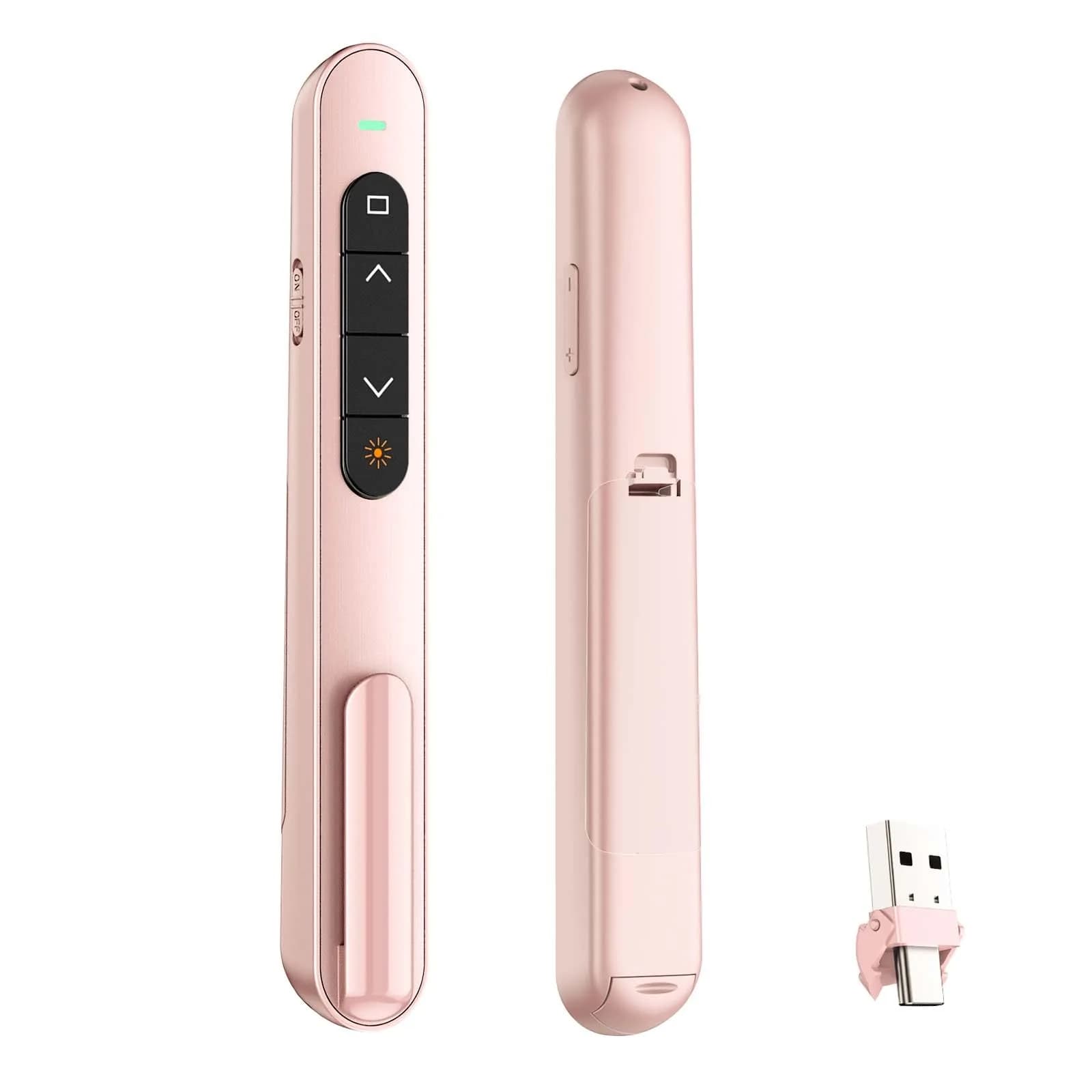
QUI Presentation Clicker with Volume Control, Wireless Presenter Remote, Pink | 328ft Wireless Range
All-inclusive price — duties & taxes paid, no customs charges at delivery
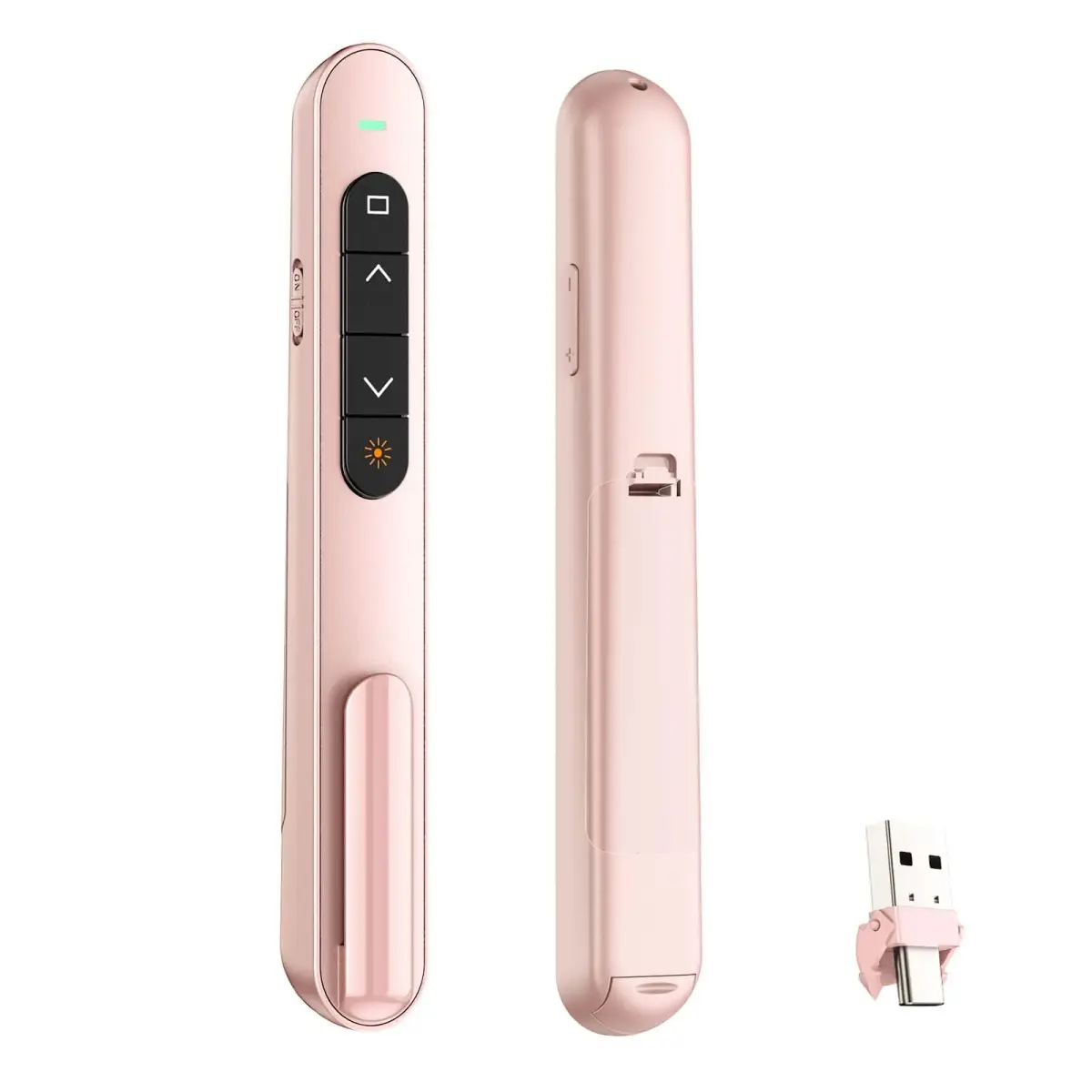
The QUI Wireless Presentation Clicker in Pink provides seamless slide navigation and control for your presentations. Designed for ease of use, it features plug-and-play functionality, a bright red pointer, and a 328ft wireless range, making it ideal for educators and professionals in India. This remote ensures smooth transitions and audience engagement.
This clicker supports page up/down, hyperlink navigation, volume control, and screen switching without requiring software. Its bright red laser pointer clearly highlights key points, even in large rooms. The ergonomic design ensures comfort during extended use, and the included clip allows for easy portability, fitting comfortably in pockets or notebooks.
Compatible with Windows and Mac OS, it works with PowerPoint, Keynote, and Google Slides. While local alternatives may offer basic clicker functions, the QUI clicker provides advanced features like volume control and a reliable long-range connection, ensuring a professional presentation experience. All customs duties and GST are included, with tracked delivery via ExpressBox.
Key Features
PLUG & PLAY — This presentation clicker supports page up/down, hyperlink navigation, volume control, power on/off, and full screen/black screen switching. No software or driver is required, just plug the USB receiver into your computer's USB port and you're ready to start the show (Requires one AAA battery, not included)
BRIGHT RED POINTER LIGHT — This powerpoint clicker emits a bright red light that helps you clearly mark key parts of each slide so your audience can easily follow your main points. It remains clearly visible even in large conference rooms or lecture halls
328FT LONG WIRELESS RANGE — This clicker for PowerPoint presentations delivers a control distance of up to 328 ft, allowing you to roam the entire hall and interact directly with your audience. Step away from the limits of a stationary podium to deliver a more dynamic presentation
BROAD COMPATIBILITY — This wireless presenter remote works smoothly across different systems and software, compatible with Mac OS and Windows laptops. It supports software such as PowerPoint, Keynote, Google Slides, Excel, ACDSee, and Prezi
PORTABLE SLIDE CLICKER — This presentation pointer includes a convenient clip that attaches to a notebook or pocket for easy carrying. It is a helpful tool for meetings, classrooms, training sessions, and presentations, and it is also suitable for sharing with colleagues and friends
Why choose this product
Reliable Control for Engaging Presentations
This wireless presentation clicker offers a robust connection and intuitive controls, ensuring your presentations flow smoothly. Its bright red pointer and long wireless range empower you to move and interact with your audience, making your delivery more dynamic. Designed for comfort and ease of use, it's a dependable tool for educators and professionals seeking to enhance their presentation delivery and maintain audience engagement.
Ideal for Educators & Professionals, Consider Alternatives If...
Perfect for teachers, business professionals, and anyone presenting regularly. It's ideal for use with PowerPoint, Keynote, and Google Slides on Windows or Mac. Consider alternatives if you require advanced features beyond slide control and pointer functionality, or if you need a device with built-in rechargeable batteries instead of AAA (not included).
How to use
Insert Battery — Open the battery compartment and insert one AAA battery (not included), ensuring correct polarity. Close the compartment securely.
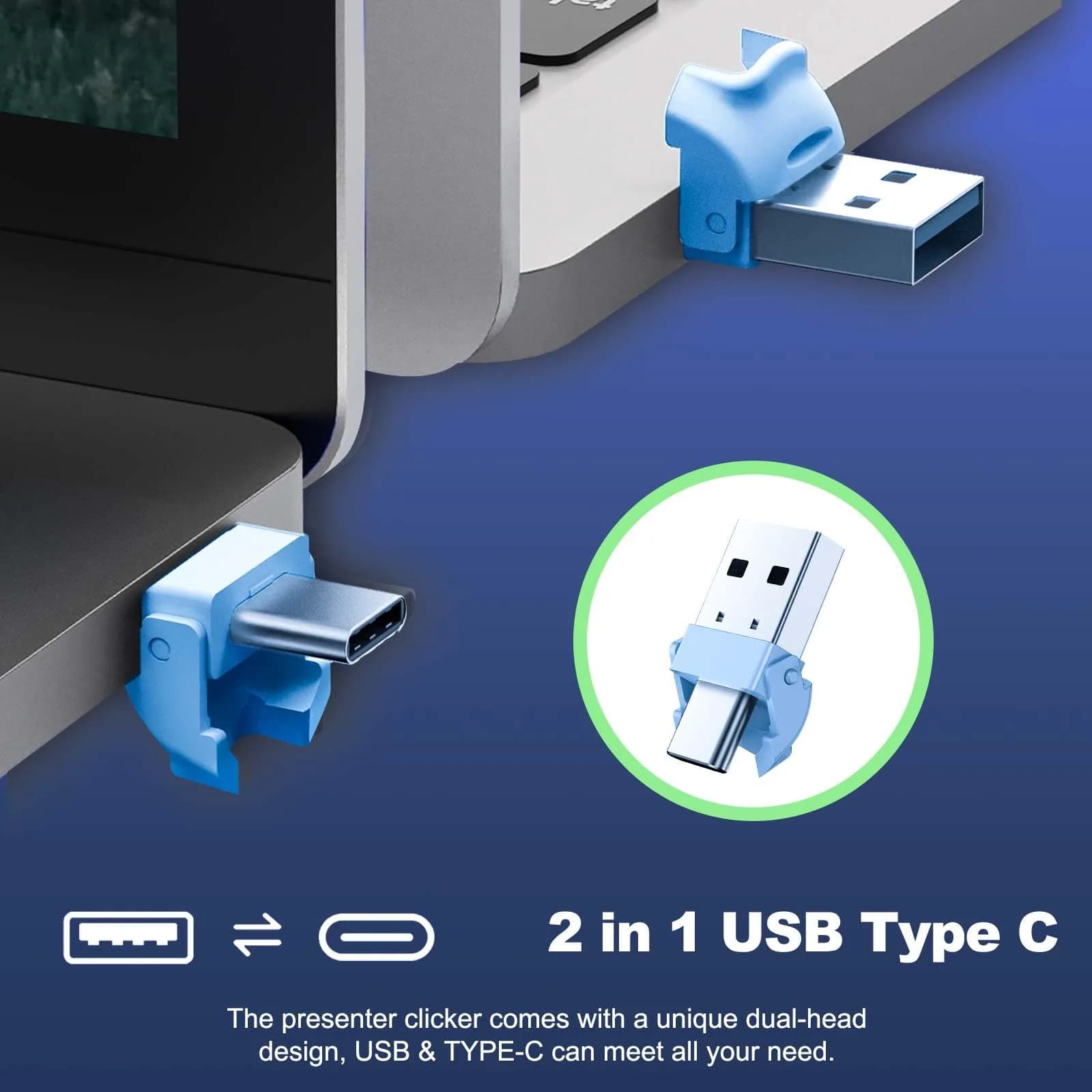
Connect USB Receiver — Plug the small USB receiver into an available USB-A port on your computer. The device is plug-and-play and should be recognized automatically.
Navigate Slides — Use the 'Page Up/Down' buttons to advance or go back through your slides. Press the red pointer button to highlight information on screen.
Utilize Extra Functions — Use the other buttons for volume control, full screen, black screen, and hyperlink navigation as needed during your presentation.
Example scenarios
Typical situations where QUI Presentation Clicker with Volume Control helps — illustrative scenarios, not customer reviews.
1
Scenario 1
Illustrative example
Where it helps
A college student needs to present a project in a large lecture hall.
How this product helps
The QUI Wireless Presentation Clicker offers a 328ft range, allowing them to move freely and engage the audience. The bright red pointer highlights key data points on slides, ensuring clarity for all students.
2
Scenario 2
Illustrative example
Where it helps
A teacher needs to control a presentation while moving around the classroom.
How this product helps
This plug-and-play clicker allows the teacher to navigate slides and control volume without being tied to the computer. Its portability and ease of use make it ideal for dynamic classroom instruction.
Technical specifications
Setup & usage
Number of Batteries Required
1 AAA (not included)
Button Quantity
6
Compatible Devices
Windows, Mac OS, Laptops, PCs, Projectors, Presentation Electronic Whiteboards
Supported Software
PowerPoint, Keynote, Google Slides, Excel, ACDSee, Prezi
Batteries Included
No
Warranty
CrowCrowCrow helps you bring this product to India. Any warranty is offered by QUIunder its own policy.
Sourced from authorized US retailers and brand partners, factory-sealed.
Varies by brand; authenticity may be uncertain with some local sellers.
Wireless Range
Up to 328 ft (99.97 m) for dynamic movement.
Typically 30-100 ft; may offer less freedom for larger venues.
Pointer Intensity
Bright red laser clearly visible in large rooms.
Pointer intensity can vary; some may be less visible in bright light.
Volume Control
Integrated volume control buttons.
Often lacks dedicated volume control, requiring separate device interaction.
Product details
SKU
jr6331
Brand
QUI
Model Name
Wireless Presenter
Model Number
BK600
Color
Pink
Item Package Quantity
1
Connectivity Technology
USB
Maximum Range
328 feet (99.97 m)
Controller Type
Button Control
Special Feature
Ergonomic
Item Type Keyword
presentation-remotes
Country of Origin
Not stated by manufacturer — US retail version, sourced from authorized US retailers and authorized brand partners
About QUI
QUI specializes in presentation accessories, offering reliable and user-friendly tools for professionals and educators.
Compliance & Legal
No product-specific compliance warnings identified. Standard imported-goods terms apply: customs duties & GST paid; for personal use in India; follow the manufacturer's usage instructions on the packaging.
Customer Reviews
Share your experience
Bought this from CrowCrowCrow? Other buyers want to hear how it went.
No reviews from buyers in India yet. Be the first to share your experience!
FAQ, See What Others Asked
How is this QUI Presentation Clicker authentic vs the version sold in Indian stores?
Sourced directly from authorized US retailers (Amazon.com, Walmart, Costco) and authorized brand partners, factory-sealed, imported per-order. Same SKU and formulation US buyers receive. All customs duties and GST included in the displayed price. Arrives 2-8 days via ExpressBox tracked shipping.
Will the version I receive match what is shown on the US retailer's page?
Yes - orders are placed against the listed US retailer page at the time of purchase. Batch codes, packaging, and labels match what the US retailer dispatches. Photographs of every order are taken before international handover.
What presentation software is compatible with this clicker?
This wireless presenter remote works smoothly across different systems and software, compatible with Mac OS and Windows laptops. It supports software such as PowerPoint, Keynote, Google Slides, Excel, ACDSee, and Prezi.
How far can I control my presentation with this clicker?
This clicker for PowerPoint presentations delivers a control distance of up to 328 ft (99.97 m), allowing you to roam the entire hall and interact directly with your audience. Step away from the limits of a stationary podium to deliver a more dynamic presentation.
Does this presentation clicker have a laser pointer?
Yes, this powerpoint clicker emits a bright red light that helps you clearly mark key parts of each slide so your audience can easily follow your main points. It remains clearly visible even in large conference rooms or lecture halls.
Is this presentation clicker easy to carry?
Yes, this presentation pointer includes a convenient clip that attaches to a notebook or pocket for easy carrying. It is a helpful tool for meetings, classrooms, training sessions, and presentations, and it is also suitable for sharing with colleagues and friends.
What are the main functions of this presentation clicker?
This presentation clicker supports page up/down, hyperlink navigation, volume control, power on/off, and full screen/black screen switching. No software or driver is required, just plug the USB receiver into your computer's USB port and you're ready to start the show.
Does this presentation clicker work with Mac OS and Windows?
Yes, this wireless presenter remote works smoothly across different systems and software, compatible with Mac OS and Windows laptops. It supports software such as PowerPoint, Keynote, Google Slides, Excel, ACDSee, and Prezi.
What is the best presentation clicker for Indian students?
The QUI Wireless Presentation Clicker is a strong option for Indian students needing reliable slide control. Its plug-and-play setup, long wireless range, and compatibility with popular presentation software make it easy to use for school projects and presentations.
How long does presentation pointers last?
The QUI Wireless Presentation Clicker is designed for durability and reliable performance. While battery life depends on usage (requires one AAA battery, not included), the device itself is built for frequent use in meetings, classrooms, and training sessions.
Is QUI Wireless Presentation Clicker safe?
Yes, the QUI Wireless Presentation Clicker is safe for use. It operates on standard USB connectivity and uses a bright red laser pointer. Ensure proper usage and avoid direct eye exposure to the laser.
Are QUI Wireless Presentation Clicker healthy?
The QUI Wireless Presentation Clicker is a tool for presentations and does not have direct health implications. It is designed to enhance presentation delivery and audience engagement. Always follow standard safety guidelines for electronic devices.
How to choose QUI Wireless Presentation Clicker?
Choose the QUI Wireless Presentation Clicker for its plug-and-play ease, long wireless range (328ft), bright red pointer, and broad compatibility with Windows, Mac, PowerPoint, and Google Slides. Its portable design and volume control add significant value for presentations.
How to use QUI Wireless Presentation Clicker?
Plug the USB receiver into your computer's USB port. Insert one AAA battery (not included). Use the buttons to navigate slides (page up/down), control volume, and switch screens. The red pointer button highlights key points.
What is the best QUI Wireless Presentation Clicker?
The QUI Wireless Presentation Clicker with Volume Control is highly rated for its plug-and-play functionality, 328ft wireless range, bright red pointer, and broad software compatibility, making it an excellent choice for presentations.
Frequently bought together
This item:
QUI Presentation Clicker with Volume Control, Wireless Presenter Remote, Pink | 328ft Wireless Range
₹3,750
This item
QUI Presentation Clicker with Volume Control, Wireless Presenter Remote, Pink | 328ft Wireless Range
₹3,750
Total price:
₹9,890
You save ₹3,740 (27%) Extra
3 items selected
3 items
₹9,890
You save ₹3,740 (27%) Extra
Product Comparison
Attributes
Current
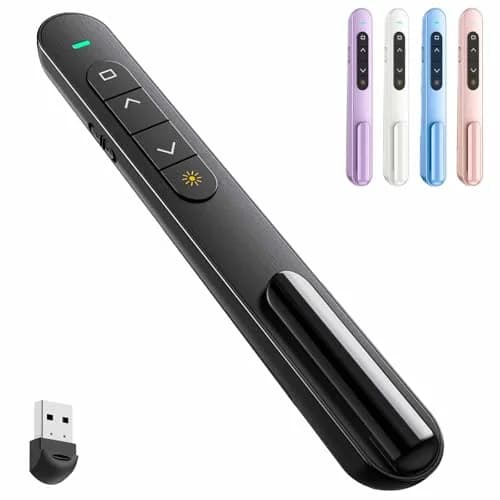
QUI Presentation Clicker with Volume Control, Wireless Presenter Remote, Pink | 328ft Wireless RangeBuy Now
QUI Presentation Clicker with Volume Control, Wireless Presenter Remote | Plug & Play 2.4GHz USB Slide Advancer Compatible with Mac/Windows, Keynote, Google SlidesBuy Now
QUI Presentation Clicker with Volume Control, Wireless Presenter Remote | 328ft RangeBuy Now
QUI Presentation Clicker with Volume Control, Wireless Presenter Remote, Blue | 328ft Wireless RangeBuy Now
QUI Wireless Presentation Clicker with Volume Control & Red Pointer, 328ft Range | Plug & Play USB Remote for Mac/WindowsBuy Now
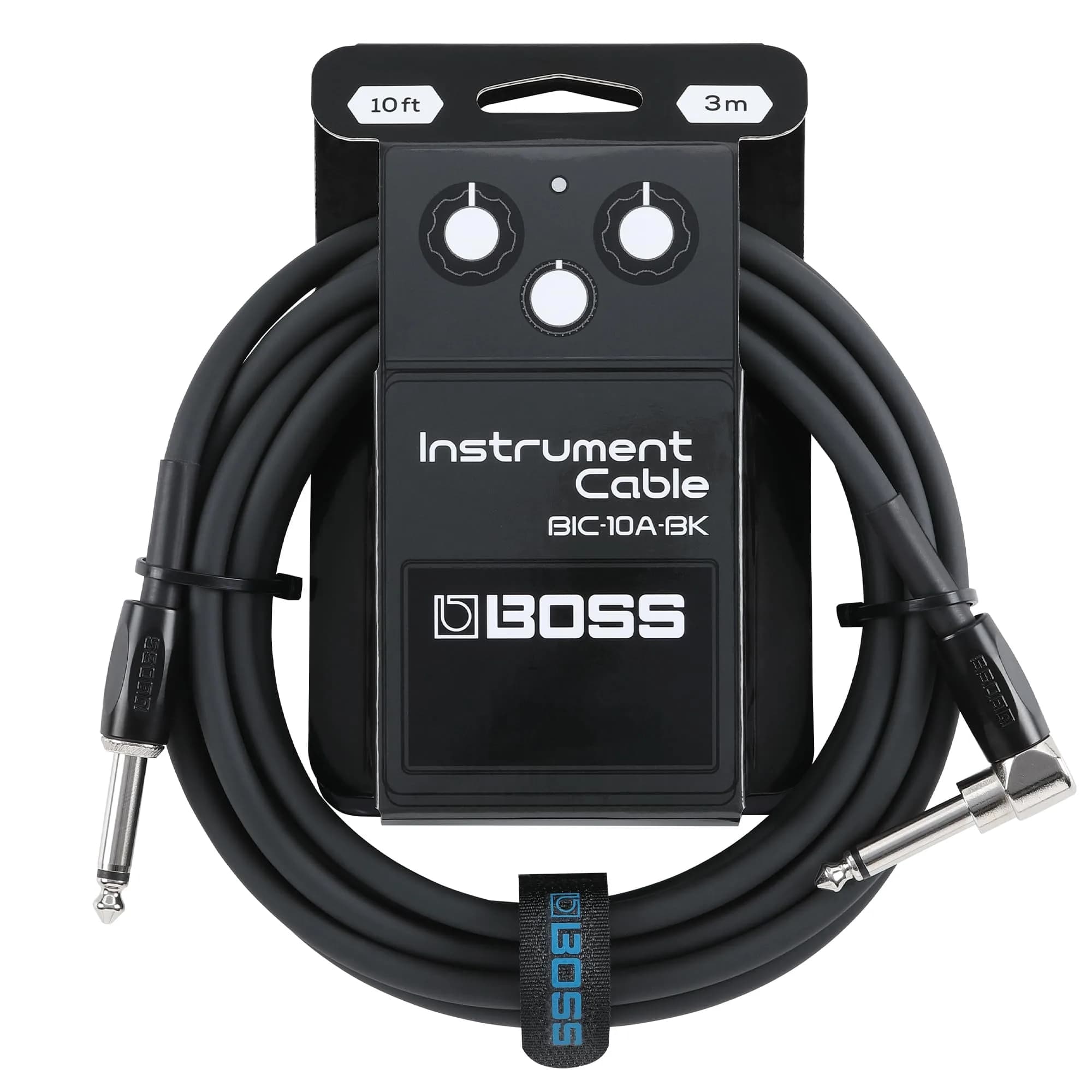
BOSS BIC-10A Series Instrument Cable 10ft/3m | Vibrant, Durable, Quiet OperationBuy Now
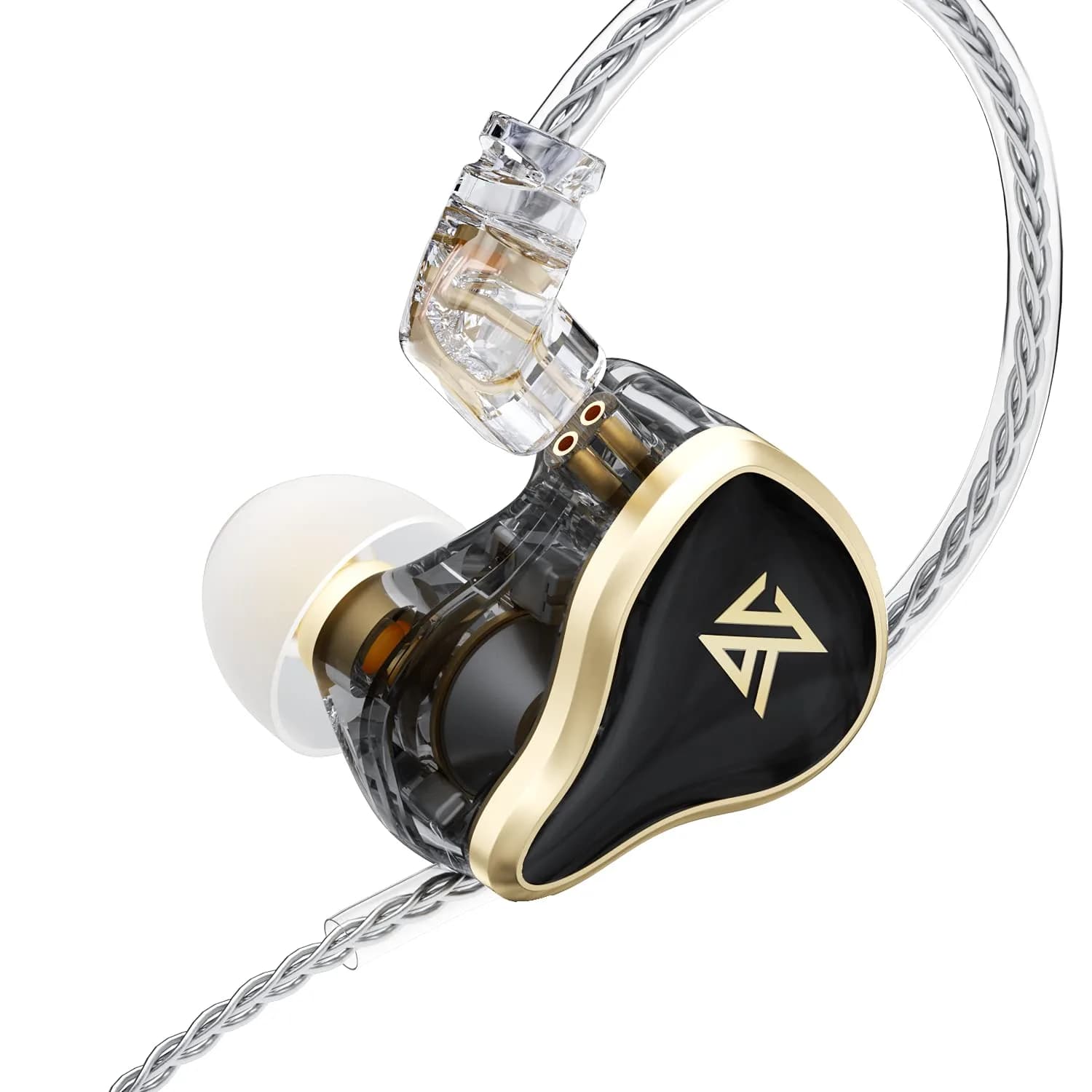
KZ ZAS 7BA+1DD in-Ear Monitor Headphone 3.5mm Jack Gaming with Mic | Hybrid Tech, Rich Details, DurableBuy Now
Spec
Price
₹3,750
₹4,920
₹3,750
₹6,040
₹2,390
₹2,670
₹3,520
₹5,400
₹2,660
₹3,810
₹5,640
₹8,120
₹16,100
₹21,870
Brand Name
QUI
QUI
QUI
QUI
QUI
BOSS
KZ
Source
US Retail
US Retail
US Retail
US Retail
US Retail
US Retail
US Retail
Sold By
CrowCrowCrow
CrowCrowCrow
CrowCrowCrow
CrowCrowCrow
CrowCrowCrow
CrowCrowCrow
CrowCrowCrow
Your Order Journey: From Purchase to Doorstep
You Order
Place your order
USA Warehouse dispatch
Packed & shipped
International Air Shipping
Fast transit
Consignment to India Warehouse
Customs cleared
Doorstep delivery
Delivered to you
You Order
Place your order
USA Warehouse dispatch
Packed & shipped
International Air Shipping
Fast transit
Consignment to India Warehouse
Customs cleared
Doorstep delivery
Delivered to you
Why shop with us
Crowcrowcrow:The Only Safe Lane for US-Market Exclusives
One price. One payment. No surprises.
High risk
Buying Direct
Recommended
Crowcrowcrow
Safe Lane
vs
₹11,250+ (3× the price)
₹3,750 locked, all-in
Hard to get the original US version in India
Original US version, shipped to your door
Extra pay for Import Duties, GST, and forex fees
One price in INR, no customs charges at delivery
4–12 weeks · No tracking
12-14 days · live tracking
Grey market, no guarantee, no protection, no refund
Sourced from US retailers, India-verified, return available