# Sabrent M.2 NVMe SSD to PCIe Adapter Card with Heatsink | Supports PCIe x16/x8/x4 Slots, NVMe SSDs 2230-2280

**Brand:** SABRENT
**SKU:** yye1092
**ASIN:** B084GDY2PW
**Canonical URL:** https://crowcrowcrow.com/p/sabrent-nvme-ssd-pcie-x16-adapter-card-heatsink/yye1092
**Category:** electronics
**Subcategory:** Categories
**Availability:** in_stock
**Price (INR, all-inclusive):** ₹2,036
**Discount:** 33%
**Customer rating:** 4.50/5 from 6,137 ratings

## Description

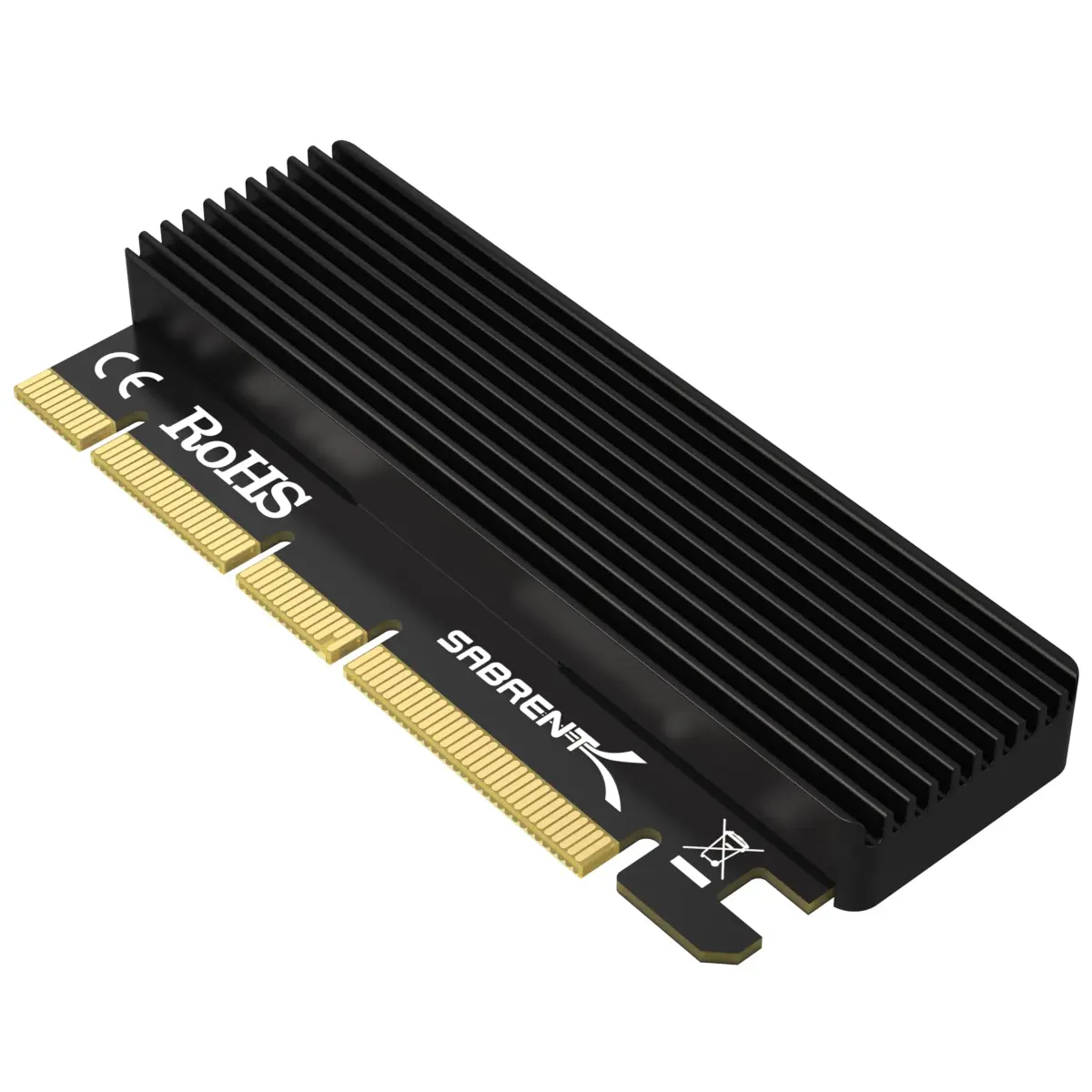
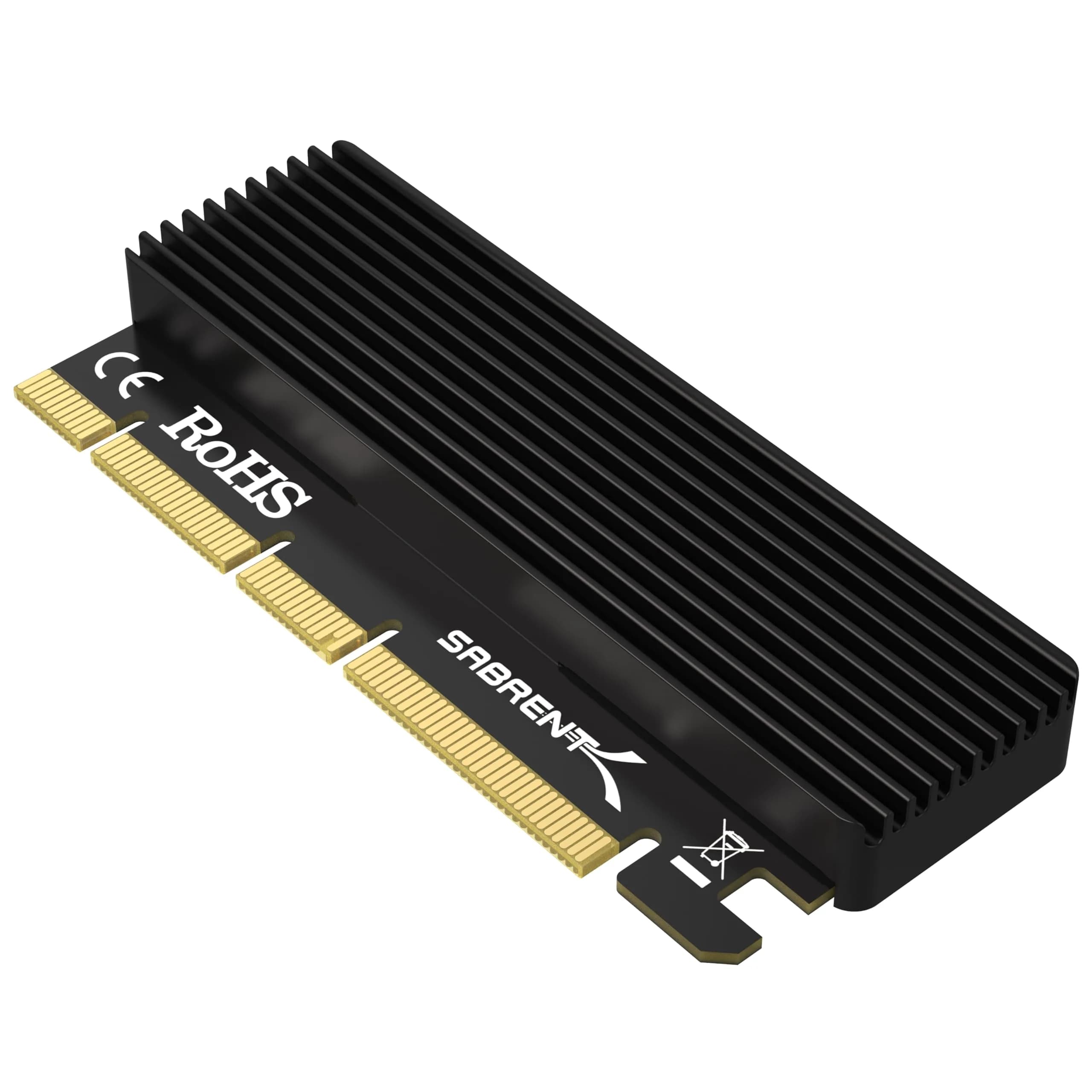
Sabrent M.2 NVMe to PCIe Adapter Card (EC-PCIE) expands your desktop with high-speed NVMe SSD storage. It fits PCIe x16/x8/x4 slots and includes a heatsink for optimal performance. Tool-free installation makes setup fast and efficient, arriving via ExpressBox tracked delivery.

## Highlights

- Boost NVMe SSD Speeds — Unlock the full potential of your M.2 NVMe SSD with PCIe x16/x8/x4 interface support, delivering ultra-fast transfer speeds far exceeding SATA limitations for improved system responsiveness.
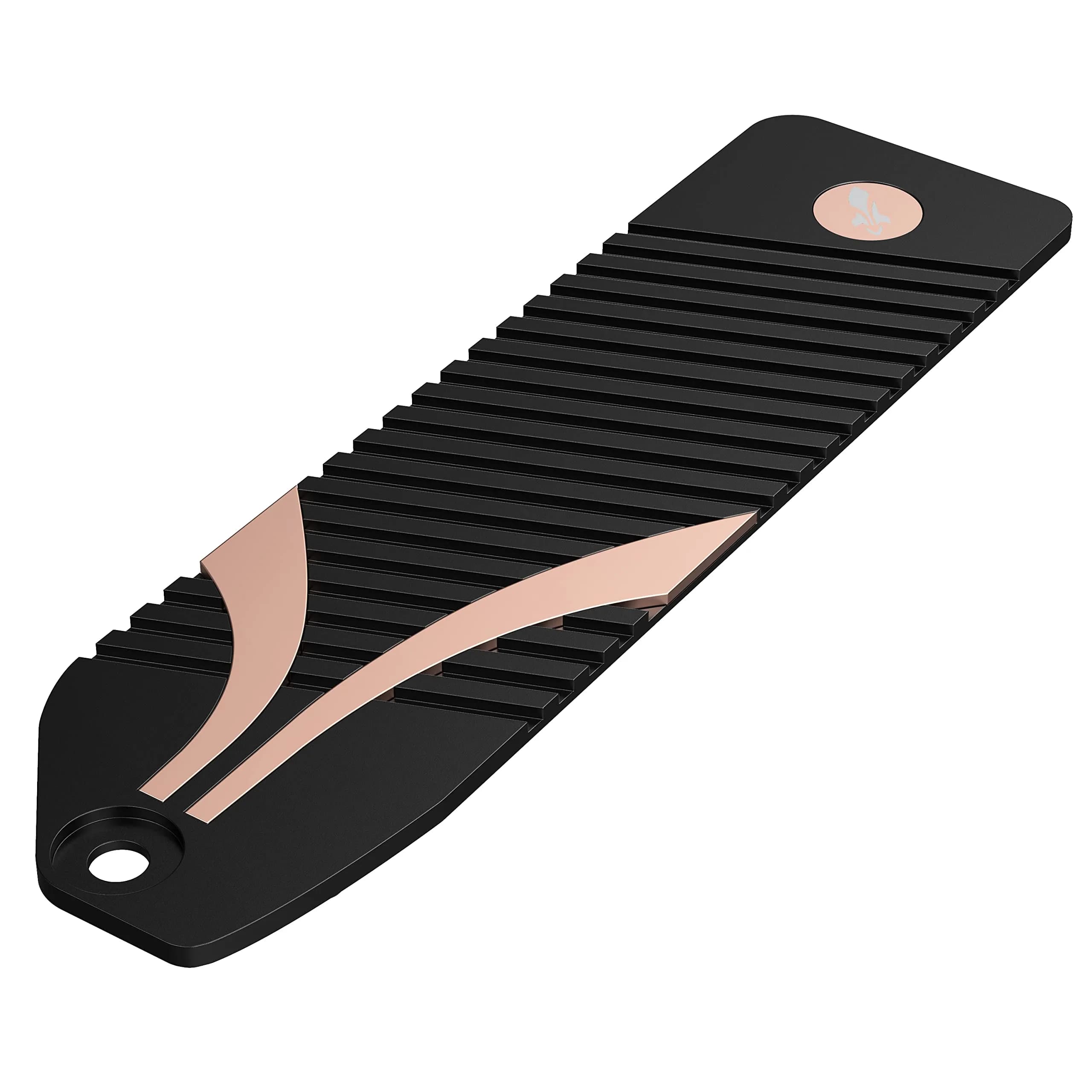
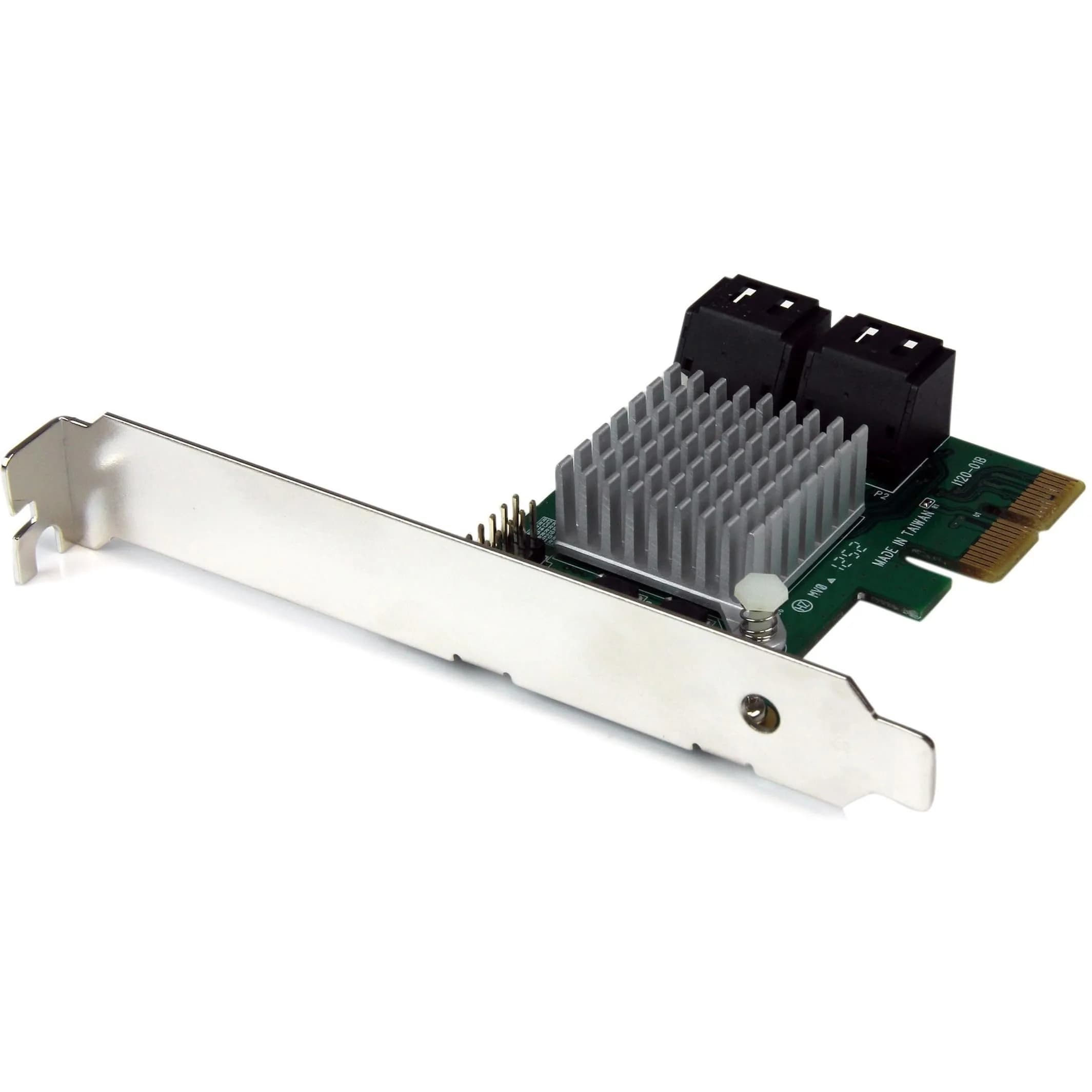
- Integrated Heat Dissipation — The included aluminum heatsink and thermal pad actively manage SSD temperatures, preventing thermal throttling and ensuring consistent, long-lasting performance even under heavy workloads.
- Wide M.2 NVMe Compatibility — Supports M.2 NVMe SSDs in sizes 2230, 2242, 2260, and 2280, offering flexibility to use various SSD models. Not compatible with M.2 SATA drives or PCIe x1 slots.
- Tool-Free Installation — Quickly mount your M.2 NVMe SSD and install the adapter into your motherboard's PCIe slot with the included screws and screwdriver, simplifying the upgrade process.

## Key features

- Wide Compatibility – Supports M.2 NVMe SSDs in sizes 2230, 2242, 2260, and 2280. PCIe x16/x8/x4 physical slot required. Not compatible with SATA drives or PCIe x1 slots.
- High-Speed NVMe Support – Delivers ultra-fast transfer speeds over PCIe lanes. Perfect for upgrading or expanding your desktop storage performance.
- Durable Heatsink Included – Comes with an aluminum heatsink and thermal pad to ensure optimal heat dissipation and long-lasting performance.
- Simple Installation – Tool-free setup with included screws and screwdriver. Quickly mount your SSD and insert the adapter into your system.
- Stable Signal + System Support – Designed for stability and system compatibility. Works with Windows 7 (with NVMe hotfixes), Windows 8/10/11, Linux, and modern BIOS supporting NVMe via PCIe.

## Why choose this product

**High-Speed NVMe Storage Upgrade** — Leverage the raw speed of NVMe SSDs for your desktop. This Sabrent adapter bridges the gap, allowing you to install high-performance M.2 NVMe drives into standard PCIe slots. It's ideal for users looking to significantly reduce load times for operating systems, applications, and games, providing a tangible performance boost over older SATA-based storage solutions. The included heatsink ensures your SSD performs optimally without overheating, even during demanding tasks.

**Who It's For vs. Who Should Skip** — This adapter is perfect for PC builders and upgraders who have an M.2 NVMe SSD and an available PCIe x16, x8, or x4 slot on their motherboard. It's excellent for those seeking to maximize storage speed without replacing their motherboard. Skip this adapter if you have an M.2 SATA SSD (B-Key or B+M Key), as it is not compatible. Also, ensure your motherboard BIOS supports NVMe drives over PCIe lanes for full functionality.

## How to use

1. Ensure you have an M.2 NVMe SSD (2230, 2242, 2260, or 2280) and the Sabrent adapter. Remove the heatsink from the adapter if necessary, and apply the thermal pad to the SSD's controller chip. — Prepare Your SSD and Adapter
2. Carefully insert the M.2 NVMe SSD into the adapter's slot at an angle, then gently press it down. Secure the SSD to the adapter using the provided screws and screwdriver. Reattach the heatsink over the SSD. — Mount the SSD
3. Locate an available PCIe x16, x8, or x4 slot on your motherboard. Insert the adapter card firmly into the slot. Ensure it is fully seated and secure. — Install Adapter into Motherboard
4. Boot your computer. Your system should detect the new hardware. You may need to format the NVMe SSD in Disk Management (Windows) or through your OS's disk utility before it can be used for storage. — System Boot and Configuration

## Product details

| Field | Value |
|---|---|
| Supported M.2 NVMe SSD Sizes | 2230, 2242, 2260, 2280 |
| Supported PCIe Slot Types | x16, x8, x4 |
| Not Supported | M.2 SATA SSDs, PCIe x1 slots |
| Heatsink Material | Aluminum |
| Installation Type | Tool-free setup |
| System Support | Windows 7 (with NVMe hotfixes), Windows 8/10/11, Linux |
| Motherboard BIOS Requirement | Must support NVMe drives over PCIe lanes |
| Warranty | 1 Year limited (extendable to 5 Years with registration) |
| Brand | Sabrent |
| Model Number | EC-PCIE |
| Color | Black |
| Finish Type | Aluminum |
| Material | Aluminum |
| Item Weight | 80 grams |
| Item Package Weight | 0.085 kilograms |
| Dimensions (L x W x H) | 4 x 2 x 0.5 inches (10.16 x 5.08 x 1.27 cm) |
| Package Dimensions (L x W x H) | 13.5 x 6.7 x 1.5 cm |
| Number of Items | 1 |
| Number of Packs | 1 |
| Number of Ports | 4 (PCIe lanes) |
| Connector Type | PCIe |
| Connector Gender | Male-to-Female |
| Power Plug Type | No Plug |
| Compatible Devices | Motherboards with PCIe X16/X8/X4 Slot |
| Country of Origin | Not stated by manufacturer — US retail version, sourced from authorized US retailers |

## Frequently asked questions

### Will this adapter fit my M.2 SSD?

This adapter specifically supports M.2 NVMe SSDs in sizes 2230, 2242, 2260, and 2280. It is not compatible with M.2 SATA SSDs. Ensure your SSD is NVMe and matches one of these form factors for proper fit and function.

### What type of PCIe slot do I need?

You need an available PCIe x16, x8, or x4 physical slot on your motherboard. This adapter is not compatible with PCIe x1 slots. Check your motherboard's specifications to confirm available slot types.

### Does this adapter support M.2 SATA SSDs?

No, this adapter is designed exclusively for M.2 NVMe SSDs. It is not compatible with M.2 SATA SSDs (which typically have a B-Key or B+M Key). Using a SATA drive will not work.

### How does the heatsink help?

The included aluminum heatsink and thermal pad help dissipate heat generated by high-speed NVMe SSDs. This prevents thermal throttling, ensuring your SSD maintains optimal performance and longevity during intensive use.

### Can I use this adapter with my existing motherboard?

Yes, provided your motherboard has an available PCIe x16, x8, or x4 slot and its BIOS supports NVMe drives over PCIe lanes. It is compatible with Windows 7 (with hotfixes), Windows 8/10/11, and Linux systems.

### Is installation difficult?

Installation is designed to be simple and tool-free. The package includes all necessary screws and a screwdriver, allowing you to quickly mount your M.2 NVMe SSD and insert the adapter into your system.

## Compliance

No product-specific compliance warnings identified. Standard imported-goods terms apply: customs duties & GST paid; for personal use in India; follow the manufacturer's usage instructions on the packaging.

## Images

1. https://images.crowcrowcrow.com/B084GDY2PW-2.webp
2. https://images.crowcrowcrow.com/B084GDY2PW-5.webp
3. https://images.crowcrowcrow.com/B084GDY2PW-8.webp
4. https://images.crowcrowcrow.com/B084GDY2PW-11.webp
5. https://images.crowcrowcrow.com/B084GDY2PW-14.webp
6. https://images.crowcrowcrow.com/B084GDY2PW-17.webp

---

Source: https://crowcrowcrow.com/p/sabrent-nvme-ssd-pcie-x16-adapter-card-heatsink/yye1092

Returns: 14 days, free pickup, full refund on genuine issues. Shipping: Free across India, 13-15 days. Prices are all-inclusive (duties + GST).