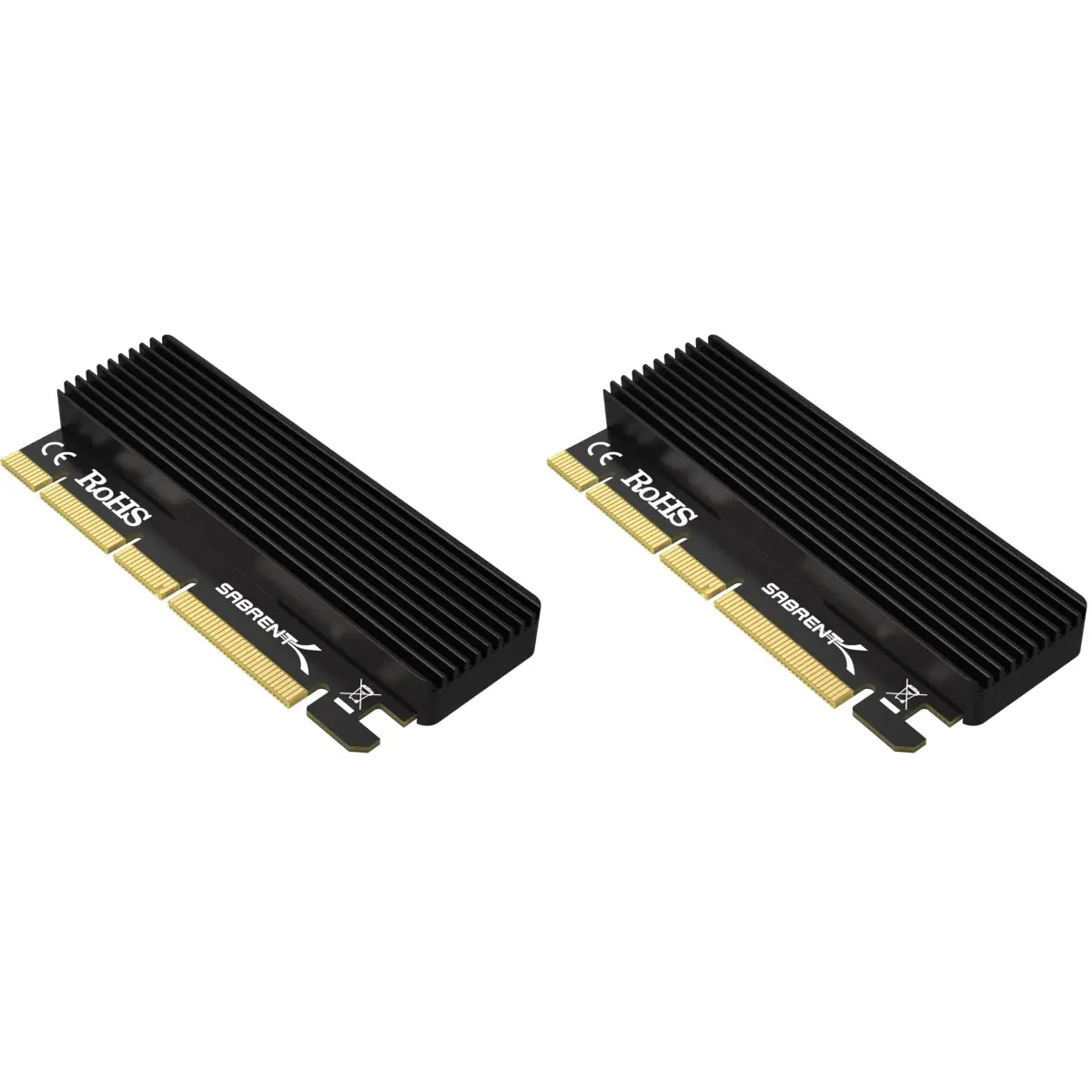
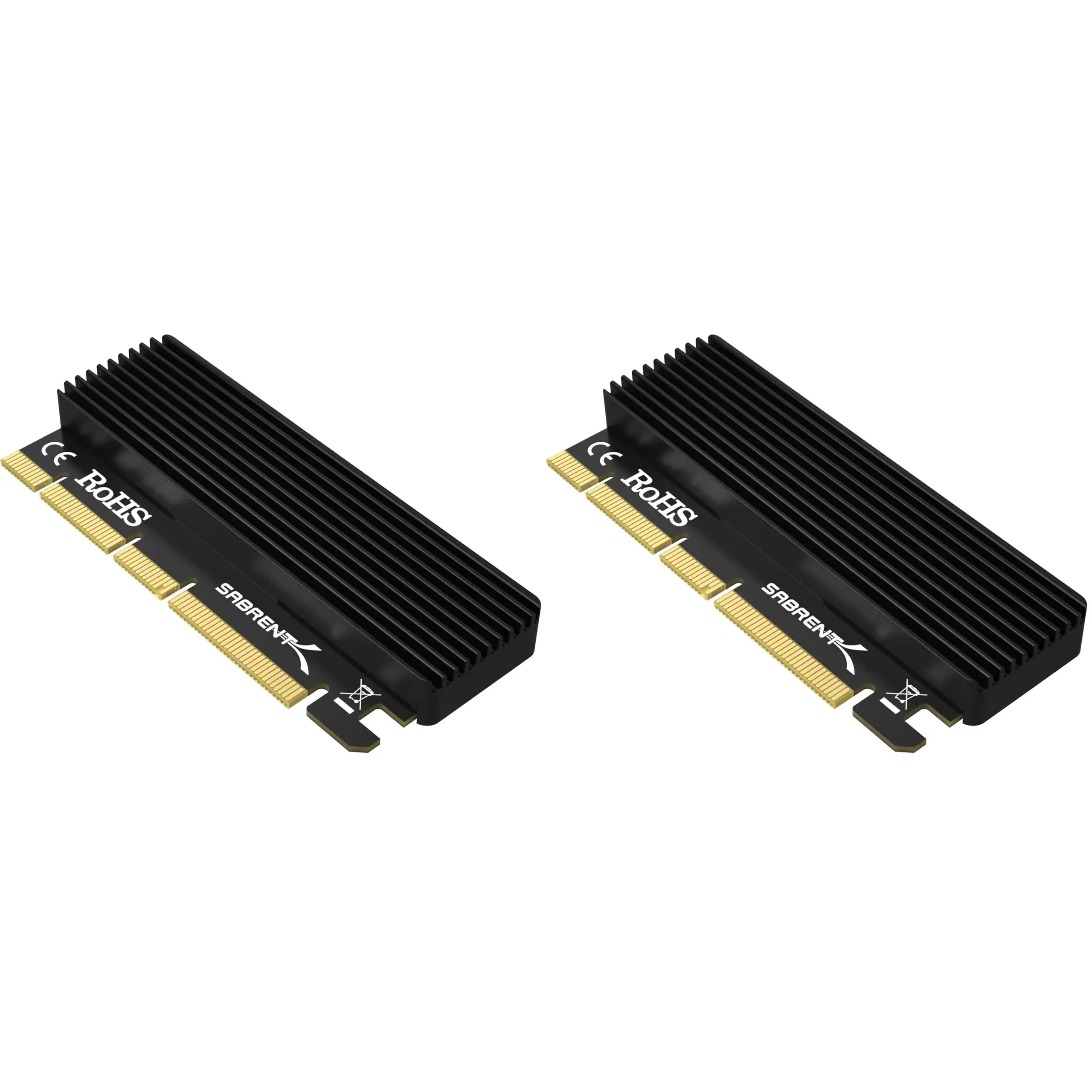
# SABRENT NVMe M.2 SSD to PCIe Adapter Card 2-Pack with Heatsink | PCIe X16/X8/X4 Slot Compatible

**Brand:** SABRENT
**SKU:** rsj3660
**ASIN:** B0CR7875T8
**Canonical URL:** https://crowcrowcrow.com/p/sabrent-nvme-ssd-pcie-adapter-card-x16/rsj3660
**Category:** electronics
**Subcategory:** Categories
**Availability:** in_stock
**Price (INR, all-inclusive):** ₹5,275
**Discount:** 31%
**Customer rating:** 4.50/5 from 6,137 ratings

## Description

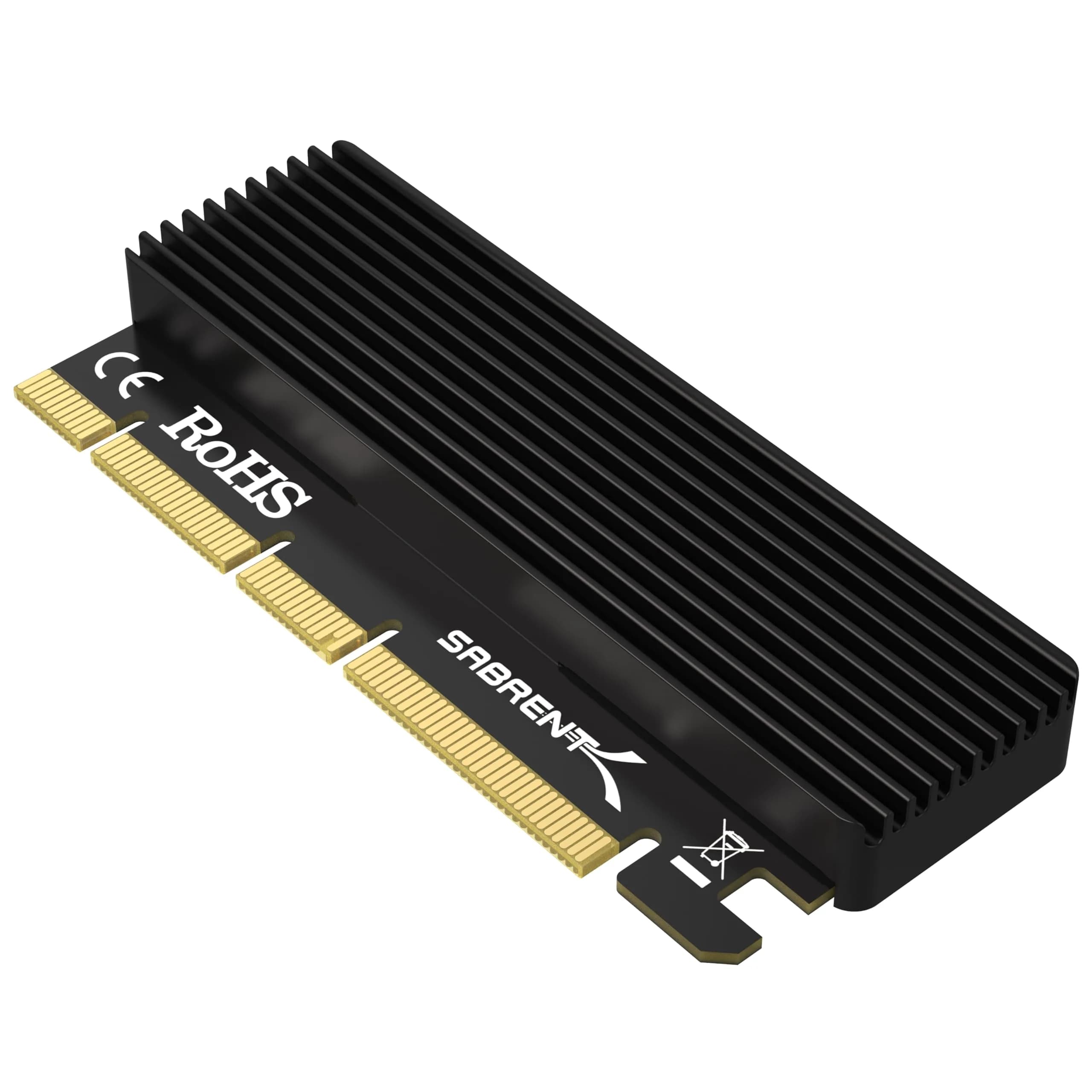
SABRENT NVMe M.2 SSD to PCIe Adapter Card (2-Pack) enables high-speed NVMe storage expansion. Fits PCIe x16/x8/x4 slots, supports M.2 NVMe SSDs (2230-2280), and includes an aluminum heatsink. Easy tool-free installation. Arrives via ExpressBox tracked delivery.

## Highlights

- Boost Storage Speed — Achieve ultra-fast transfer speeds by installing M.2 NVMe SSDs into PCIe x16/x8/x4 slots, ideal for faster boot times and application loading.
- Efficient Heat Dissipation — Includes an aluminum heatsink and thermal pad to manage heat generated by NVMe SSDs, ensuring stable performance and longevity.
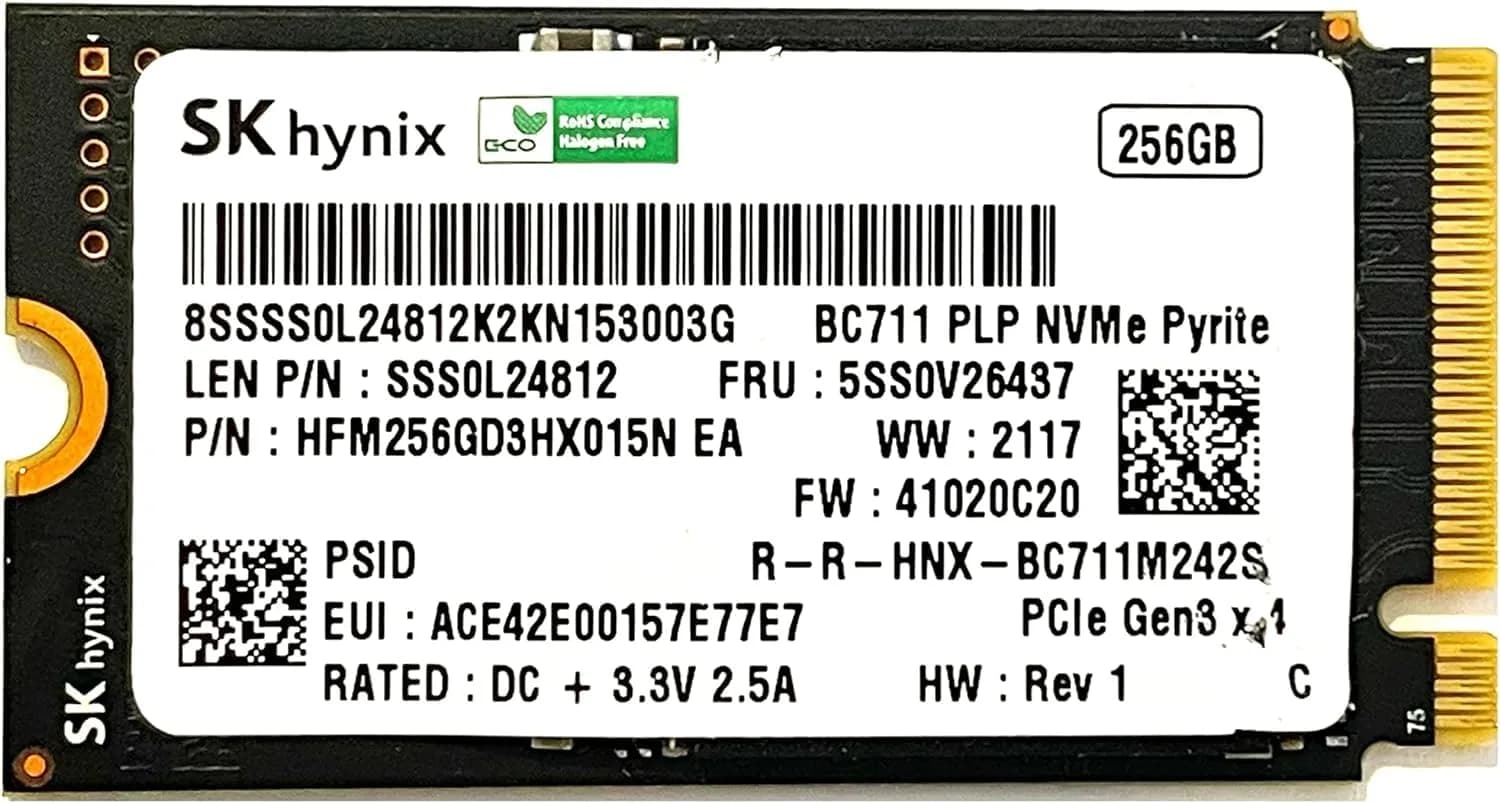
- Wide M.2 NVMe Compatibility — Supports M.2 NVMe SSDs in sizes 2230, 2242, 2260, and 2280, offering flexibility for various storage configurations.
- Simple Tool-Free Installation — Quickly mount your SSD and insert the adapter into your system with the included screws and screwdriver, no extra tools needed.

## Key features

- The information below is per-pack only
- Wide Compatibility – Supports M.2 NVMe SSDs in sizes 2230, 2242, 2260, and 2280. PCIe x16/x8/x4 physical slot required. Not compatible with SATA drives or PCIe x1 slots.
- High-Speed NVMe Support – Delivers ultra-fast transfer speeds over PCIe lanes. Perfect for upgrading or expanding your desktop storage performance.
- Durable Heatsink Included – Comes with an aluminum heatsink and thermal pad to ensure optimal heat dissipation and long-lasting performance.
- Simple Installation – Tool-free setup with included screws and screwdriver. Quickly mount your SSD and insert the adapter into your system.
- Stable Signal + System Support – Designed for stability and system compatibility. Works with Windows 7 (with NVMe hotfixes), Windows 8/10/11, Linux, and modern BIOS supporting NVMe via PCIe.

## Why choose this product

**High-Speed NVMe Performance** — Experience a significant upgrade in storage speed with the SABRENT NVMe M.2 SSD to PCIe Adapter. This adapter leverages the full potential of NVMe SSDs, delivering speeds far beyond traditional SATA drives. It's designed to work seamlessly with PCIe x16, x8, and x4 slots, ensuring maximum bandwidth for your high-performance storage needs. The included aluminum heatsink and thermal pad actively manage heat, preventing thermal throttling and maintaining optimal performance during intensive tasks like gaming, video editing, or large data transfers. This ensures your NVMe SSD operates efficiently and reliably for years to come.

**Ideal for PC Builders & Upgraders** — This adapter is perfect for users looking to add or upgrade to NVMe SSD storage in desktops that may lack native M.2 slots. It's compatible with a wide range of M.2 NVMe SSD sizes (2230, 2242, 2260, 2280) and works with most modern Windows and Linux operating systems. While it offers a significant performance boost, users with older systems or those needing to connect M.2 SATA drives should consider alternative solutions, as this adapter is exclusively for NVMe protocol. For users seeking to maximize their system's storage speed and capacity, this SABRENT adapter is a straightforward and effective choice.

## How to use

1. Unpack your M.2 NVMe SSD and the SABRENT PCIe adapter. Identify the correct slot on your motherboard (PCIe x16, x8, or x4). Ensure your motherboard BIOS supports NVMe drives over PCIe. — Prepare Your SSD and Adapter
2. Carefully align your M.2 NVMe SSD with the slot on the adapter. Use the provided screws and screwdriver to secure the SSD to the adapter. Attach the heatsink and thermal pad as per the instructions. — Mount the SSD
3. Insert the adapter with the mounted SSD into the chosen PCIe slot on your motherboard. Secure the adapter. Boot your computer. Windows or Linux should detect the new hardware, and you may need to initialize and format the SSD in Disk Management. — Install Adapter and Boot System

## Product details

| Field | Value |
|---|---|
| Supported M.2 NVMe SSD Sizes | 2230, 2242, 2260, 2280 |
| Supported PCIe Slots | x16, x8, x4 |
| Not Compatible With | M.2 SATA SSDs, PCIe x1 slots |
| Operating System Support | Windows 7 (with NVMe hotfix), Windows 8/10/11, Linux |
| Installation | Tool-free setup with included screws and screwdriver |
| Power Source | PCIe slot powered (no external power required) |
| Warranty | 1 Year limited (extendable to 5 Years with registration) |
| Brand | SABRENT |
| Model Number | EC-PCIE |
| Item Name | NVMe M.2 SSD to PCIe Adapter Card |
| Color | Black |
| Finish Type | Aluminum |
| Material | Aluminum |
| Connector Type | PCIe |
| Number of Items | 2 |
| Number of Ports | 4 (PCIe lanes) |
| Item Weight | 160 grams |
| Package Weight | 0.17 kilograms |
| Dimensions (L x W x H) | 10.16 cm x 5.08 cm x 1.27 cm (4 x 2 x 0.5 inches) |
| Package Dimensions (L x W x H) | 13.5 cm x 6.7 cm x 1.5 cm |
| Country of Origin | Not stated by manufacturer — US retail version, sourced from authorized US retailers |

## Frequently asked questions

### Will this SABRENT NVMe M.2 SSD to PCIe Adapter work with my motherboard?

This adapter requires a motherboard with an available PCIe x16, x8, or x4 slot and a BIOS that supports NVMe drives over PCIe lanes. It is compatible with Windows 7 (with hotfixes), Windows 8/10/11, and Linux. It does not support M.2 SATA SSDs or PCIe x1 slots.

### How do I install an NVMe SSD into this PCIe adapter?

Installation is tool-free. Mount your M.2 NVMe SSD onto the adapter using the included screws, then insert the adapter into a compatible PCIe slot on your motherboard. The package includes all necessary screws and a screwdriver for quick setup.

### Does this adapter support M.2 SATA SSDs?

No, this SABRENT adapter is exclusively designed for M.2 NVMe SSDs. It is not compatible with M.2 SATA SSDs (B-Key or B+M Key). Ensure your SSD is NVMe protocol before purchasing.

### What is the benefit of the heatsink included with this adapter?

The aluminum heatsink and thermal pad help dissipate heat generated by the NVMe SSD during operation. This prevents thermal throttling, ensures stable performance, and contributes to the longevity of your SSD.

### Can I use this adapter with a PCIe x1 slot?

No, this adapter requires a physical PCIe x16, x8, or x4 slot. It is not compatible with PCIe x1 slots, as these do not provide sufficient bandwidth or power for NVMe SSDs.

### How fast are the transfer speeds with this adapter?

The adapter enables ultra-fast transfer speeds by leveraging the PCIe lanes, allowing your NVMe SSD to perform at its maximum potential. Actual speeds depend on the SSD and the PCIe slot generation (e.g., PCIe 3.0 vs. 4.0).

### Is this adapter compatible with Mac computers?

While primarily tested with Windows and Linux, many users report successful use with macOS systems that support NVMe drives over PCIe. However, compatibility is not officially guaranteed by SABRENT for macOS.

## Compliance

No product-specific compliance warnings identified. Standard imported-goods terms apply: customs duties & GST paid; for personal use in India; follow the manufacturer's usage instructions on the packaging.

## Images

1. https://images.crowcrowcrow.com/B0CR7875T8-0.webp
2. https://images.crowcrowcrow.com/B0CR7875T8-3.webp
3. https://images.crowcrowcrow.com/B0CR7875T8-6.webp
4. https://images.crowcrowcrow.com/B0CR7875T8-9.webp
5. https://images.crowcrowcrow.com/B0CR7875T8-12.webp
6. https://images.crowcrowcrow.com/B0CR7875T8-15.webp

---

Source: https://crowcrowcrow.com/p/sabrent-nvme-ssd-pcie-adapter-card-x16/rsj3660

Returns: 14 days, free pickup, full refund on genuine issues. Shipping: Free across India, 13-15 days. Prices are all-inclusive (duties + GST).