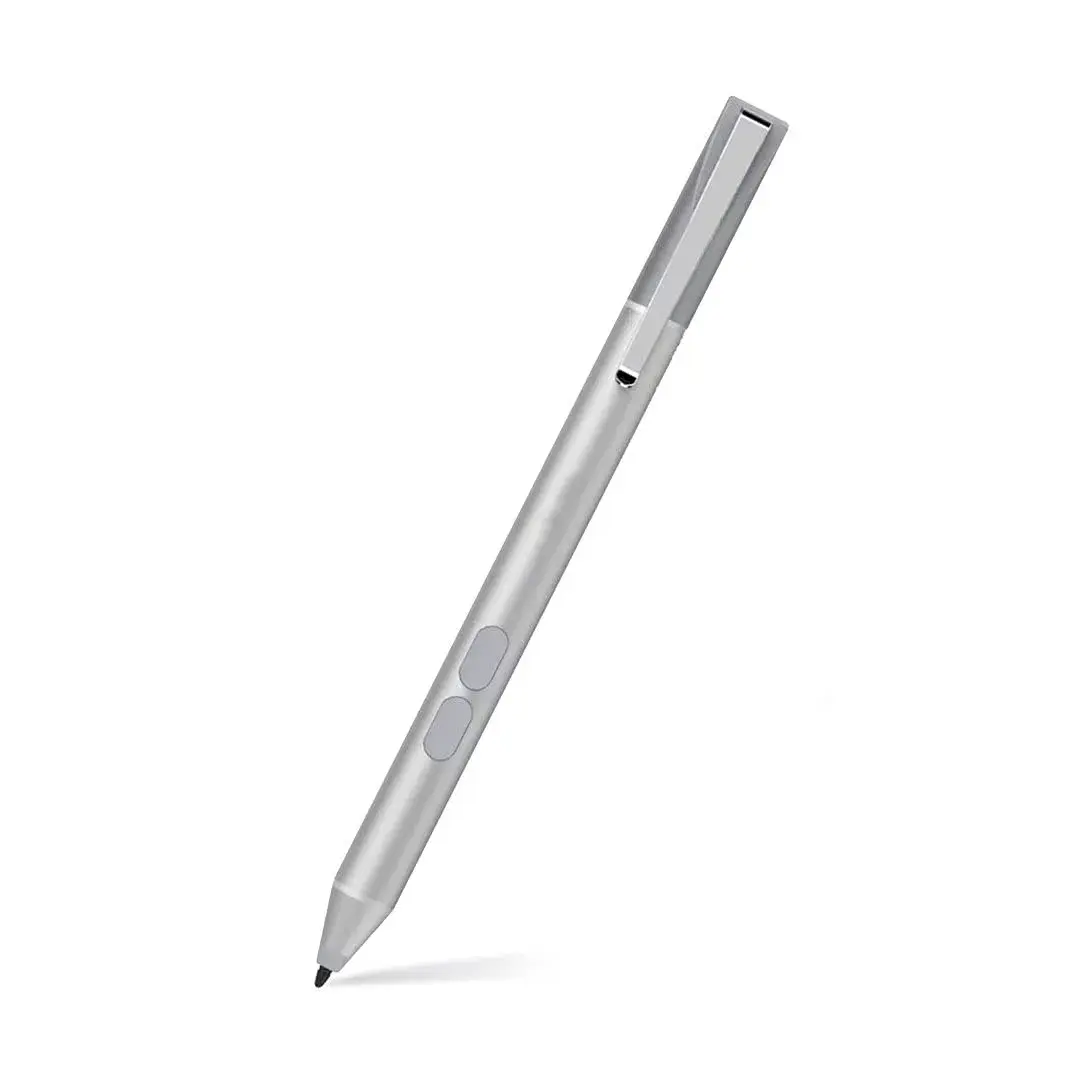
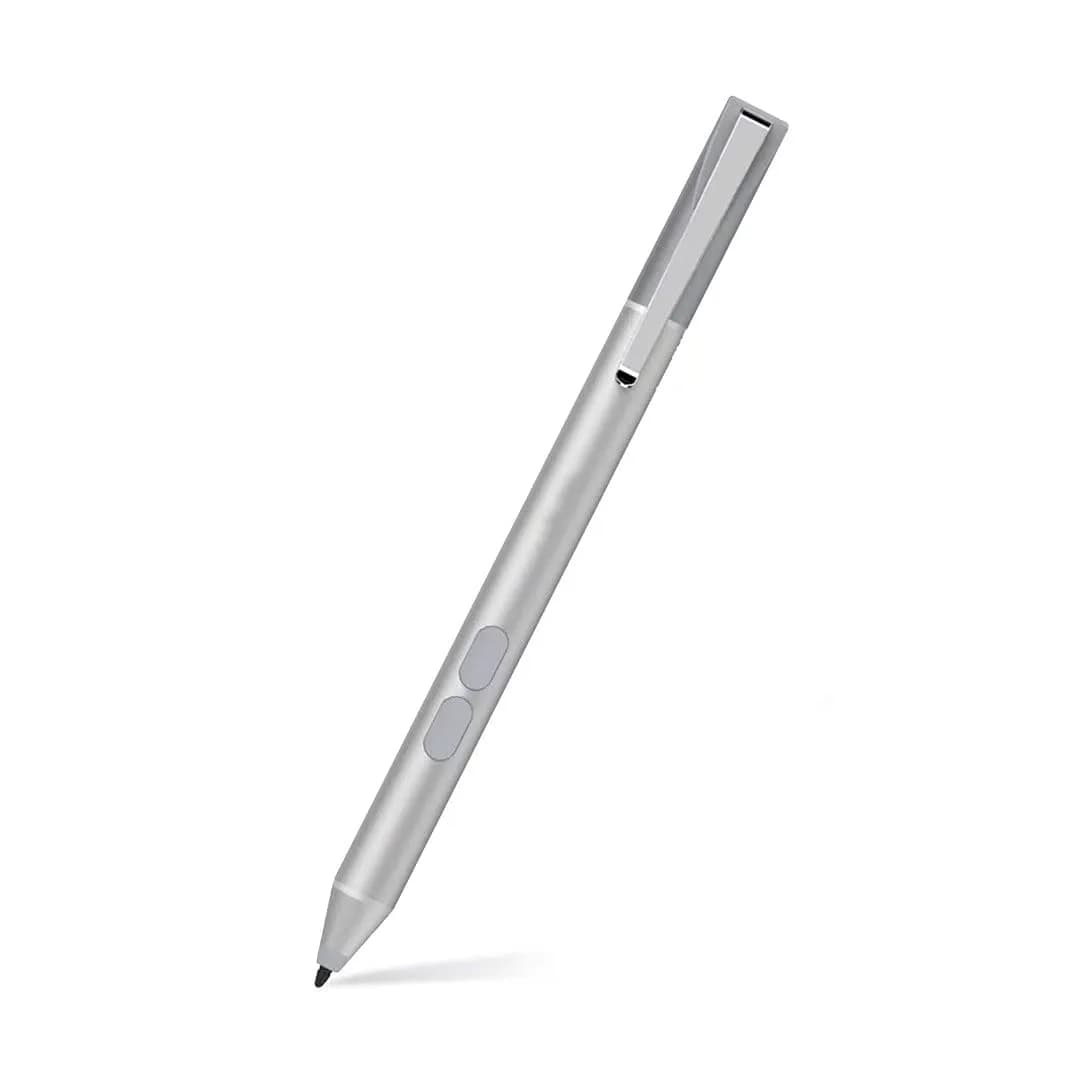
# tesha Surface Pen with Eraser & Right-Click, 1024 Pressure, 4.9-inch (12.4 cm) Length | Compatible with Microsoft MPP Devices

**Brand:** tesha
**SKU:** rtv9485
**ASIN:** B073XMR68G
**Canonical URL:** https://crowcrowcrow.com/p/pen-surface-1024-pressure-eraser-right-click-palm-rejection-2500-working-hours-book-laptop/rtv9485
**Category:** electronics
**Subcategory:** Categories
**Availability:** in_stock
**Price (INR, all-inclusive):** ₹2,851
**Discount:** 48%
**Customer rating:** 4.30/5 from 545 ratings

## Description

The tesha Surface Pen (Platinum) offers 1024 pressure levels and palm rejection for precise digital input on compatible Microsoft Surface devices. It features eraser and right-click functions, powered by a 2500-hour AAAA battery. Imported from authorized US retailers, it arrives with {{ccc_delivery_eta}}.

## Highlights

- 2500 Hours of Use — Powered by a single AAAA battery, this pen provides up to 2500 working hours, meaning you won't need to recharge it constantly. Enjoy uninterrupted productivity for months on end without battery anxiety.
- Precise 1024 Pressure Levels — Achieve nuanced strokes with 1024 pressure sensitivity levels, allowing for natural line variation in drawing and writing. The 2mm fine point tip ensures accuracy and smooth, lag-free input.
- Ergonomic Palm Rejection — Rest your palm comfortably on the screen while writing or drawing without creating unwanted marks. This feature reduces fatigue and allows for a more natural, two-handed interaction with your device.
- Eraser & Right-Click Functions — Boost your efficiency with integrated eraser and right-click buttons. The lower button acts as an eraser, while the upper button provides quick access to context menus, streamlining your workflow.

## Key features

- 【Wide Compatibility】tesha Surface Pen is a Microsoft MPP-certified partner, available for Microsoft MPP protocol devices, such as Surface Pro 11/10/9/8/7+/7/6/5/4/3, Surface Duo/ Duo 2, Surface Pro X, Surface Go 1/2/3, Surface Book 1/2/3, Surface Studio 1/2/2+, Surface Laptop 1/2/3/4/5/6, Surface Laptop Studio. ❌ NOT for Surface Laptop Go series
- 【Palm Rejection Design】When writing or drawing with this Surface stylus, you can put your palm comfortably on the screen and you don't have to worry about annoying marks. No fatigue on the wrist with 2 hands on the screen, and no breaking points when writing
- 【Eraser & Right-click Functions】The Surface Pro Pen comes with eraser and right-click functions, the lower key is the eraser, and the upper key is the right-click button, which helps you to improve your work efficiency
- 【Portable & Easy to Use 】The surface pen is powered by AAAA battery, the power consumption is lower and can be used for 2500 hours. You don’t need to recharge it all the time. Work immediately when you insert the battery, no Bluetooth or App connection needed
- 【Accurate & Smooth】This surface pro stylus supports 1024 pressure sensitivity. 2MM fine point tip provides precise writing and drawing experience. The ink flows out in real time without delay. Pen clip design for easy portability

## Why choose this product

- Engineered for Precision and Comfort
- Ideal for Surface Users, Consider Alternatives for Non-MPP

## How to use

1. Unscrew the pen's cap at the top end. Insert one new AAAA alkaline battery, ensuring correct polarity (+/-). Screw the cap back on securely. The pen is now ready for immediate use. — Insert Battery
2. Ensure your Microsoft Surface or compatible device is powered on and has MPP support enabled. No Bluetooth or app pairing is required; simply bring the pen tip close to the screen to begin writing or drawing. — Connect to Device
3. Write or draw with the fine point tip, experiencing 1024 pressure levels. Rest your palm on the screen for comfort thanks to palm rejection. Use the lower button as an eraser and the upper button for right-click context menus. — Utilize Functions

## Product details

| Field | Value |
|---|---|
| Battery Type | 1 x AAAA Alkaline |
| Battery Life | Up to 2500 working hours |
| Pressure Sensitivity | 1024 levels |
| Tip Size | 2mm fine point |
| Functions | Eraser, Right-click, Palm Rejection |
| Connectivity | No Bluetooth or App connection needed |
| Compatibility | Microsoft MPP protocol devices (Surface Pro/Go/Book/Laptop/Studio, select HP/ASUS/Sony) |
| Cost per use | 2500 hours of use from 1 AAAA battery: {{ccc_price_per_unit:2500:hour}} (battery cost not included) |
| Shelf life after opening | N/A (Durable good) |
| Contraindications | Not compatible with Surface Laptop Go series or non-MPP devices. |
| Allergens / common irritants | N/A |
| Brand | tesha |
| Color | Platinum |
| Material | Aluminum |
| Item Dimensions | 12.4 cm (Length) x 0.76 cm (Diameter) |
| Item Weight | 0.02 lbs (9 g) |
| MPN | SPEN-ASU-01 |
| Country of Origin | Not stated by manufacturer — US retail version, sourced from authorized US retailers |

## Frequently asked questions

### How to buy an original tesha Surface Pen in India?

To ensure you receive an original tesha Surface Pen, purchase from crowcrowcrow. We import directly from authorized US retailers, guaranteeing authenticity. All customs duties and GST are included in the listed price, and your order is shipped via ExpressBox with tracking, arriving with {{ccc_delivery_eta}}.

### Is this tesha Surface Pen compatible with my Microsoft Surface device?

This pen is compatible with Microsoft MPP protocol devices, including Surface Pro (3-11, X), Go (1-4), Book (1-4), Laptop (1-6), and Studio (1-2+). It also works with select HP, ASUS, and Sony devices. It is NOT compatible with Surface Laptop Go series or any non-MPP devices. Always check your device's specifications for MPP support.

### Does the tesha Surface Pen support palm rejection?

Yes, the tesha Surface Pen features advanced palm rejection technology. This allows you to rest your palm comfortably on the screen while writing or drawing, preventing accidental marks and ensuring a natural, fatigue-free experience, similar to using a traditional pen and paper.

### How long does the AAAA battery last in the tesha Surface Pen?

The tesha Surface Pen is powered by a single AAAA battery, offering exceptional longevity with up to 2500 working hours. This means you can use the pen for extended periods without needing to worry about frequent recharging or battery replacements.

### Does the tesha Surface Pen have eraser and right-click functions?

Yes, the tesha Surface Pen is equipped with both eraser and right-click functions. The lower button serves as an eraser for quick corrections, while the upper button provides convenient access to context menus, enhancing your productivity and workflow.

### What is the pressure sensitivity of the tesha Surface Pen?

The tesha Surface Pen offers 1024 levels of pressure sensitivity. This allows for nuanced line thickness and shading when drawing or writing, providing a more natural and responsive experience that closely mimics a real pen or pencil on paper.

## Compliance

No product-specific compliance warnings identified. Standard imported-goods terms apply: customs duties & GST paid; for personal use in India; follow the manufacturer's usage instructions on the packaging.

## Images

1. https://images.crowcrowcrow.com/B073XMR68G-0.webp
2. https://images.crowcrowcrow.com/B073XMR68G-3.webp
3. https://images.crowcrowcrow.com/B073XMR68G-6.webp
4. https://images.crowcrowcrow.com/B073XMR68G-9.webp
5. https://images.crowcrowcrow.com/B073XMR68G-12.webp
6. https://images.crowcrowcrow.com/B073XMR68G-15.webp

---

Source: https://crowcrowcrow.com/p/pen-surface-1024-pressure-eraser-right-click-palm-rejection-2500-working-hours-book-laptop/rtv9485

Returns: 30 days, free, by mail. Shipping: Free across India, 7–13 business days. Prices are all-inclusive (duties + GST).