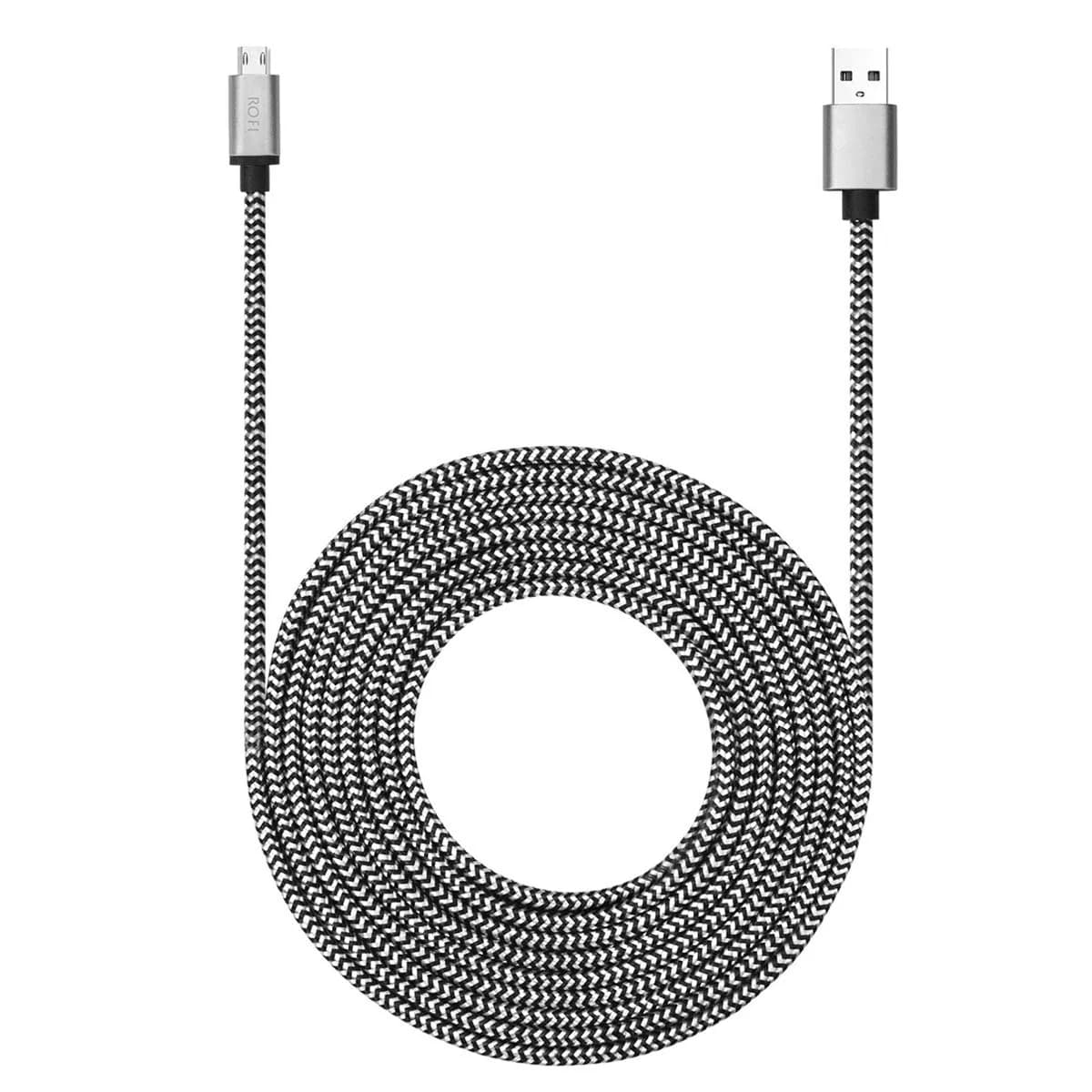
# LFHUKEJI RJ45 to DB9 Serial Console Cable 2.99 m (9.8 Ft) | Connects Routers & Switches

**Brand:** LFHUKEJI
**SKU:** enc8133
**ASIN:** B01M9COPMA
**Canonical URL:** https://crowcrowcrow.com/p/lfhukeji-rj45-db9-9-pin-serial-port-male-cat5-ethernet-lan-console-cable-9-8ft/enc8133
**Category:** electronics
**Subcategory:** Categories
**Availability:** in_stock
**Price (INR, all-inclusive):** ₹1,798
**Discount:** 36%
**Customer rating:** 4.40/5 from 358 ratings

## Description

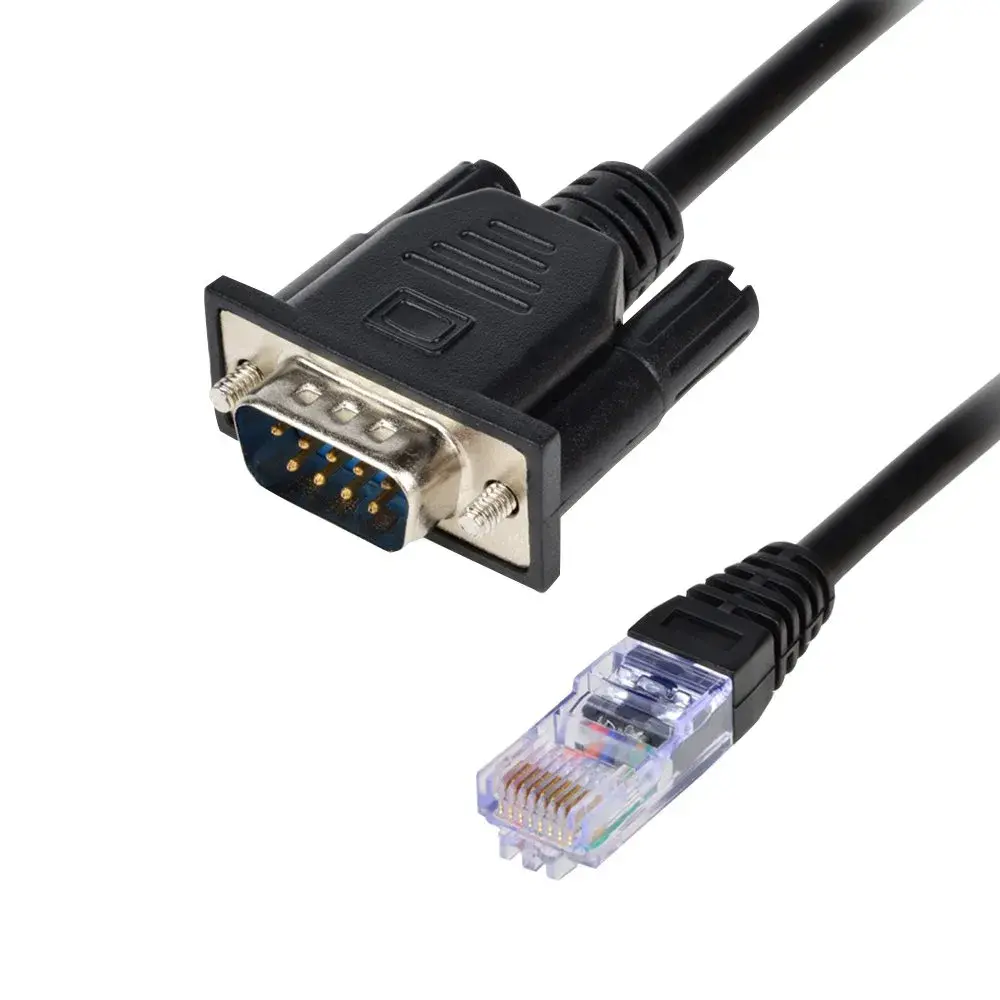
LFHUKEJI RJ45 to DB9 Serial Console Cable (2.99m/9.8ft) connects PCs to routers and switches for configuration. Features oxygen-free copper and double-shielding for clear, interference-free data transmission. Ideal for IT professionals managing network devices. 6-8 days

## Highlights

- High-Speed Data Transmission — Oxygen-free copper wire ensures clear, high-speed signal transfer for efficient configuration and updates. Double-shielding minimizes interference, crucial for stable network device management.
- Wide Device Compatibility — Connects to 'console' ports on most routers, switches, and firewalls. Essential for IT professionals managing network infrastructure, ensuring compatibility with a broad range of equipment.
- Reliable Console Access — Facilitates direct PC connection to network device console ports for firmware updates and settings adjustments. Works with both new and older network gear for versatile use.
- Durable Construction — Features a robust design with double-shielding and quality connectors for long-lasting performance in demanding IT environments. The 2.99m length offers practical reach.

## Key features

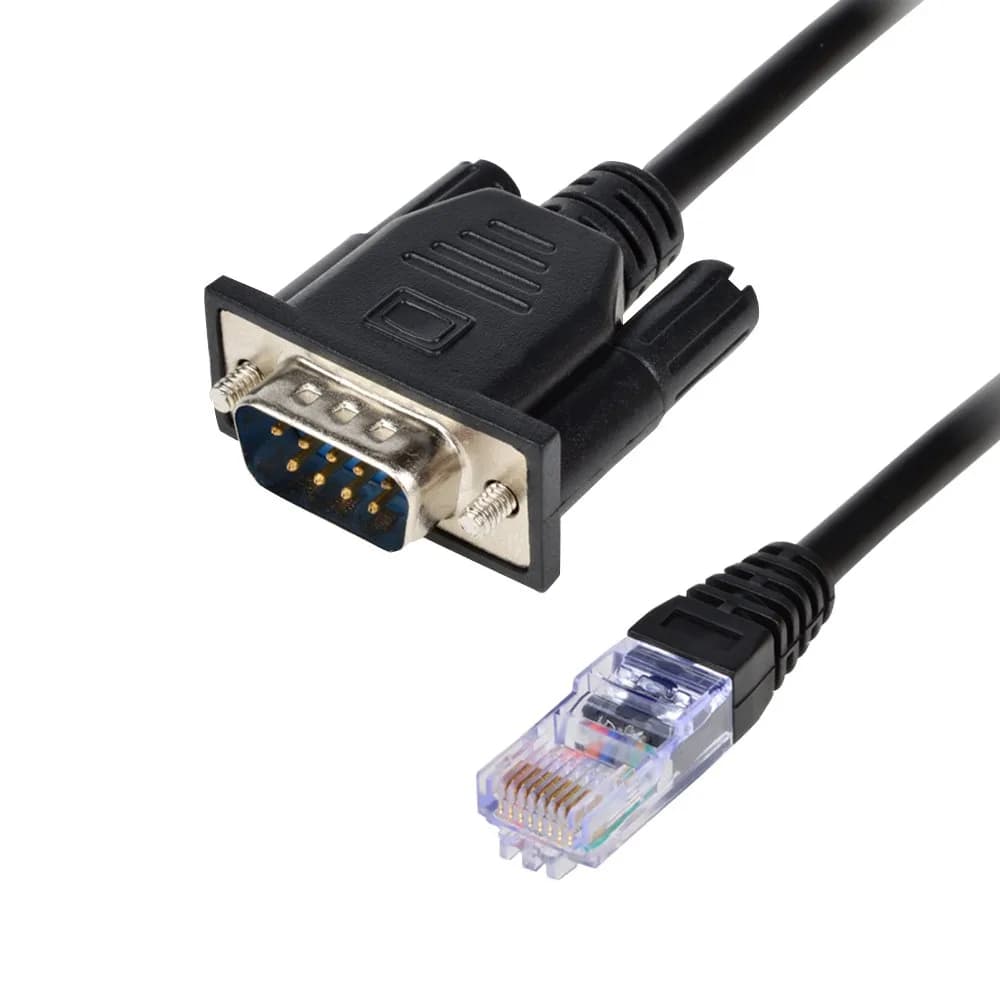
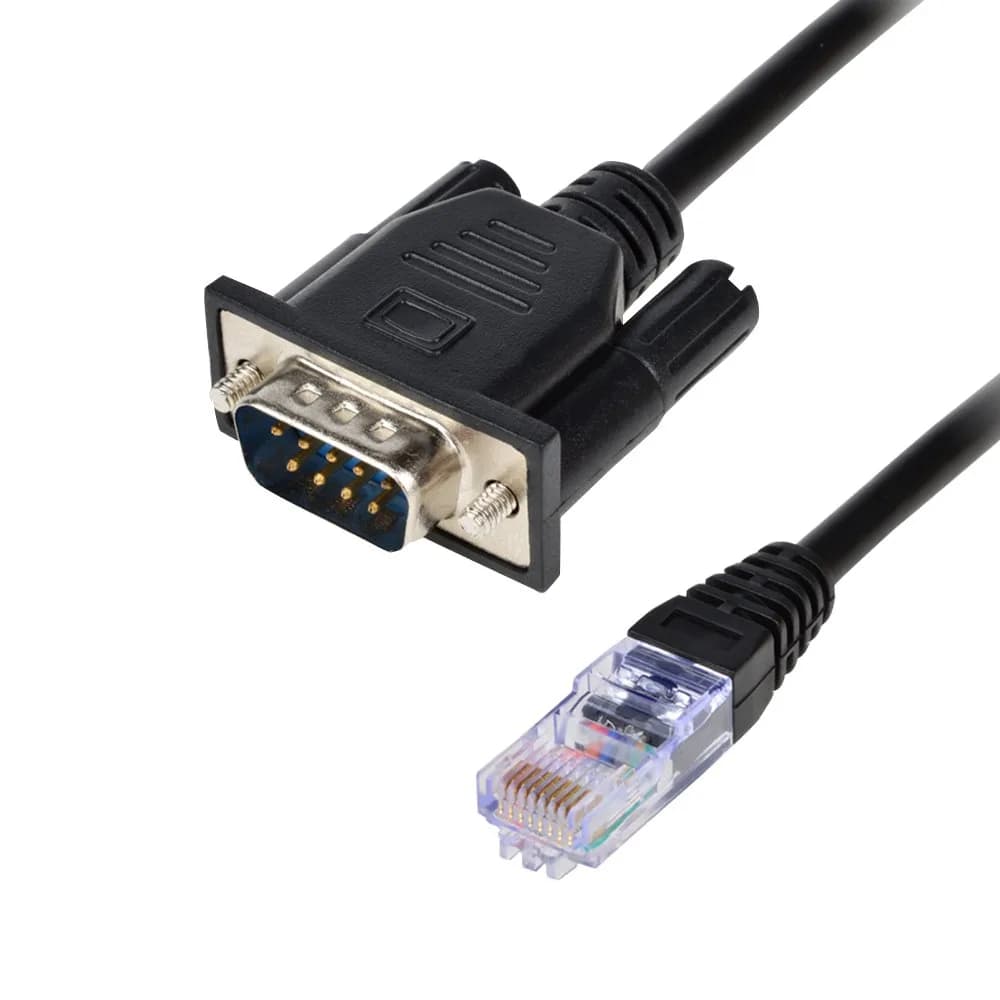
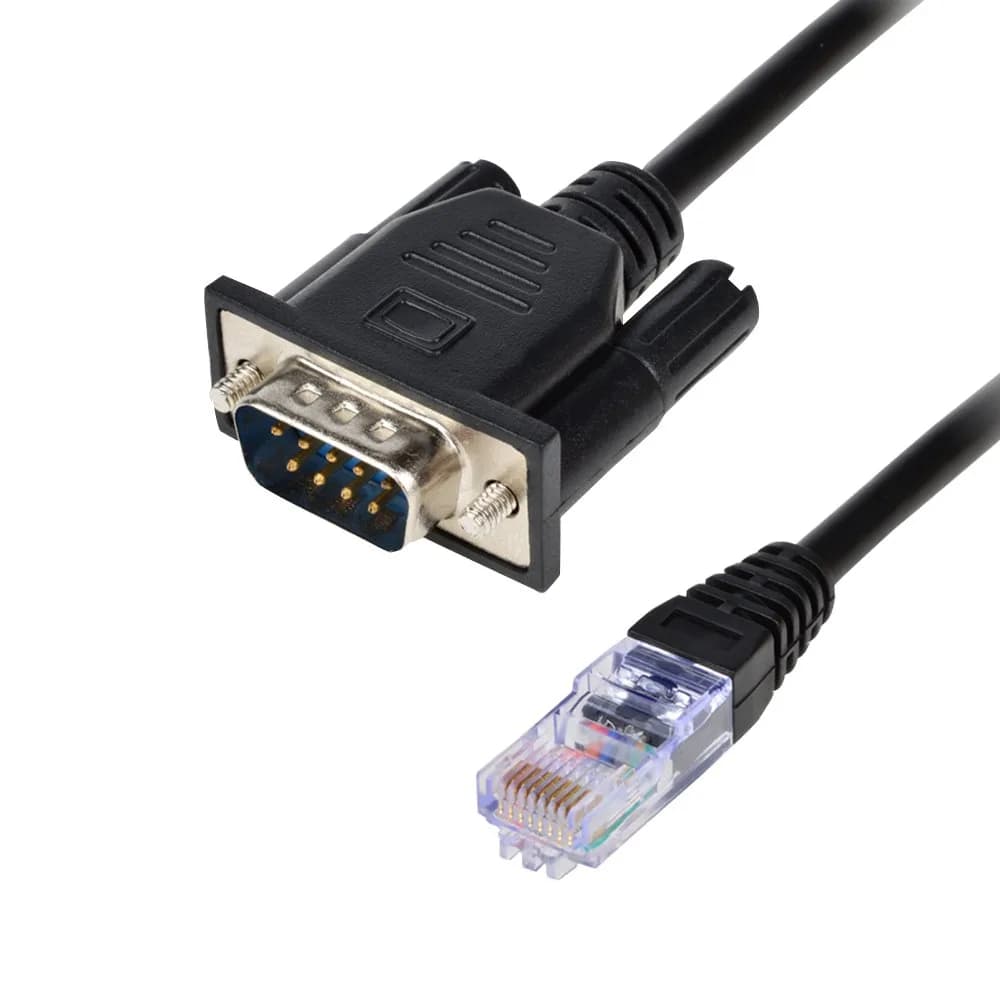
- This is a console cable.DB9 RS232 male to RJ45 female cable for TCP/IP network interface with the doual-way conversion, with the serial port network function, support serial data and network data bi-directional transparent transmission
- Connect the equipment serial port to the RJ45 “console” port on routers, the cable can help engineer through the PC update the network device settings and device understratum operating
- Compatible with most routers switch on the market.Please note that your device interface must have the "console" identification character.We do not support devices such as printers that do not have a "console" port.
- Oxygen-free copper transmission wire, high-speed clear signal transmission
- Double-shielded standard to ensure that signal transmission without interference.If you find that the screws do not match, you can also directly connect and use.

## Why choose this product

**Direct Network Device Configuration** — LFHUKEJI RJ45 to DB9 Serial Console Cable provides a direct link to your network devices. Unlike wireless or indirect methods, this cable ensures a stable, high-speed connection essential for critical configuration tasks. Its oxygen-free copper and double-shielding guarantee data integrity, minimizing the risk of errors during firmware updates or setting changes. This direct access is vital for IT professionals who need to manage routers, switches, and firewalls efficiently and reliably, ensuring your network infrastructure operates optimally.

**Ideal for IT Professionals & Network Engineers** — This cable is perfect for IT professionals and network engineers who frequently manage network devices. It's designed for users who need to access the console port for initial setup, troubleshooting, or firmware upgrades. If you primarily work with network hardware and require a dependable way to interface with device command lines, this cable is a suitable choice. However, if your work involves devices without a dedicated 'console' port, or if you need to connect to printers or other non-network hardware, this specific cable may not be the right fit.

## How to use

1. Plug the RJ45 end of the LFHUKEJI console cable into the 'console' port on your router, switch, or firewall. Ensure the port is clearly identified as a console interface. — Connect to Network Device
2. Plug the DB9 (9-pin serial) end of the cable into the serial port on your computer. If your computer lacks a serial port, use a USB-to-Serial adapter. — Connect to PC
3. Open terminal emulation software (e.g., PuTTY, Tera Term, Windows Hyperterminal) on your PC. Configure the serial port settings to match your device's console specifications (typically 9600 baud, 8 data bits, no parity, 1 stop bit, no flow control). — Configure Terminal Software
4. Establish the connection through your terminal software. You should now have command-line access to the network device for configuration, updates, or troubleshooting. — Access Device

## Product details

| Field | Value |
|---|---|
| Recommended Use | Debug Console, Network Device Configuration |
| Compatible Devices | Routers, Switches, Firewalls, Wireless Devices |
| Data Transmission | Bi-directional Serial and Network Data |
| Power Delivery | N/A (Data Cable) |
| Cost per use | 1 cable at ₹1,798 — ₹1,798 per cable |
| Brand | LFHUKEJI |
| Model Name | GU13 |
| Cable Type | Serial Console Cable (RJ45 to DB9) |
| Length | 2.99 m (9.8 ft) |
| Color | Black |
| Material | Oxygen-free Copper, Double-Shielded |
| Connector Gender | DB9 RS232 Male to RJ45 Female |
| Number of Pins | 9 |
| Ethernet Category | Cat 5 |
| Item Weight | 0.14 kg |
| Package Weight | 0.14 kg |
| Country of Origin | Not stated by manufacturer — US retail version, sourced from authorized US retailers |

## Frequently asked questions

### Is this LFHUKEJI RJ45 to DB9 cable compatible with my router?

This cable is compatible with most routers and switches featuring a 'console' identification character on their RJ45 port. Ensure your device has this specific console port for proper connection. It is not designed for printers or devices lacking a console port.

### How do I use this serial console cable for network configuration?

Connect the DB9 end to your PC's serial port and the RJ45 end to your network device's console port. Use terminal emulation software, such as Windows Hyperterminal or similar, to access the device's command-line interface for configuration and updates.

### What is the difference between this cable and a standard Ethernet cable?

This is a serial console cable, not a standard Ethernet cable for network data transfer. It uses the RJ45 connector but facilitates direct console port access for device management, not general network connectivity. It enables bi-directional serial data transmission for configuration purposes.

### Can I use this cable with a laptop that only has USB ports?

This cable requires a 9-pin serial (DB9) port on your PC or laptop. If your device lacks a serial port, you will need a separate USB to Serial (DB9) adapter to use this console cable. The product description mentions a USB Console Cable Kit as an alternative.

### Does this cable support high-speed data transfer for network updates?

Yes, the cable features oxygen-free copper transmission wire and double-shielding to ensure high-speed, clear signal transmission with minimal interference, which is crucial for reliable firmware updates and device configuration.

### How to choose a reliable electronic cable for network devices in India?

For reliable electronic cables in India, look for features like oxygen-free copper, double-shielding for signal integrity, and clear specifications for compatibility. Ensure the seller provides transparent pricing with all duties and GST included, and offers tracked shipping for peace of mind.

### Are there any side effects of using a serial console cable?

There are no direct side effects from using a serial console cable itself. However, incorrect configuration or firmware flashing via the console port can lead to device malfunction. Always ensure you are using the correct software and commands for your specific network device.

### What are the benefits of using a serial console cable for network management?

Serial console cables provide direct, out-of-band access to network devices, allowing configuration and troubleshooting even when the network is down. This ensures reliable management capabilities, especially during initial setup or recovery scenarios.

## Compliance

No product-specific compliance warnings identified. Standard imported-goods terms apply: customs duties & GST paid; for personal use in India; follow the manufacturer's usage instructions on the packaging.

## Images

1. https://images.crowcrowcrow.com/B01M9COPMA-0.webp
2. https://images.crowcrowcrow.com/B01M9COPMA-3.webp
3. https://images.crowcrowcrow.com/B01M9COPMA-6.webp
4. https://images.crowcrowcrow.com/B01M9COPMA-9.webp
5. https://images.crowcrowcrow.com/B01M9COPMA-12.webp
6. https://images.crowcrowcrow.com/B01M9COPMA-15.webp

---

Source: https://crowcrowcrow.com/p/lfhukeji-rj45-db9-9-pin-serial-port-male-cat5-ethernet-lan-console-cable-9-8ft/enc8133

Returns: 14 days, free pickup, full refund on genuine issues. Shipping: Free across India, 6-8 days. Prices are all-inclusive (duties + GST).