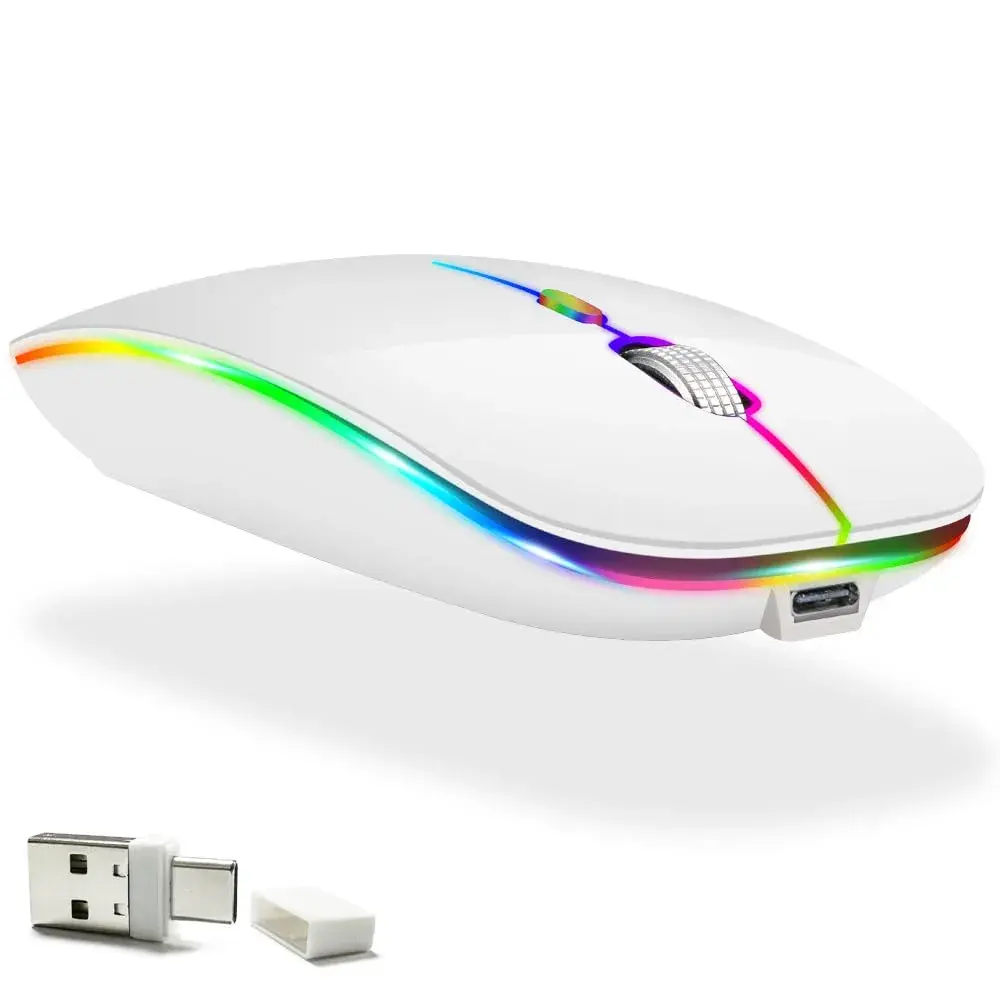
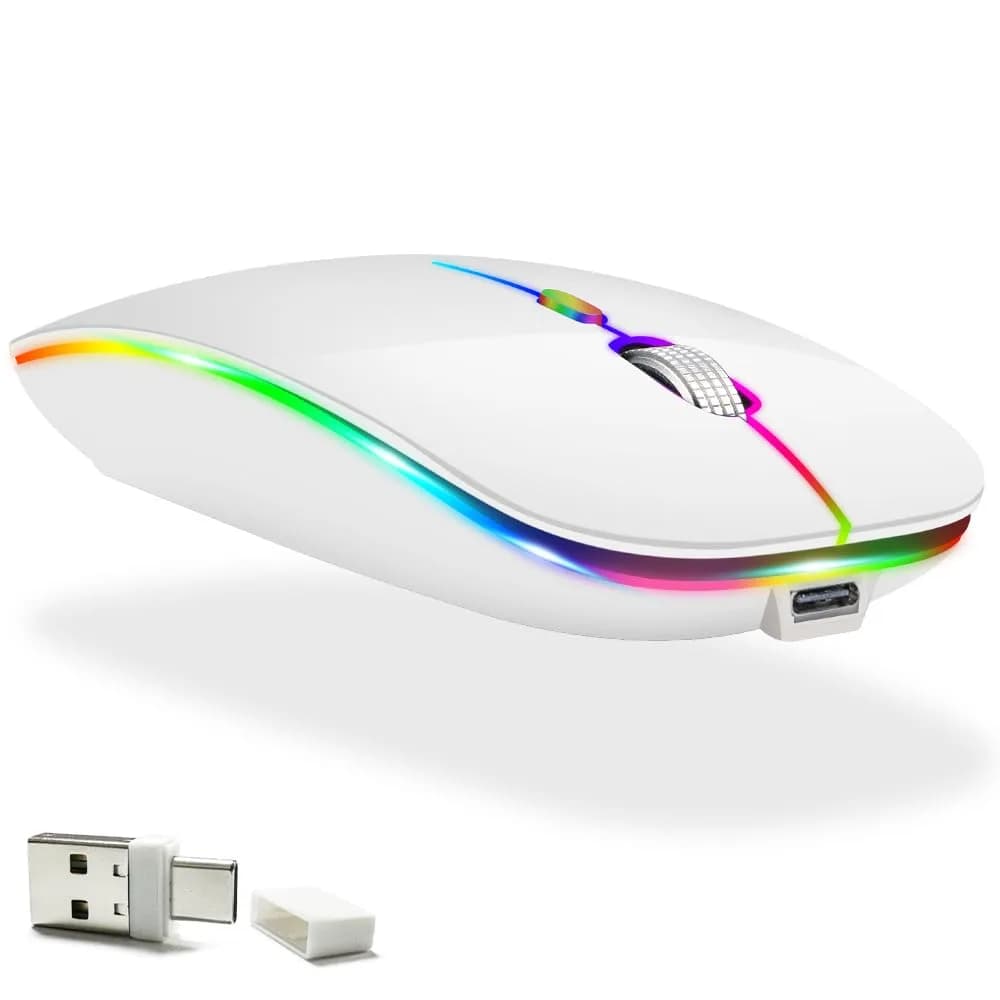
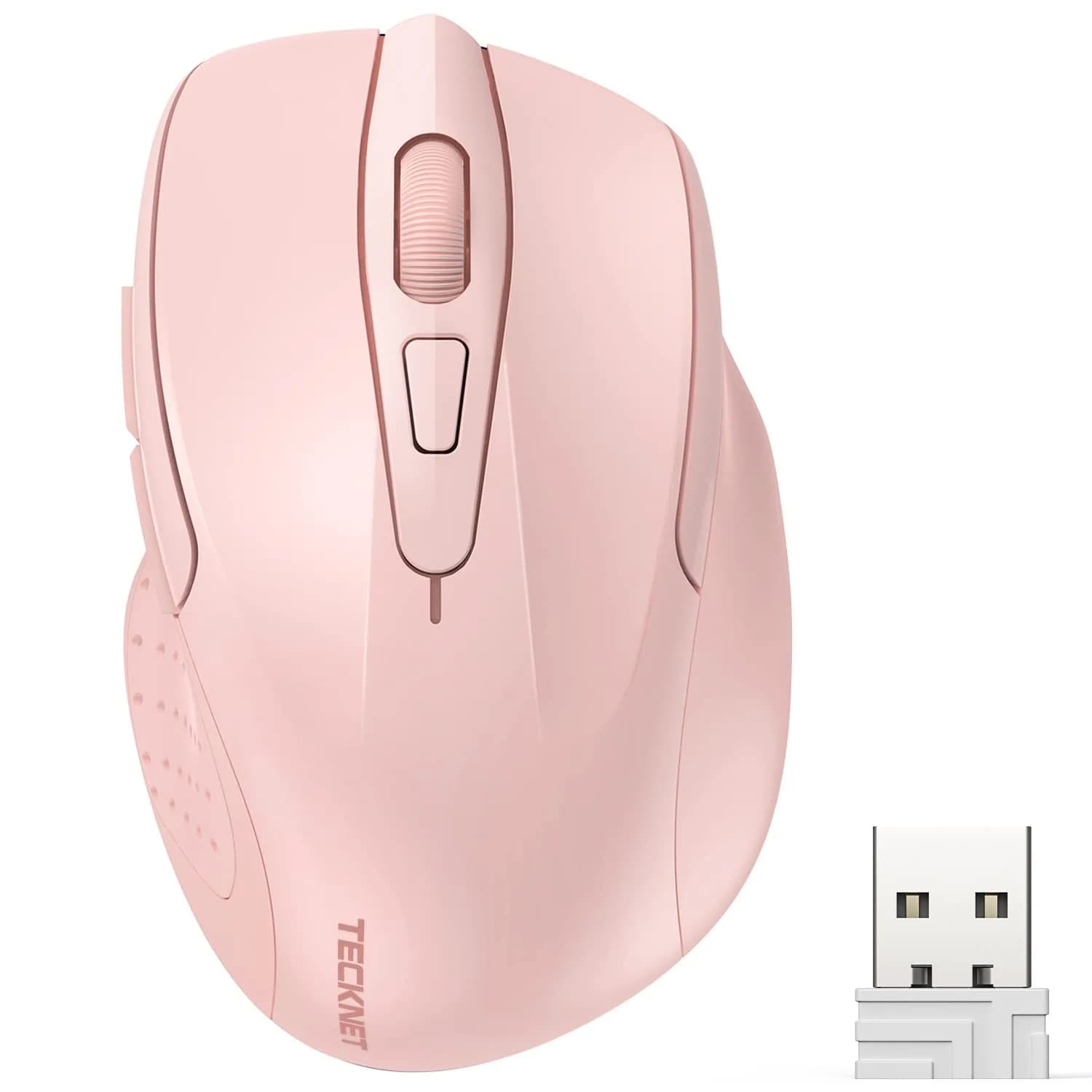
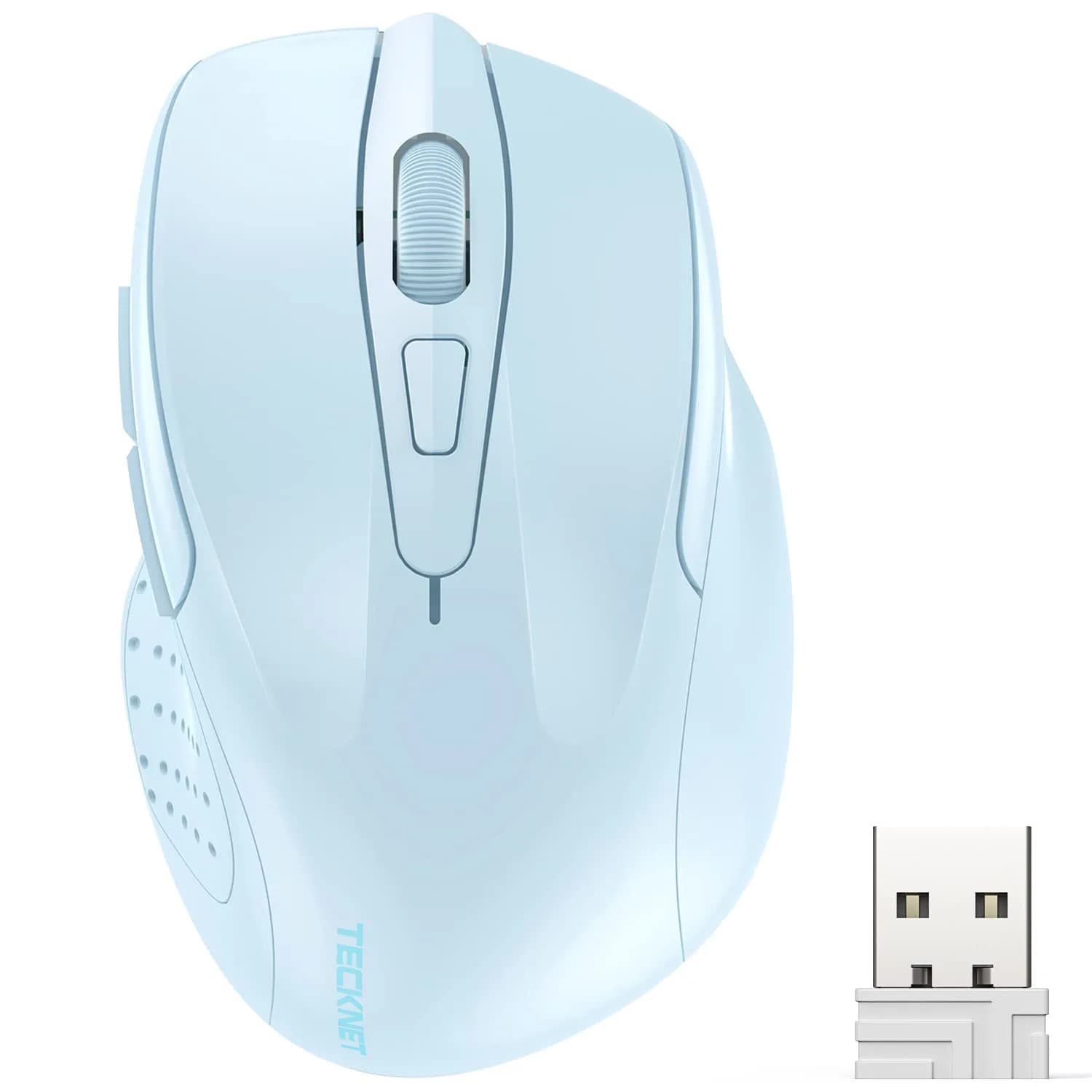
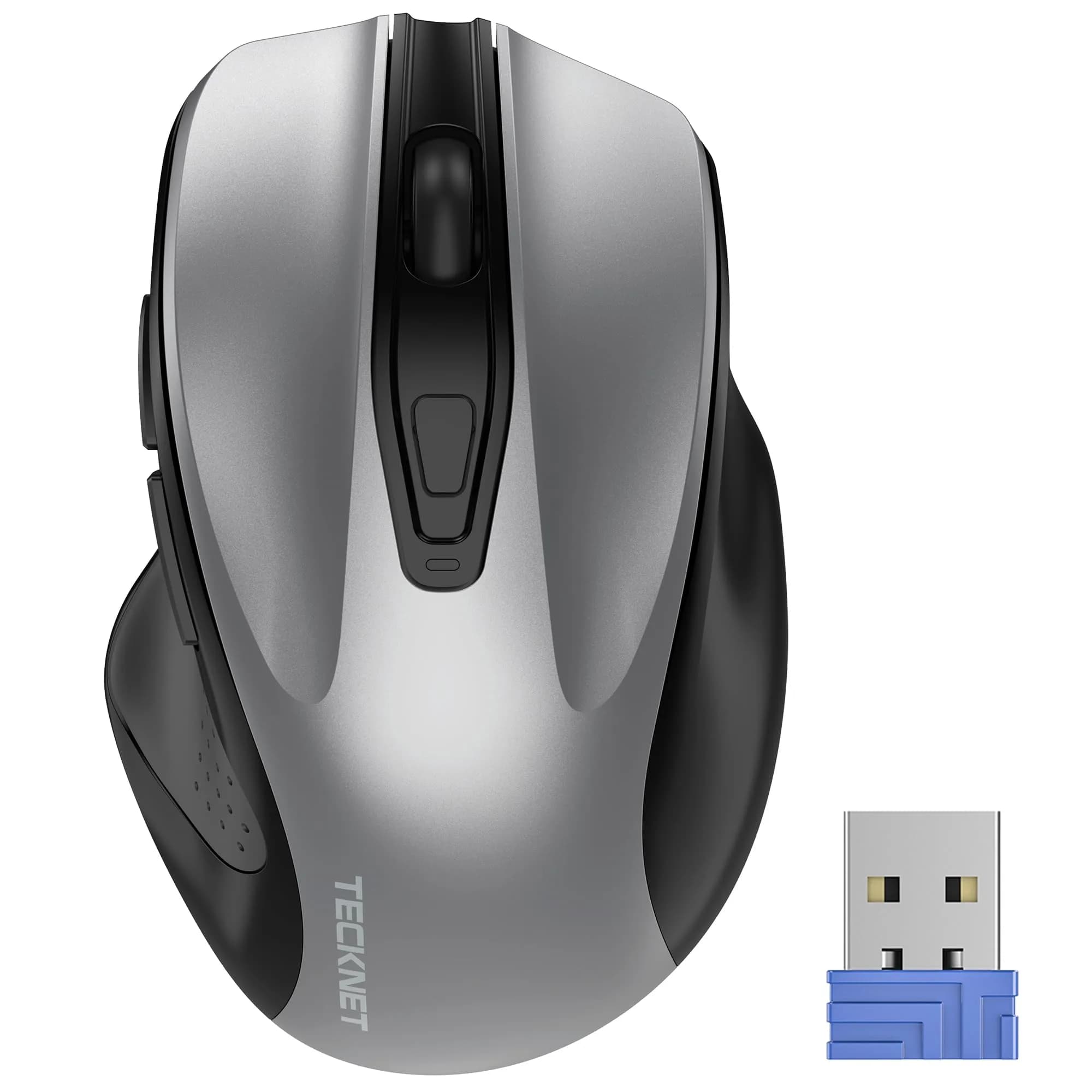
# KLO Rechargeable Wireless Mouse with Bluetooth 5.2/3.0, Type-C & 2.4G USB Receiver | Silent Optical Mouse for Mac, Windows, iPad, Laptop (White, 1-Pack)

**Brand:** KLO
**SKU:** mzq1248
**ASIN:** B07W1DV8LH
**Canonical URL:** https://crowcrowcrow.com/p/klo-rechargeable-bluetooth-5-2-3-0-type-c-usb-2-4g-mouse-macbook-air-ipad-wireless-laptop/mzq1248
**Category:** electronics
**Subcategory:** Categories
**Availability:** in_stock
**Price (INR, all-inclusive):** ₹2,103
**Discount:** 22%
**Customer rating:** 4.30/5 from 20,481 ratings

## Description

The KLO Rechargeable Wireless Mouse offers versatile 4-mode connectivity (Bluetooth 5.2/3.0, Type-C, 2.4G USB), ideal for MacBooks, iPads, and PCs. Enjoy silent clicks, adjustable DPI, and a long-lasting rechargeable battery. Imported from USA, duties included, with delivery expected within {{ccc_delivery_eta}}.

## Highlights

- Four Connectivity Modes — Seamlessly switch between Bluetooth 5.2, Bluetooth 3.0, USB 2.4G, and Type-C connections, offering unparalleled compatibility with virtually any modern laptop, tablet, or PC.
- Silent Clicks for Focus — Designed to reduce noise by up to 96% compared to standard mice, allowing for distraction-free work in shared spaces or quiet environments.
- Long-Lasting Rechargeable Battery — The built-in lithium polymer battery provides 7-30 days of use on a 2-3 hour charge, with automatic sleep mode to conserve power and extend standby time.
- Adjustable DPI for Precision — Choose from 1000, 1200, or 1600 DPI to freely adjust cursor speed and sensitivity, catering to precise tasks or fast-paced navigation needs.

## Key features

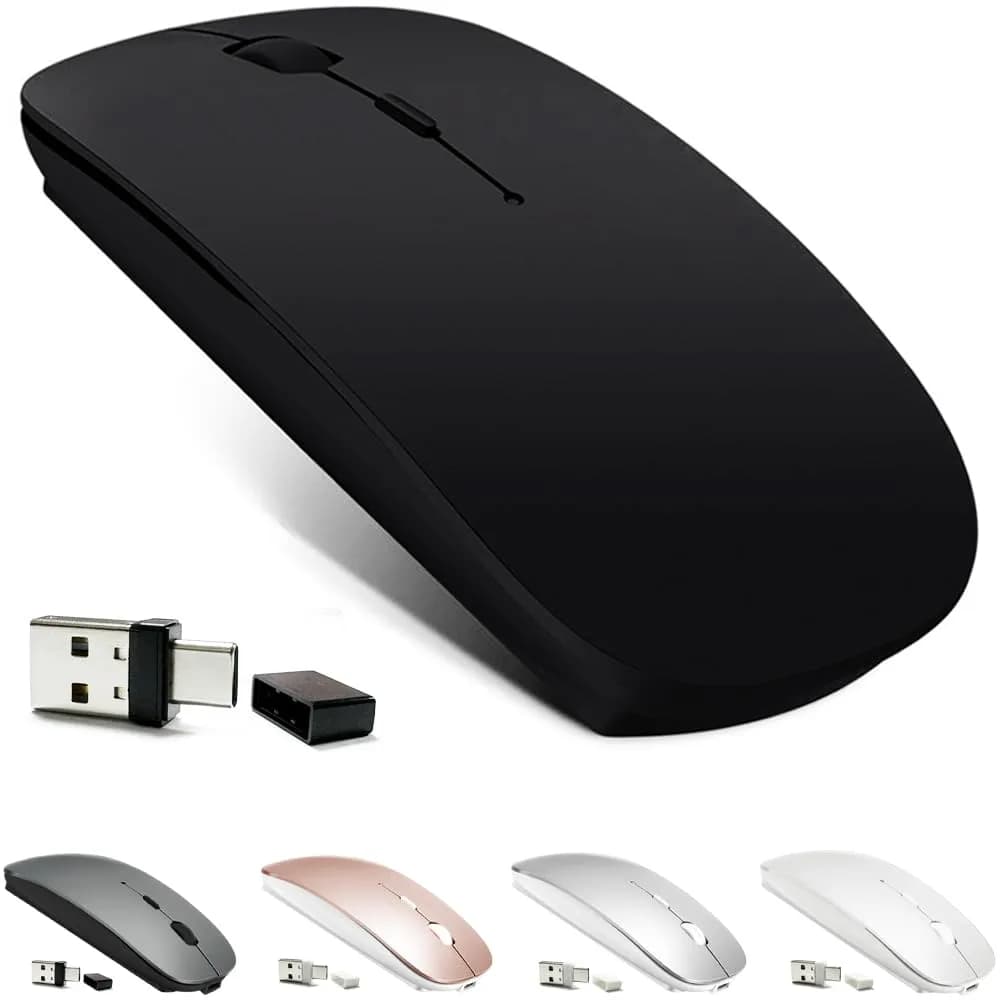
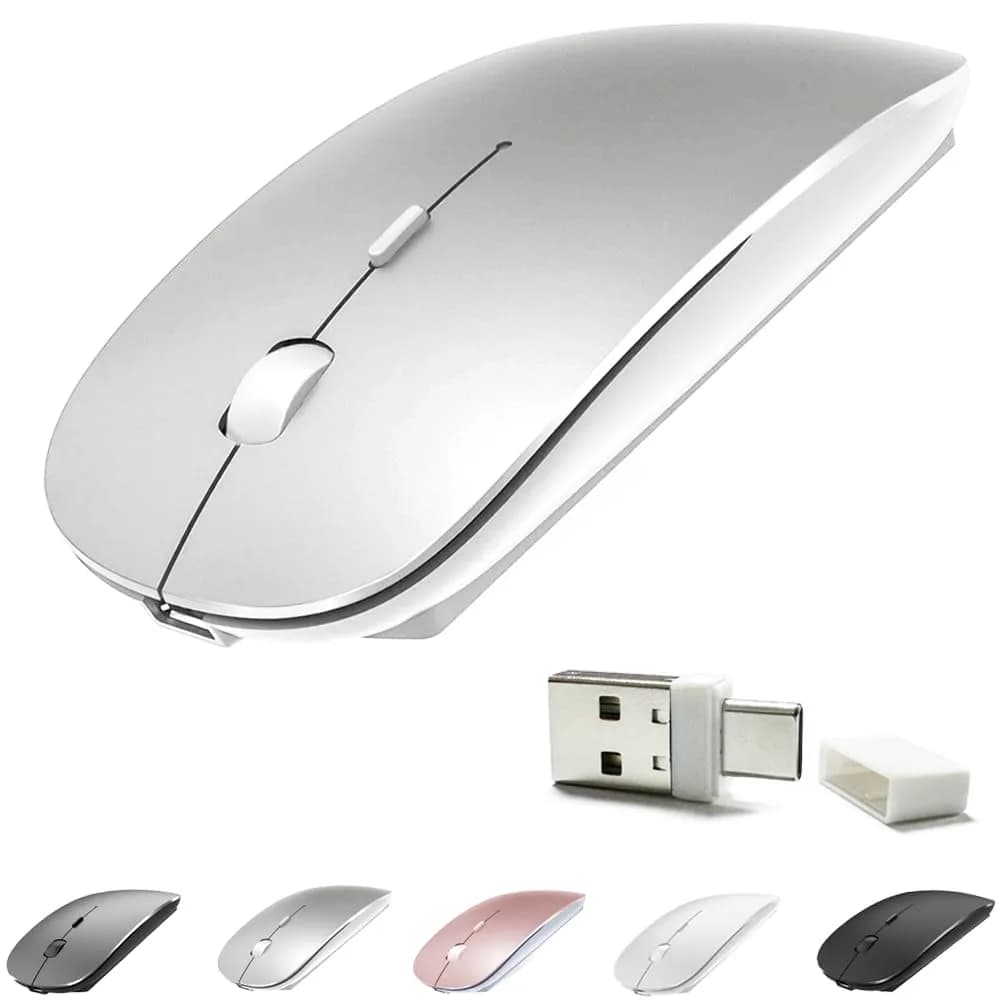
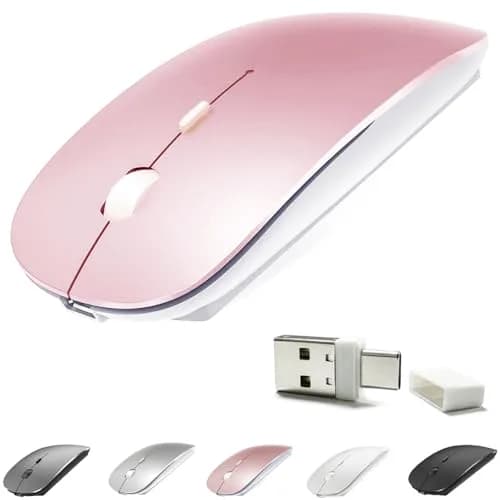
- Upgrade version Rechargeable 4 Modes bluetooth mouse(Bluetooth 3.0/5.2+USB2.4G/Type C), Dual-port 2-in-1 Receiver USB2.4G/Type-C You can switch between the 4 connection modes, adds more fun to the boring office life.
- It is compatible with Mac OS Windows XP, Vista, 7, 8, 10and is suitable for desktop, notebook, PC, Mac Macbook Pro/Air/ipad/iMac and other devices.
- Built-in durable Lithium polymer rechargeable battery,You can use the USB cable to charge the mouse without replacing the battery,Just 2-3 hours charging, you can use it about 7-30 days, Standby time is very long, energy-saving features, automatic sleep mode and wake-up mode are installed to save energy,If you do not use the mouse for 5 minutes, it will go to sleeping mode.
- 4 mode bluetooth mouse is designed ultra-silent and reduce noise by up to 96% compared with others, Sleek, well-built and lightweight , Contoured shape to fit comfortably in the palm of your hands so you can stay productive longer.
- 3 DPI switches (1000, 1200, 1600) change the speed of the mouse freely,This bluetooth mouse can meet your demand of daily office working and personal preference.

## Why choose this product

- This KLO mouse is engineered for the modern digital landscape, offering four distinct connection modes to ensure it works flawlessly with your devices. Whether you're using a MacBook Pro, an iPad Pro, a Windows laptop, or a desktop PC, this mouse adapts. Its dual-port receiver supports both USB 2.4G and Type-C, while Bluetooth 5.2 and 3.0 provide stable wireless connections. This level of compatibility surpasses many single-mode mice, offering a truly universal peripheral solution for diverse computing needs. — Advanced Connectivity & Compatibility
- This mouse is perfect for professionals, students, and anyone working in shared or quiet environments. Its silent click technology significantly reduces noise pollution, allowing for focused work without disturbing others. The ergonomic, lightweight design fits comfortably in the palm, reducing strain during long work sessions. While it offers excellent versatility, users requiring advanced gaming features like ultra-high polling rates or specific button macros might find dedicated gaming mice more suitable. For everyday productivity and quiet operation, this KLO mouse excels. — Ideal for Productivity & Quiet Workspaces

## How to use

1. Slide the bottom switch to the left (Bluetooth mode). On your device, go to Bluetooth settings, search for 'BT5.2/3.0 Mouse', and pair. For iOS/iPadOS 13+, enable AssistiveTouch in Settings > Accessibility > Touch, then pair via Bluetooth. — Connect via Bluetooth
2. Insert the dual-port receiver (USB 2.4G/Type-C) into your computer's port. Slide the bottom switch to the right (2.4GHz mode). The mouse will automatically connect and be ready for use. — Connect via USB 2.4G or Type-C
3. When the battery is low, connect the included USB charging cable to the mouse and a power source. The blue indicator light will illuminate during charging and turn off when fully charged (approx. 2-3 hours). — Charge the Mouse
4. Press the DPI button (usually located near the scroll wheel) to cycle through 1000, 1200, and 1600 DPI. Select the sensitivity level that best suits your task for optimal cursor control. — Adjust DPI Settings

## Product details

| Field | Value |
|---|---|
| Serving Size | N/A |
| Cost per use | Rechargeable — no per-use cost |
| Shelf life after opening | N/A (Durable product) |
| Reapplication math | N/A (Durable product) |
| Contraindications | Not suitable for left-handed users; may not meet needs of professional gamers requiring ultra-high DPI or specific macro functions. |
| Allergens / common irritants | N/A |
| Brand | KLO |
| Color | White |
| Material | Plastic |
| Dimensions (Mouse) | 11.2 cm x 5.6 cm x 2.5 cm (4.4 x 2.2 x 1 inches) |
| Weight (Mouse) | 91 g (3.2 oz) |
| Connectivity | Bluetooth 5.2/3.0, USB 2.4G, Type-C |
| DPI Settings | 1000 / 1200 / 1600 |
| Battery Type | Rechargeable Lithium Polymer |
| Battery Capacity | 600 mAh |
| Charging Time | 2-3 hours |
| Battery Life | 7-30 days (usage dependent) |
| Standby Time | Very long (automatic sleep mode) |
| Operating System Compatibility | Windows XP/Vista/7/8/10, Mac OS, iOS/iPadOS 13+, Chrome OS |
| Hand Orientation | Right |
| Sensor Technology | Optical |
| Noise Reduction | Up to 96% quieter clicks |

## Frequently asked questions

### How do I connect the KLO rechargeable mouse to my devices?

Connect via Bluetooth by switching the mouse to 'ON/OFF' left (Bluetooth mode), searching for 'BT5.2/3.0 Mouse' on your device, and pairing. For 2.4GHz mode, insert the USB/Type-C receiver into your computer and switch the mouse to 'ON/OFF' right. For iOS/iPadOS 13+, enable AssistiveTouch in Settings > Accessibility > Touch, then pair via Bluetooth settings.

### Is this KLO mouse compatible with Mac and iPad?

Yes, the KLO mouse is designed for broad compatibility. It works with Mac OS, MacBook Pro/Air, iPad/iPad Pro/iPad Air (iOS 13+), and iMac. It also supports Windows XP/Vista/7/8/10 and Chromebooks, making it a versatile choice for various Apple and PC ecosystems.

### How long does the rechargeable battery last and how do I charge it?

The built-in lithium polymer battery provides 7-30 days of use on a single 2-3 hour charge. The blue light beside the scroll wheel indicates charging and turns off when fully charged. Use the included USB charging cable for convenient recharging.

### What are the DPI settings and how do they affect performance?

This mouse offers three DPI settings: 1000, 1200, and 1600. Higher DPI values result in faster cursor movement and increased sensitivity, ideal for quick navigation or gaming. Lower DPI provides more precise control, suitable for detailed work like graphic design or editing. You can switch between these settings freely to match your task.

### Is this mouse suitable for gaming in India?

While this mouse offers adjustable DPI and reliable connectivity for general use, it is not specifically designed for high-performance gaming. For competitive gaming, consider mice with higher DPI ranges, faster polling rates, and specialized gaming features. This KLO mouse is best suited for office work, daily productivity, and general computing tasks.

### How do I ensure I get an authentic KLO mouse in India?

To ensure you receive an authentic KLO mouse, purchase from authorized importers like CrowCrowCrow. We source directly from authorized US retailers, ensuring factory-sealed products with all customs duties and GST included. Your order is shipped via ExpressBox with tracking, guaranteeing genuine products and a smooth import experience.

## Compliance

No product-specific compliance warnings identified. Standard imported-goods terms apply: customs duties & GST paid; for personal use in India; follow the manufacturer's usage instructions on the packaging.

## Images

1. https://images.crowcrowcrow.com/B07W1DV8LH-0.webp
2. https://images.crowcrowcrow.com/B07W1DV8LH-3.webp
3. https://images.crowcrowcrow.com/B07W1DV8LH-6.webp
4. https://images.crowcrowcrow.com/B07W1DV8LH-9.webp
5. https://images.crowcrowcrow.com/B07W1DV8LH-12.webp

---

Source: https://crowcrowcrow.com/p/klo-rechargeable-bluetooth-5-2-3-0-type-c-usb-2-4g-mouse-macbook-air-ipad-wireless-laptop/mzq1248

Returns: 30 days, free, by mail. Shipping: Free across India, 7–13 business days. Prices are all-inclusive (duties + GST).