# JOUNIVO USB Microphone JV-601 | 1.5m Cable, Noise-Canceling, Mute Button

**Brand:** JOUNIVO
**SKU:** htr7715
**ASIN:** B07N2WRHMY
**Canonical URL:** https://crowcrowcrow.com/p/jounivo-usb-microphone-360-degree-adjustable-gooseneck-design-mute-button-led-indicator/htr7715
**Category:** electronics
**Subcategory:** Categories
**Availability:** in_stock
**Price (INR, all-inclusive):** ₹3,023
**Discount:** 28%
**Customer rating:** 4.40/5 from 11,809 ratings

## Description

JOUNIVO JV-601 USB microphone offers clear, crisp audio with noise-canceling technology and a 360° adjustable gooseneck. Plug and play for PC and Mac, ideal for podcasts, gaming, and calls. Arrives via ExpressBox tracked delivery.

## Highlights

- Crystal Clear Voice Pickup — Omnidirectional condenser with noise-canceling technology captures your voice with high sensitivity, reducing echo and background noise for clear communication during calls or recordings.
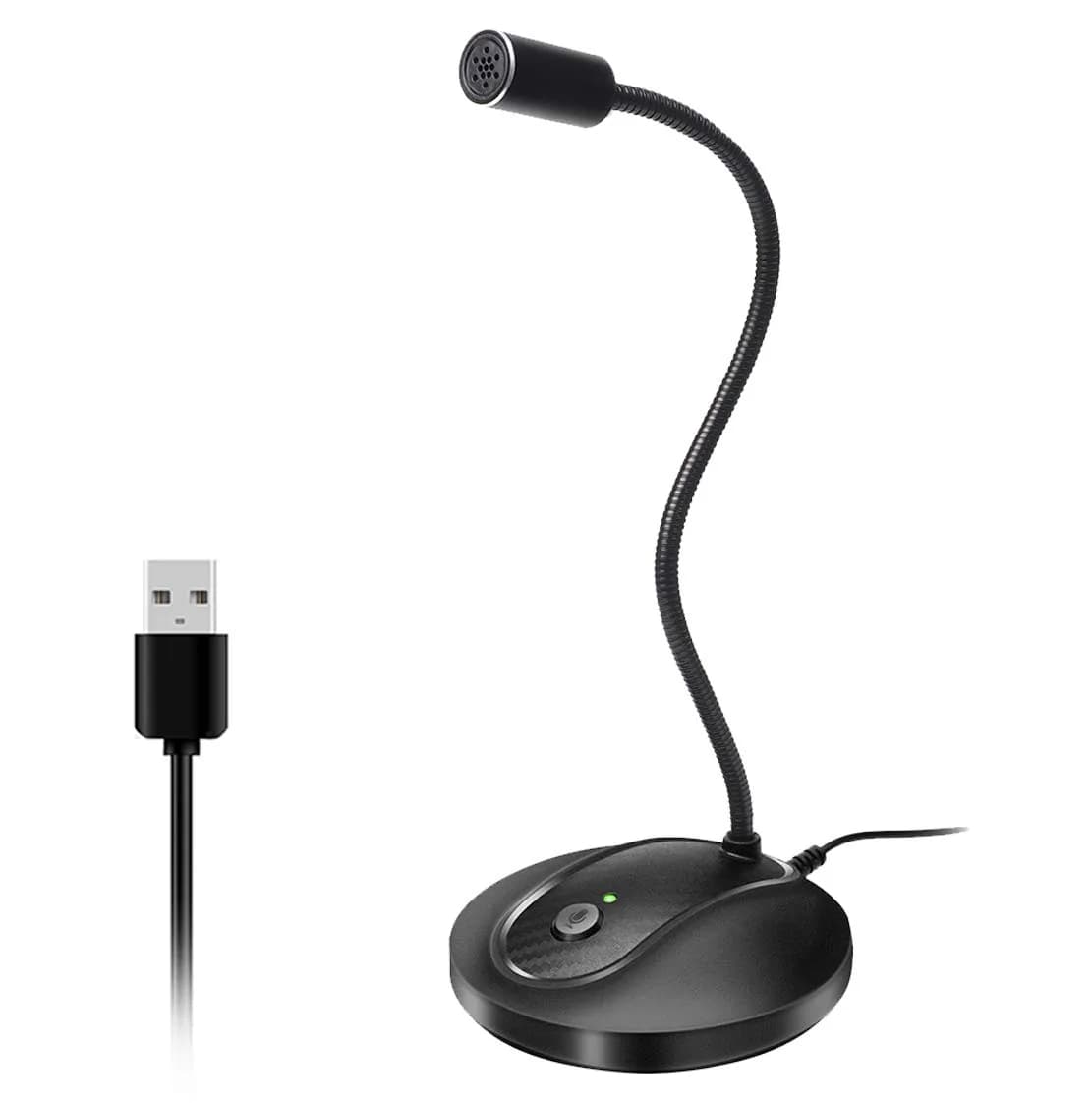
- Flexible 360° Positioning — The adjustable gooseneck allows you to easily position the microphone at the optimal angle for clear sound capture, perfect for gaming, dictation, or streaming setups.
- Instant Mute & Status LED — A convenient one-click mute button lets you instantly silence the microphone, with a clear LED indicator to show its active or muted status, preventing accidental broadcasts.
- Plug & Play Simplicity — Connects directly via USB to Windows and macOS computers without needing extra drivers, ensuring a quick and easy setup for immediate use in recording or communication.

## Key features

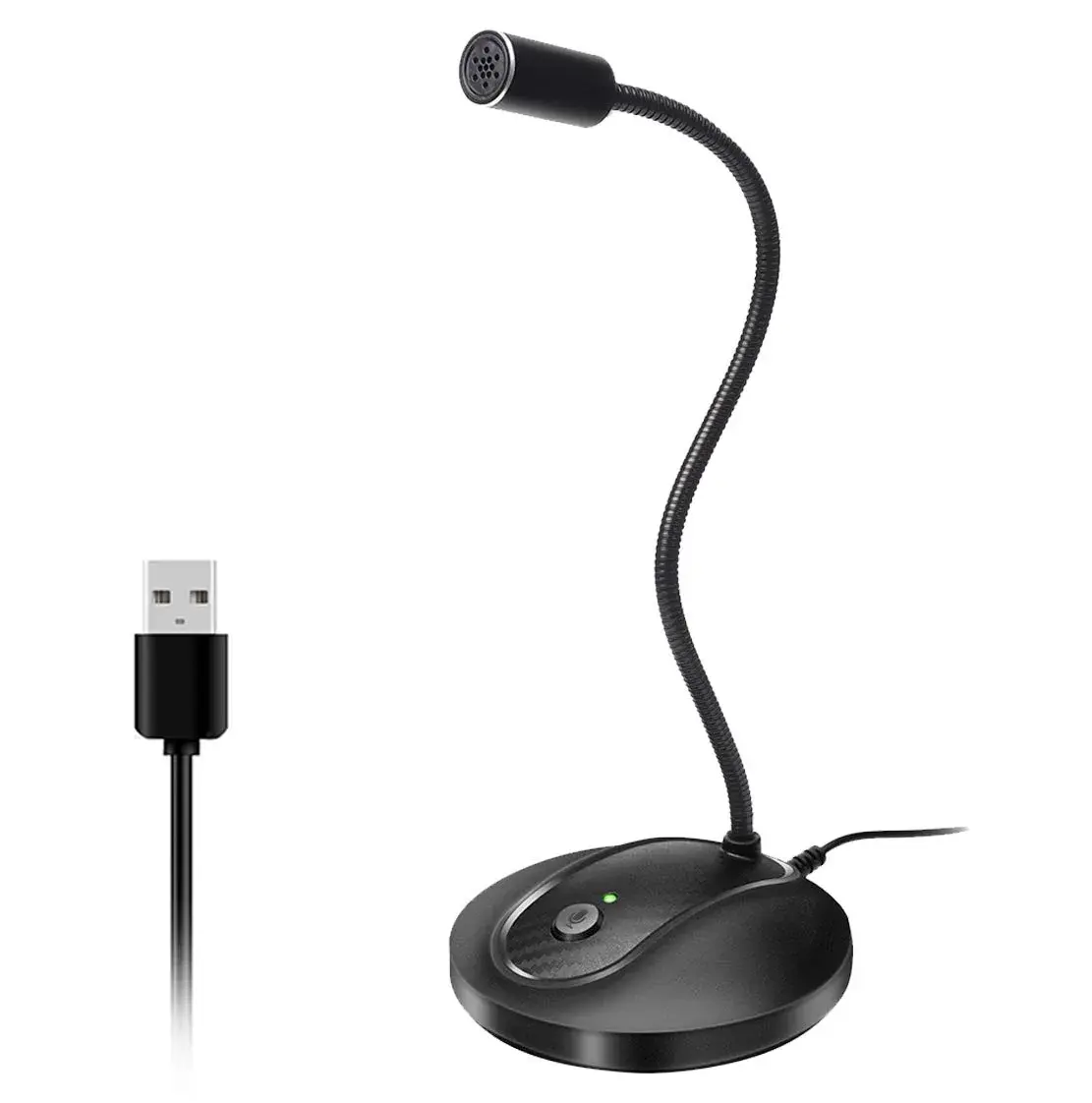
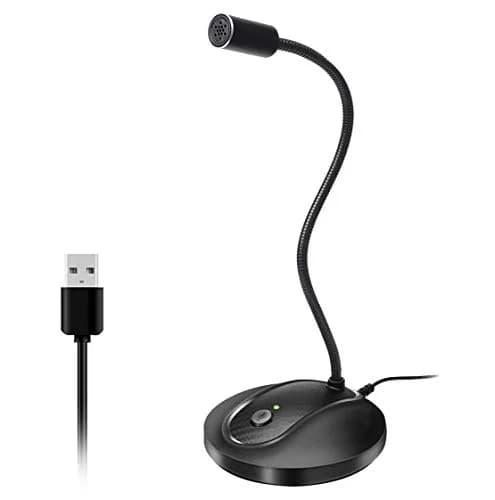
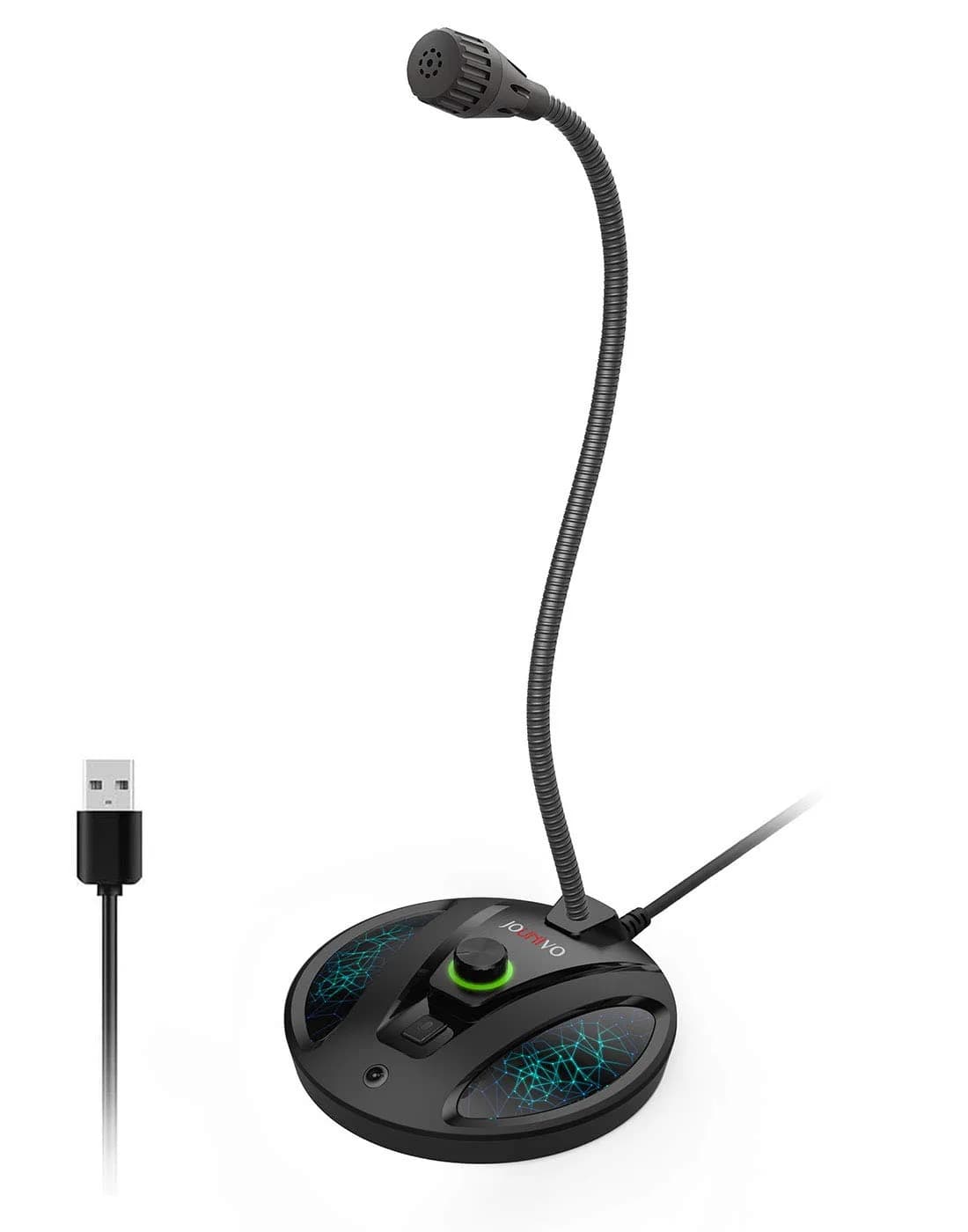
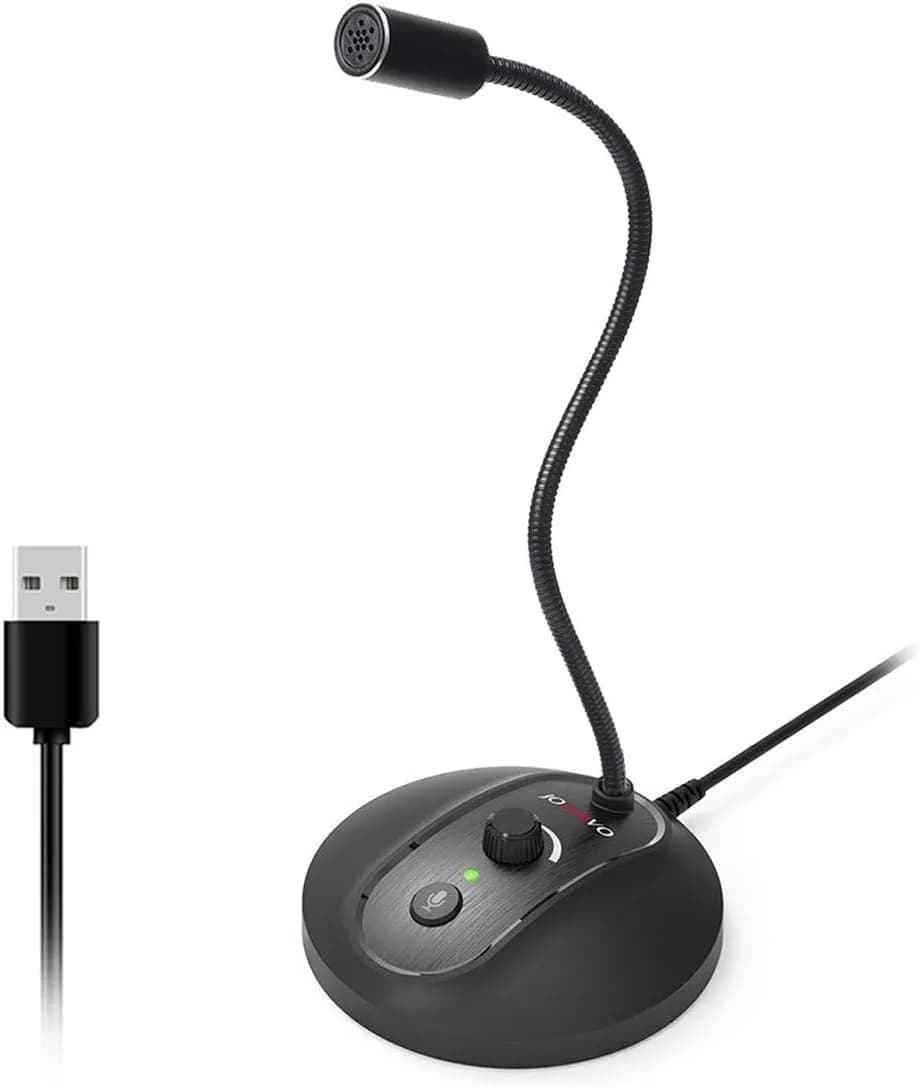
- 360 Degree Position Adjustable Gooseneck Design --Plug and play USB microphone Pick up the sound from 360-degree with high sensitivity, in the best possible location for sound to your PC gaming, dragon voice dictation, and talk to Cortana
- Mute Button & LED Indicator --One-click to mute/unmute your microphone for pc, Build-in LED indicator tells you the working status at any time
- Intelligent Noise-Canceling Tech --Premium omnidirectional condenser microphone with noise-canceling technology can pick up your clear voice and reduce background noise and echo
- USB Plug&Play(1.8/6ft USB Cable) -- No driver required. Just need to plug & play for the microphone to start recording, well compatible with Windows(7, 8, 10 and 11) and macOS. (NOT compatible with Xbox/Raspberry Pi/Android)
- Solid Construction--Adopting premium metal pipe and heavy-duty ABS stand to make sure that you will be satisfied with our computer mic quality

## Why choose this product

**Superior Audio Clarity for Indian Creators** — The JOUNIVO JV-601 microphone leverages advanced noise-canceling technology and an omnidirectional pickup pattern to deliver exceptionally clear audio. This ensures your voice cuts through ambient noise, whether you're in a busy home office or a bustling co-working space in India. Its flexible gooseneck and stable base allow for perfect positioning, enhancing vocal quality for podcasts, streaming, or online meetings. Unlike basic microphones, its design prioritizes crisp voice reproduction, making your content sound professional and engaging for your audience.

**Ideal for PC & Mac Users, Not for Mobile** — This microphone is perfectly suited for users with Windows or macOS computers, offering seamless plug-and-play connectivity via USB. It's an excellent choice for PC gaming, YouTube content creation, or professional dictation. However, it is explicitly not compatible with mobile devices like smartphones or tablets, nor with gaming consoles like Xbox or Raspberry Pi. For mobile or console-specific audio needs, alternative solutions would be required.

## How to use

1. Plug the USB end of the JOUNIVO microphone directly into an available USB port on your Windows or macOS computer. Avoid using USB hubs or extension adapters for optimal signal strength. — Connect to Your Computer
2. Adjust the flexible gooseneck to position the microphone head close to your mouth, ideally at a 45-degree angle, to capture your voice clearly and minimize background noise. — Position the Microphone
3. Your computer should automatically detect the microphone. If needed, go to your sound settings and select the JOUNIVO microphone (JV-601) as the default input device. Ensure the mute button is not active (LED is not red). — Configure Audio Settings
4. Perform a test recording or call to ensure audio is clear. Use the mute button as needed during calls or broadcasts. The LED indicator will show red when muted and off when active. — Test and Use

## Product details

| Field | Value |
|---|---|
| Microphone Type | Omnidirectional Condenser |
| Polar Pattern | Omnidirectional |
| Signal-to-Noise Ratio | 76 dB |
| Special Features | Volume Control, Mute Button, LED Indicator |
| Recommended Uses | Podcasting, Gaming, Streaming, Video Conference, Dictation, YouTube |
| Compatibility | Windows 7/8/10/11, macOS X (10.4.11+), PS4, PS3 |
| Not Compatible With | Xbox, Raspberry Pi, Android, USB Hubs/Extenders |
| Cost per use | 1 unit at ₹3,023 — ₹3,023 per unit |
| Shelf life after opening | N/A (Durable Product) |
| Reapplication math | N/A (Durable Product) |
| Contraindications | Not for use with USB hubs or extension adapters; not compatible with Xbox, Raspberry Pi, or Android devices. |
| Allergens / common irritants | None stated |
| Brand | JOUNIVO |
| Model | JV-601 |
| Color | JV-601 (Black) |
| Material | Metal, Acrylonitrile Butadiene Styrene (ABS) |
| Dimensions (Microphone Head) | 10.16 x 10.16 x 33.02 cm (4 x 4 x 13 inches) |
| Item Weight | 199.9 g (7.05 oz) |
| Cable Length | 1.5 m (5 ft) |
| Connectivity | USB |
| Power Source | Corded Electric |
| Country of Origin | Not stated by manufacturer — US retail version, sourced from authorized US retailers |

## Frequently asked questions

### How to choose a good microphone for PC in India?

For PC use in India, look for a USB microphone with noise-canceling technology and a clear pickup pattern like omnidirectional. The JOUNIVO JV-601 offers these features, along with plug-and-play compatibility for Windows and macOS, making it a reliable choice for podcasts, gaming, and calls without needing complex setup.

### Is this microphone safe to use daily?

Yes, the JOUNIVO JV-601 USB microphone is designed for regular use. Its solid construction with metal and ABS materials ensures durability for daily recording, gaming, or communication needs. It connects via USB and does not require batteries, making it a convenient and safe peripheral for your computer.

### Are microphones healthy for daily use?

Microphones themselves are generally safe for daily use and do not pose health risks. The JOUNIVO JV-601 is designed for clear audio capture and does not emit harmful radiation. Ensure proper usage and avoid excessively loud volume settings to protect your hearing when monitoring audio.

### How to use the JOUNIVO JV-601 microphone?

Simply plug the JOUNIVO JV-601 microphone into a USB port on your Windows or macOS computer. It's plug-and-play, so no drivers are needed. Adjust the flexible gooseneck to your preferred position. Use the mute button with its LED indicator to control when you are broadcasting your voice.

### What is the best microphone for PC gaming and streaming in India?

For PC gaming and streaming in India, a USB microphone with noise-canceling and a flexible gooseneck is ideal. The JOUNIVO JV-601 offers clear voice pickup, a mute button, and plug-and-play compatibility, making it suitable for capturing in-game chat and commentary effectively.

### Can I use this microphone daily for online calls?

Yes, the JOUNIVO JV-601 is well-suited for daily online calls. Its plug-and-play USB connection and clear audio capture ensure you are heard distinctly on platforms like Zoom or Teams. The mute button is handy for managing your audio during calls.

### What are the side effects of using a USB microphone?

There are no direct health side effects associated with using a standard USB microphone like the JOUNIVO JV-601. Ensure you use it at appropriate volume levels to protect your hearing. Avoid connecting it through USB hubs or extension adapters, as this can weaken the signal and affect performance.

### What are the benefits of a noise-canceling microphone?

Noise-canceling microphones, like the JOUNIVO JV-601, significantly reduce background noise such as fans, keyboard clicks, or ambient chatter. This ensures your voice is clear and prominent, improving communication quality for online meetings, gaming, and content creation, especially in noisy environments.

### Is this microphone compatible with Raspberry Pi or Xbox?

No, the JOUNIVO JV-601 USB microphone is not compatible with Raspberry Pi or Xbox. It is designed specifically for Windows and macOS computers and PS4/PS3 consoles. Using it with incompatible devices may result in no audio output or functionality.

## Compliance

No product-specific compliance warnings identified. Standard imported-goods terms apply: customs duties & GST paid; for personal use in India; follow the manufacturer's usage instructions on the packaging.

## Images

1. https://images.crowcrowcrow.com/B07N2WRHMY-2.webp
2. https://images.crowcrowcrow.com/B07N2WRHMY-5.webp
3. https://images.crowcrowcrow.com/B07N2WRHMY-8.webp
4. https://images.crowcrowcrow.com/B07N2WRHMY-11.webp
5. https://images.crowcrowcrow.com/B07N2WRHMY-14.webp
6. https://images.crowcrowcrow.com/B07N2WRHMY-17.webp

---

Source: https://crowcrowcrow.com/p/jounivo-usb-microphone-360-degree-adjustable-gooseneck-design-mute-button-led-indicator/htr7715

Returns: 14 days, free pickup, full refund on genuine issues. Shipping: Free across India, 20-23 days. Prices are all-inclusive (duties + GST).