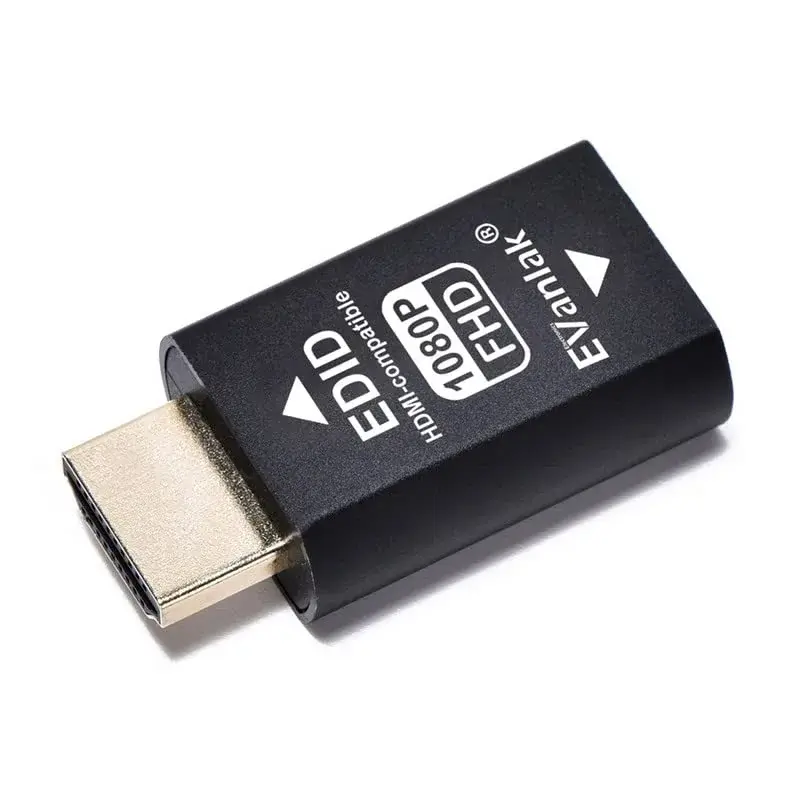
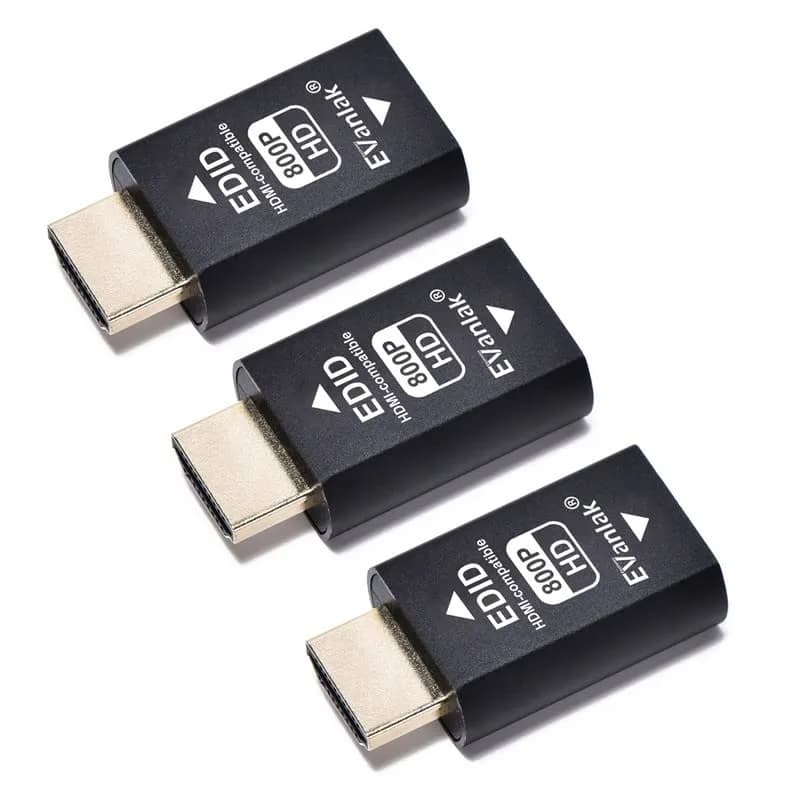
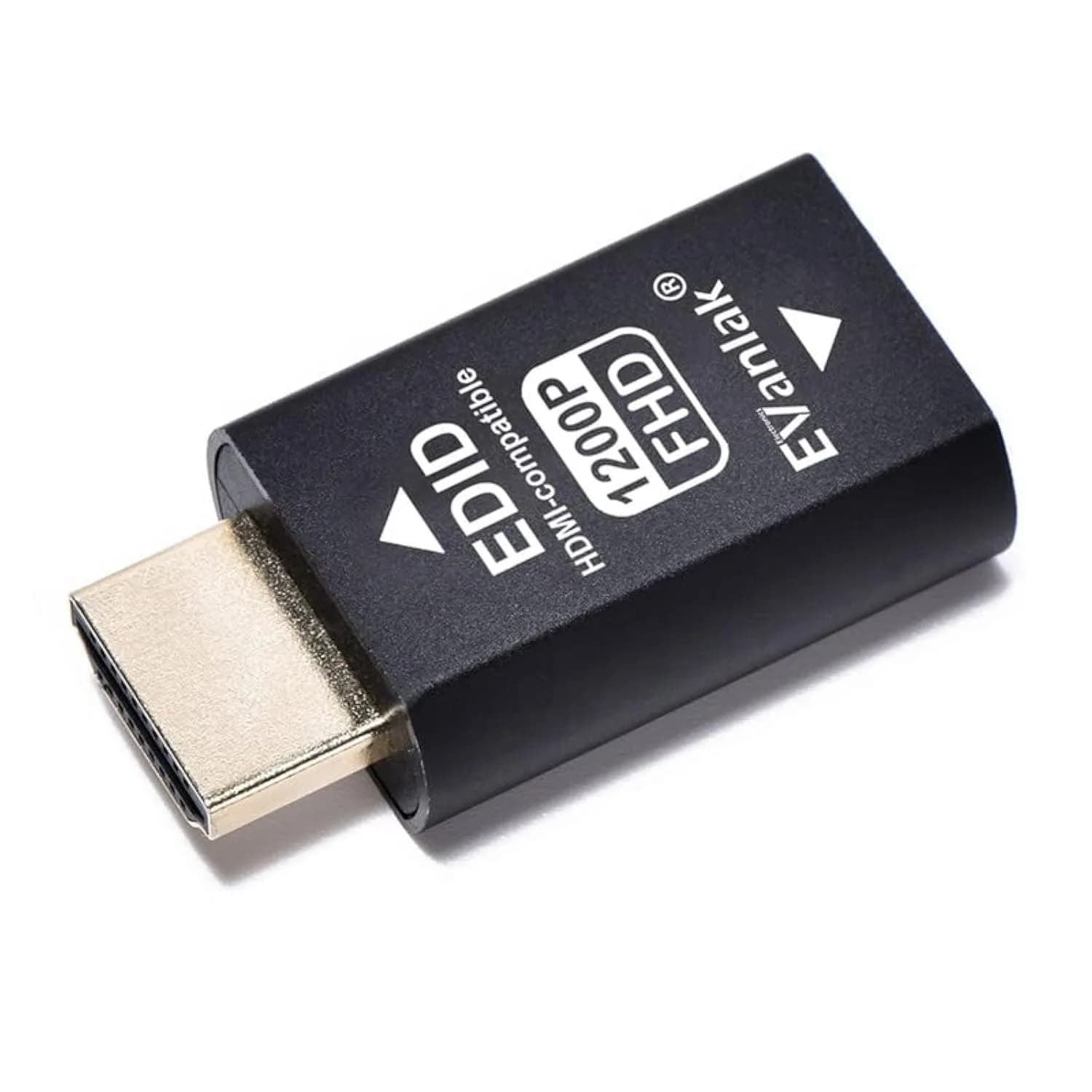
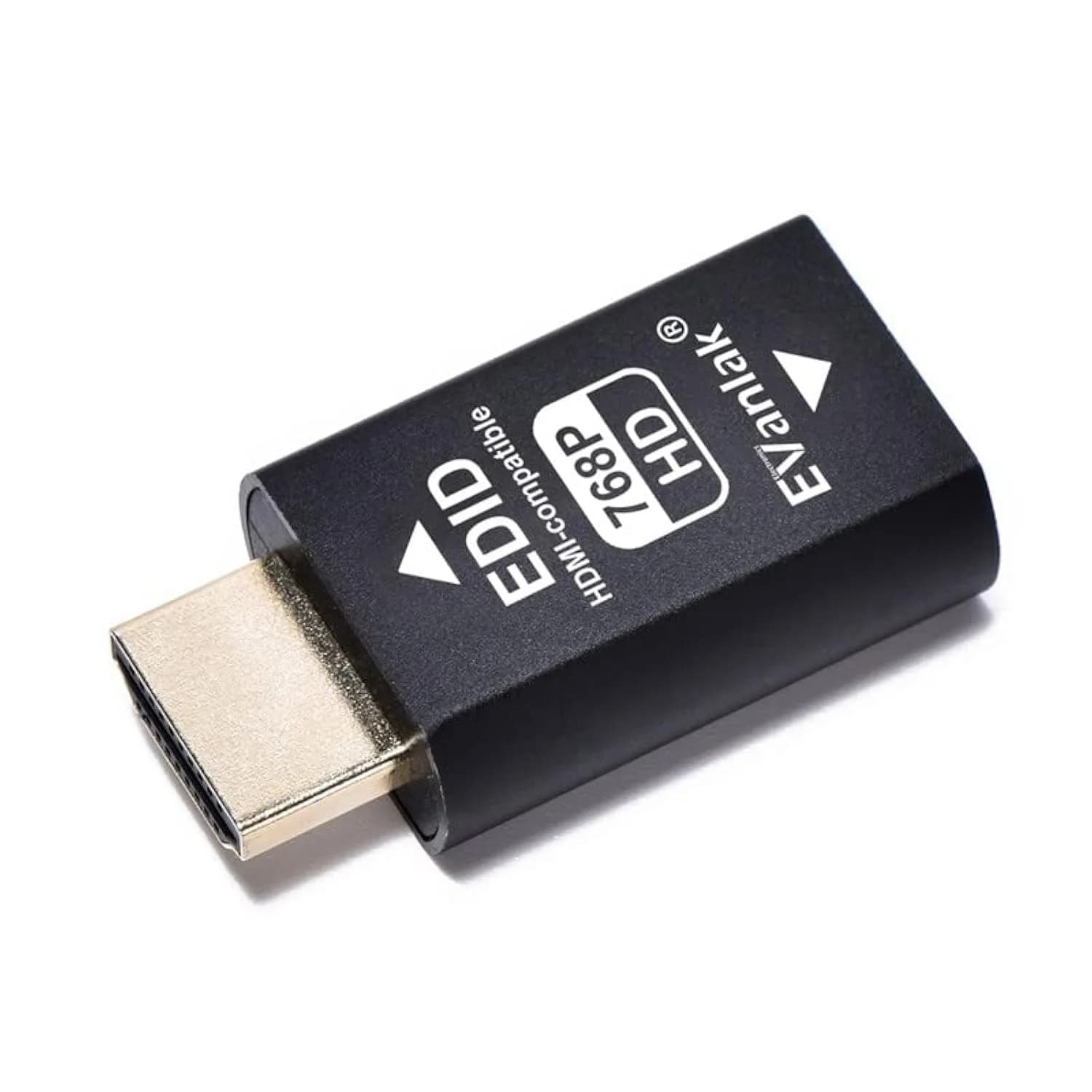
# EVanlak HDMI EDID Emulator Passthrough 1080p @ 60Hz | Solves Sync Issues for Mac Thunderbolt to HDMI

**Brand:** EVanlak
**SKU:** vre7010
**ASIN:** B07YMS18T7
**Canonical URL:** https://crowcrowcrow.com/p/evanlak-hdmi-edid-emulator-passthrough-3rd-generrtion-aluminum-eliminated-adapter-work-mac-2/vre7010
**Category:** electronics
**Subcategory:** Categories
**Availability:** in_stock
**Price (INR, all-inclusive):** ₹2,632
**Discount:** 25%
**Customer rating:** 4.20/5 from 290 ratings

## Description

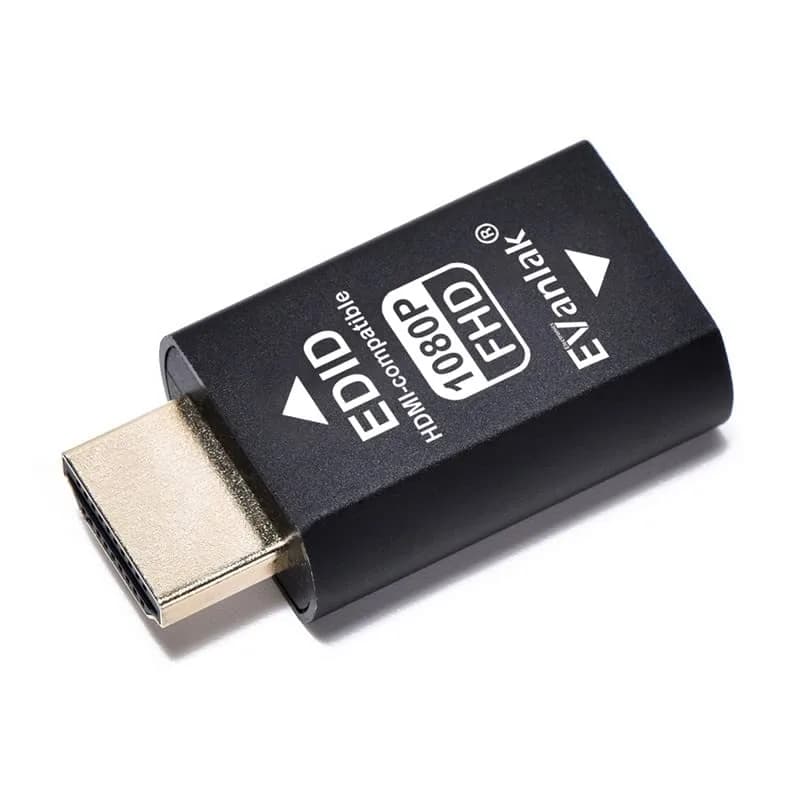
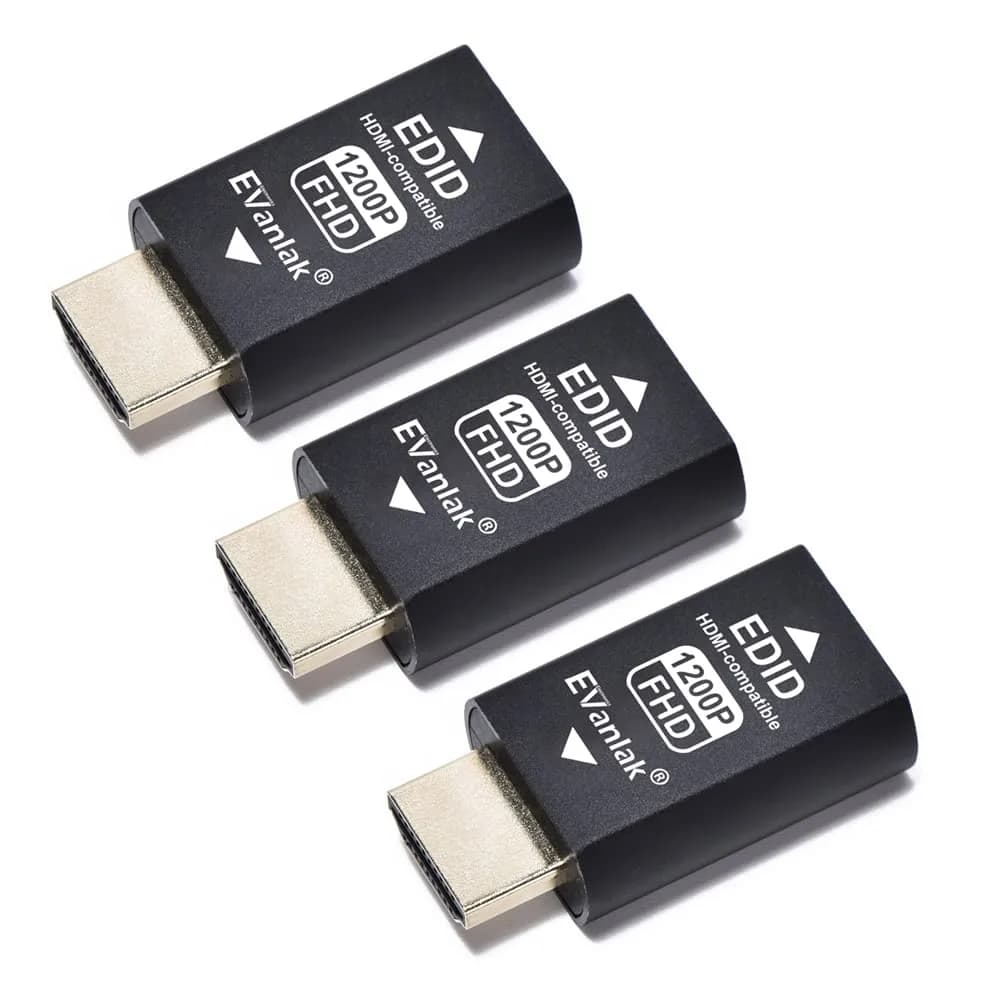
EVanlak HDMI EDID Emulator Passthrough (1080p @ 60Hz) ensures your Mac Thunderbolt to HDMI setup stays synced. Prevents desktop rearrangement when displays are powered off or unplugged. Works with AV receivers and video splitters, acting as a virtual monitor. Compact aluminum design.

## Highlights

- Maintains Display Sync — Prevents desktop rearrangement when displays are powered off or unplugged, ensuring your multi-monitor setup remains stable and configured as intended.
- Virtual Monitor Functionality — Acts as a virtual monitor, allowing you to set a specific resolution for your PC even when no physical display is connected, useful for remote access or specific software needs.
- Wide Compatibility — Works seamlessly with Mac Thunderbolt to HDMI connections, AV receivers, video splitters, and PCs, supporting various pixel formats and 2.1 audio.
- Compact Aluminum Build — Features a durable and compact aluminum casing (0.8 x 1.6 x 0.5 inches), making it easy to integrate into any setup without adding bulk.

## Key features

- Bi-directional EDIDthe source can be male or female connect.Pixel Format:YCbCr 4:4:4, 4:2:2, 4:2:0,RGB.Audio: 2.1 1920*1080The default resolution1920*1080@60HzThe resolution range800*600@60Hz~1920*1080@60Hz
- Perfect match multimedia setup that requires keeping HDMI displays in "sync" all the time, HDMI lock EDID solve a "loss of sync" issue with multiple HDMI displays. No more desktop re-arranging each time you power on or off a TV displays can plugged into a full size DisplayPort to HDMI adapter and this adapter works flawlessly
- nothing changes to turn off the TV multi-monitor system ( or even unplug the HDMI ) without the PC going into convulsions trying to rearrange the desktop for the remaining screens. The PC will doesn't notice that one of it's screens disappearedwork with mac. thunderbolt to HDMI you will discover this as the"miracle fix"
- HDMI lock EDID can be used close laptop lid remote into at Designat resolution, and can serve as a virtual monitor when it is not used
- International products have separate terms, are sold from abroad and may differ from local products, including fit, age ratings, and language of product, labeling or instructions.

## Why choose this product

- Seamless Display Continuity — Tired of your desktop rearranging every time you turn off your TV or unplug a monitor? The EVanlak HDMI EDID Emulator Passthrough solves this common frustration. This 3rd generation adapter ensures your Mac Thunderbolt to HDMI setup, AV receiver, or video splitter maintains its display configuration. It acts as a virtual monitor, locking in your desired resolution and preventing the PC from reconfiguring itself. Experience uninterrupted workflow and a stable multimedia environment, crucial for productivity and entertainment.
- Ideal for Multi-Monitor Setups — This emulator is perfect for users with complex multi-monitor systems, especially those using Mac Thunderbolt to HDMI connections. It's designed for individuals who frequently power devices on and off or need to ensure consistent display output. If you experience sync issues or desktop shuffling, this adapter provides a 'miracle fix'. It's also beneficial for remote access scenarios where a virtual display is needed. While it offers broad compatibility, users with highly specialized or older display setups might find it beneficial to confirm specific resolution support.

## How to use

1. Plug the male HDMI end of the EVanlak EDID Emulator into the HDMI output port of your source device (e.g., PC, Mac Thunderbolt adapter). Ensure a secure connection. — Connect the Emulator
2. Connect your display device (e.g., monitor, TV, AV receiver) to the female HDMI port of the EDID emulator using a standard HDMI cable. Ensure this cable is also securely connected. — Connect Display Device
3. Power on your source device and display. The emulator will automatically provide EDID information. If using as a virtual monitor, you can set your desired resolution in your PC's display settings. — Power On and Configure

## Product details

| Field | Value |
|---|---|
| Pixel Format | YCbCr 4:4:4, 4:2:2, 4:2:0, RGB |
| Audio Support | 2.1 |
| Default Resolution | 1920x1080@60Hz |
| Resolution Range | 800x600@60Hz to 1920x1080@60Hz |
| Power Source | Bus-powered (no external power required) |
| Control Method | Remote (virtual monitor function) |
| Compatible Devices | Mac, PC, AV Receivers, Video Splitters, TVs |
| Specific Uses | Maintain display sync, prevent desktop rearrangement, virtual monitor |
| Brand | EVanlak |
| Model Number | E1080P-1PC |
| Color | Black |
| Material | Aluminum |
| Dimensions (L x W x H) | 1.6 x 0.8 x 0.5 inches (4.06 x 2.03 x 1.27 cm) |
| Weight | 0.02 kilograms (0.71 oz) |
| Number of Ports | 2 |
| Connector Type | HDMI |
| Connector Gender | Male-to-Female |
| Country of Origin | Not stated by manufacturer — US retail version, sourced from authorized US retailers |

## Frequently asked questions

### How do I solve sync issues with my HDMI displays in India?

The EVanlak HDMI EDID Emulator Passthrough solves sync issues by maintaining a constant EDID signal. This prevents your PC from rearranging the desktop when displays are powered off or unplugged. It works with Mac Thunderbolt to HDMI connections and other multimedia setups, ensuring your display configuration remains stable.

### Can this HDMI EDID emulator work with my Mac Thunderbolt to HDMI setup?

Yes, this EVanlak HDMI EDID Emulator is specifically designed to work with Mac Thunderbolt to HDMI connections, ensuring seamless integration and preventing display sync problems. It helps maintain your multi-monitor setup's configuration even when devices are powered off or unplugged.

### What is the default resolution and range for this HDMI EDID emulator?

The default resolution for this EVanlak HDMI EDID Emulator is 1920x1080@60Hz. It supports a resolution range from 800x600@60Hz up to 1920x1080@60Hz, making it versatile for various display needs.

### Can this adapter be used as a virtual monitor?

Yes, the EVanlak HDMI EDID Emulator can serve as a virtual monitor. This feature allows you to set a specific resolution for your PC even when no physical display is connected, which is useful for remote access or specific software requirements.

### Does this HDMI EDID emulator work with India's voltage?

This HDMI EDID emulator is a passive adapter and does not connect to mains power, so it is compatible with all electrical systems worldwide, including India's 230V grid. No voltage adapter or converter is needed.

### How does this adapter prevent desktop rearrangement?

The EDID emulator provides a constant, locked EDID signal to the source device. This tricks the PC into believing a display is always connected and configured, thus preventing it from reordering icons or changing display settings when a physical display is turned off or disconnected.

## Compliance

This device is a passive adapter and does not require voltage conversion. It is compatible with standard HDMI ports and does not pose electrical hazards. Ensure correct connection to source and display devices.

## Images

1. https://images.crowcrowcrow.com/B07YMS18T7-0.webp
2. https://images.crowcrowcrow.com/B07YMS18T7-2.webp
3. https://images.crowcrowcrow.com/B07YMS18T7-4.webp
4. https://images.crowcrowcrow.com/B07YMS18T7-6.webp
5. https://images.crowcrowcrow.com/B07YMS18T7-8.webp
6. https://images.crowcrowcrow.com/B07YMS18T7-10.webp

---

Source: https://crowcrowcrow.com/p/evanlak-hdmi-edid-emulator-passthrough-3rd-generrtion-aluminum-eliminated-adapter-work-mac-2/vre7010

Returns: 30 days, free, by mail. Shipping: Free across India, 7–13 business days. Prices are all-inclusive (duties + GST).