# ANYQOO Active Stylus Pen for HP Laptops 1024 Pressure Levels | 2500 Hours Battery Life

**Brand:** ANYQOO
**SKU:** mam9467
**ASIN:** B07WZFK3YF
**Canonical URL:** https://crowcrowcrow.com/p/active-pen-omnibook-envy-x360-spectre-pavilion-palm-rejection-3/mam9467
**Category:** electronics
**Subcategory:** Categories
**Availability:** in_stock
**Price (INR, all-inclusive):** ₹3,591
**Customer rating:** 4.30/5 from 710 ratings

## Description

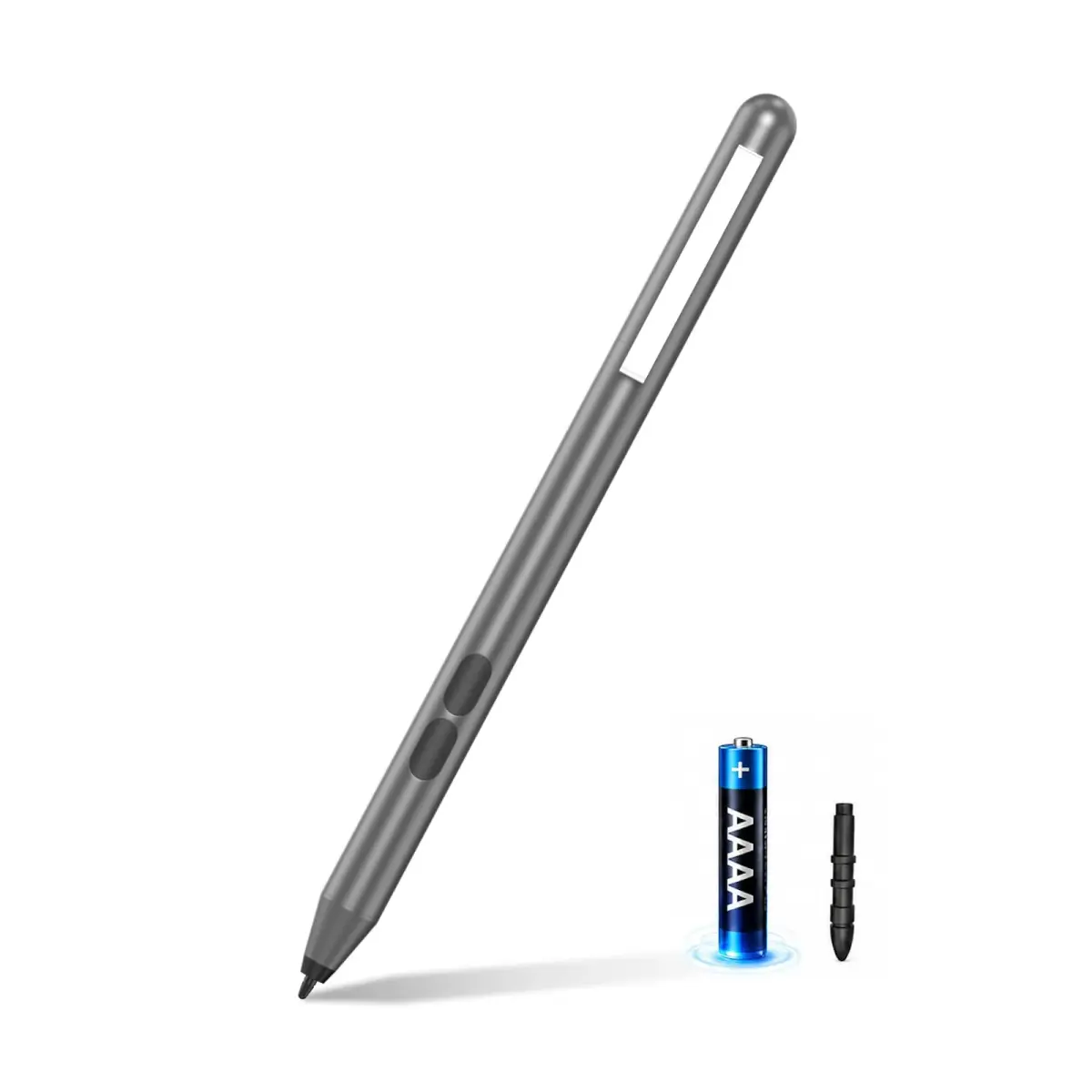
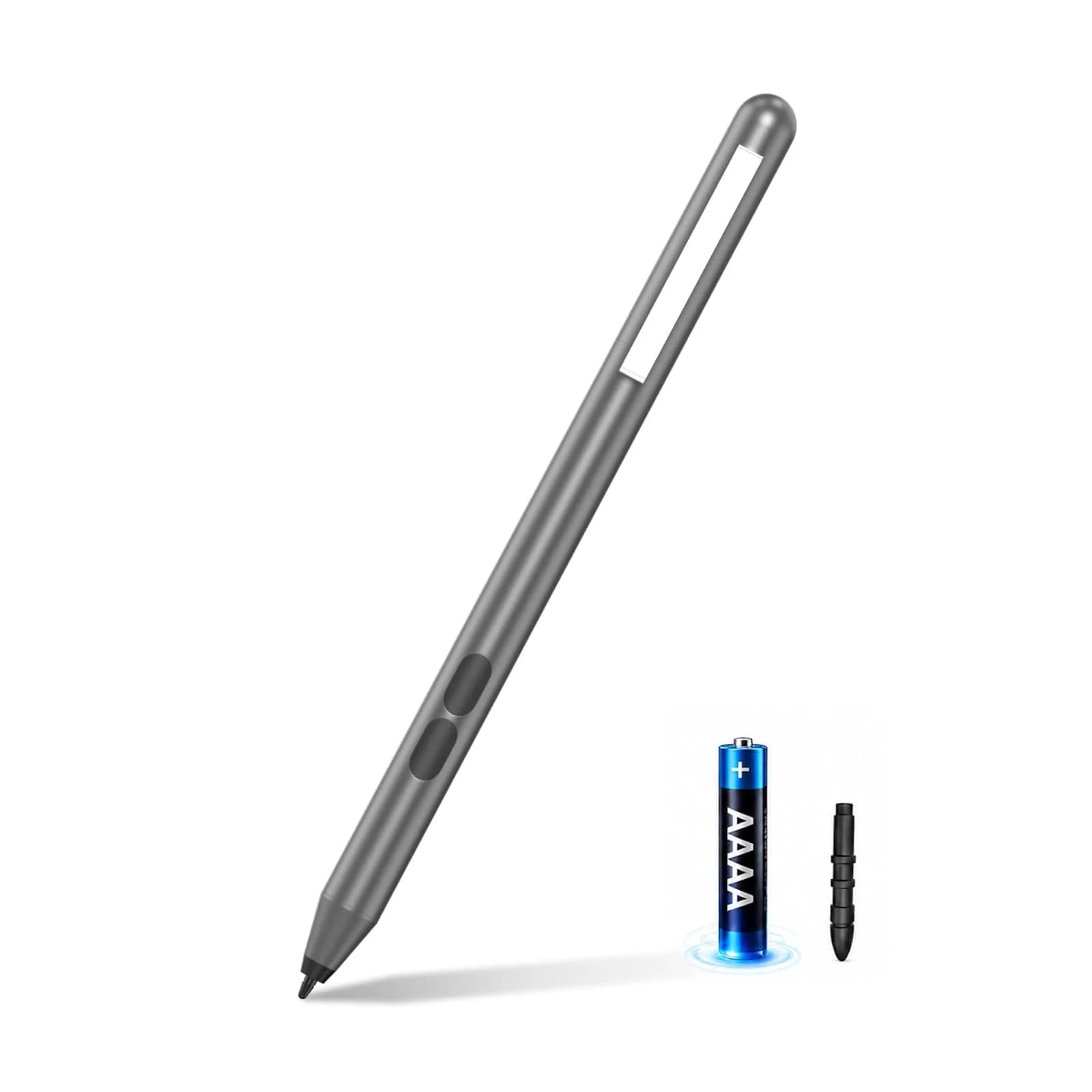
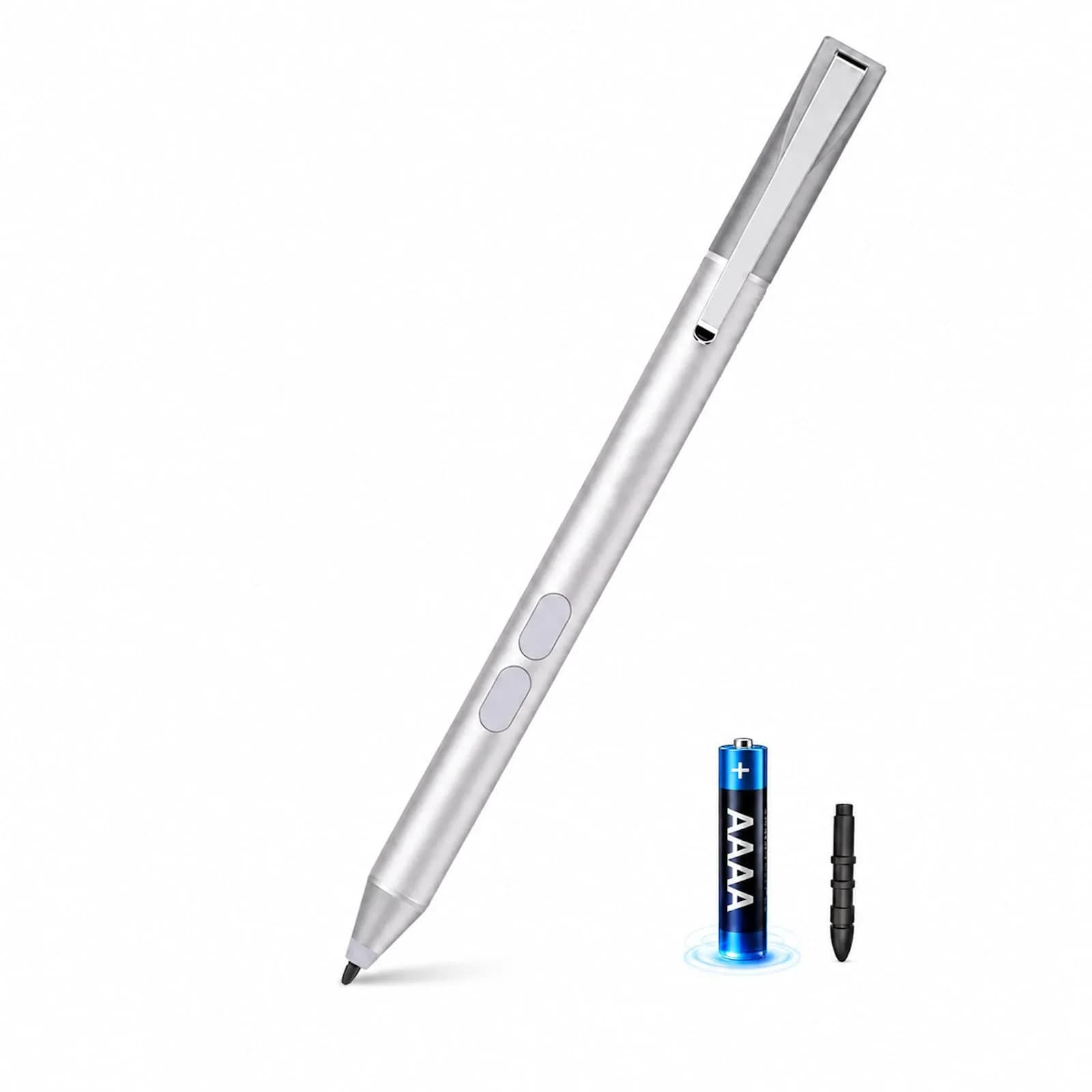
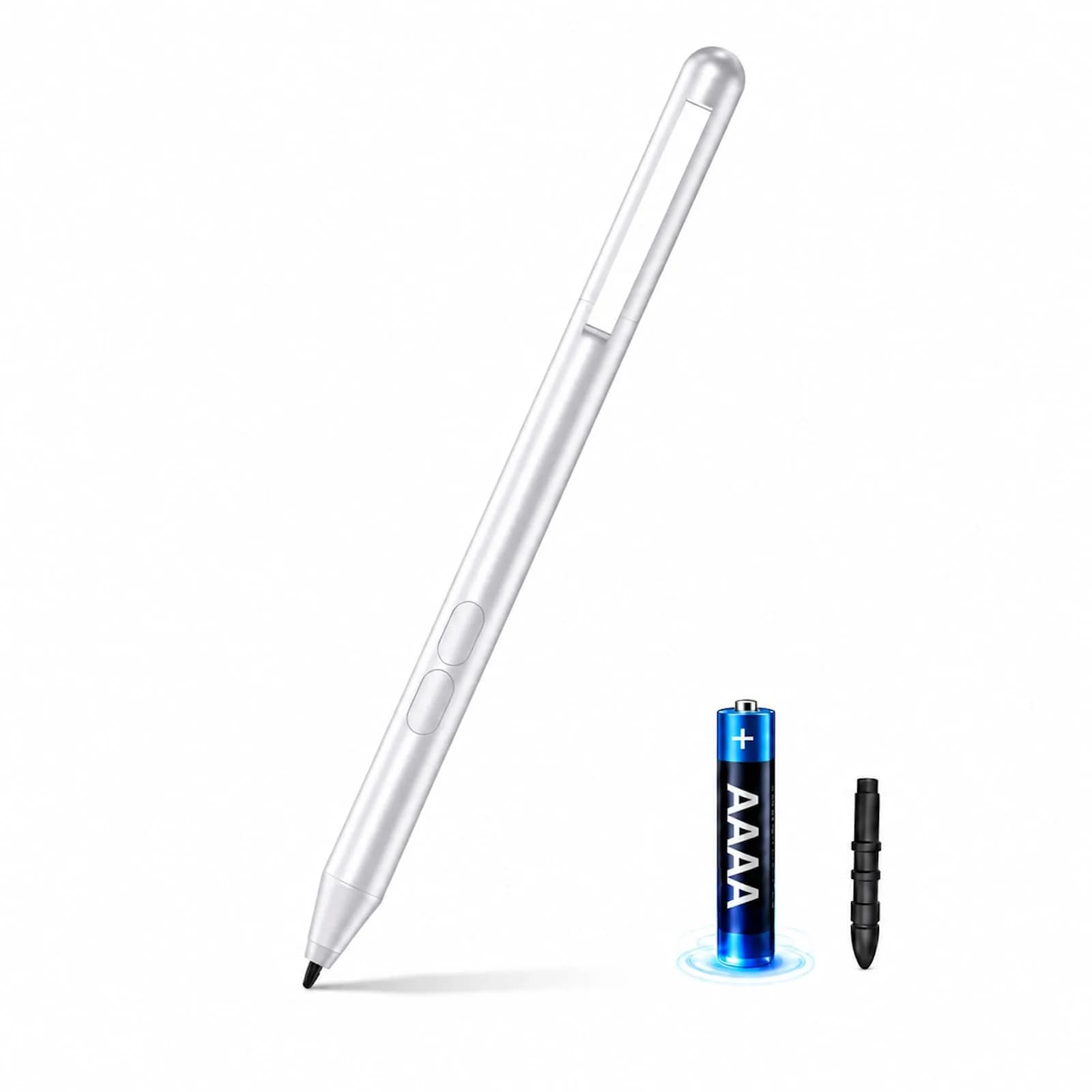
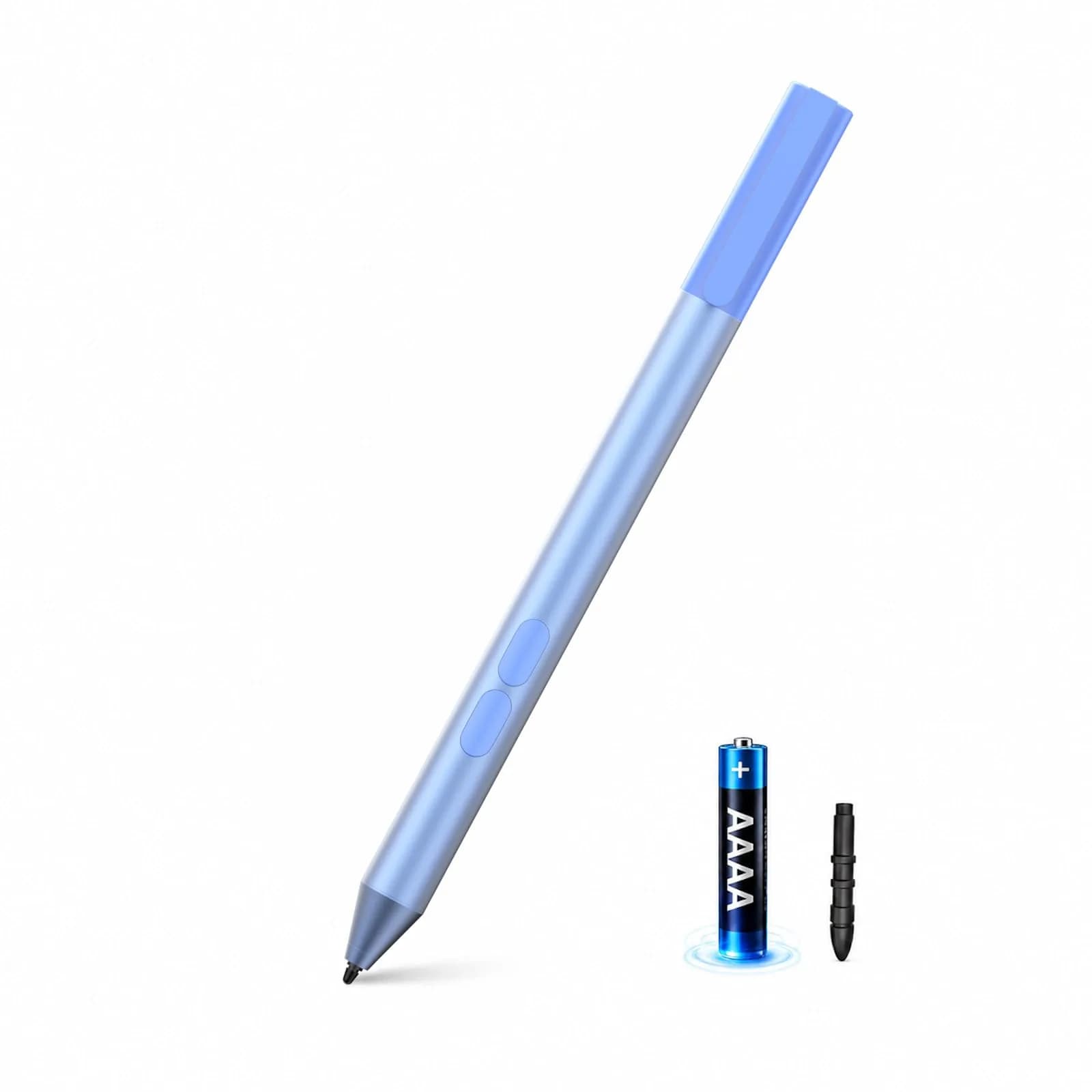
ANYQOO Active Stylus Pen for HP laptops offers 1024 pressure levels and palm rejection for precise digital art and note-taking. Powered by a AAAA battery, it provides up to 2500 hours of use, ensuring uninterrupted creativity for professionals and students. Imported from USA, duties included.

## Highlights

- Precision Drawing & Writing — Achieve detailed artwork and smooth notes with 1024 pressure levels and tilt support, mimicking a natural pencil feel for varied line weights and artistic expression.
- Long-Lasting Battery Life — Operates on a single AAAA battery for up to 2500 hours, providing consistent performance without frequent recharging or carrying extra cables.
- Smart Palm Rejection — Rest your hand naturally on the touchscreen without creating accidental marks, enabling comfortable, extended sessions for note-taking or digital journaling.
- Ready to Use, No Pairing — Simple setup: insert the battery and begin writing. Features two shortcut buttons for erase and right-click, enhancing workflow efficiency.

## Key features

- 【Engineered for HP Omnibook X & Envy】Seamlessly compatible with the latest HP models, including Omnibook X Flip, Envy x360, Spectre x360, and Pavilion series. Utilizing advanced MPP 1.51 technology, this mpp stylus pen provides an instant, lag-free connection—perfect for professionals and students using HP 2-in-1 laptops.
- 【Precise Smooth & 1024 Pressure Sensitivity】Unlock your artistic potential with professional-grade tilt support and 1024 levels of pressure sensitivity. Whether you're sketching on an Omnibook 7 or shading on an Envy 15, this hp envy x360 pen mimics the natural feel of a pencil, allowing for varied line weights and smooth artistic expression.
- 【Smart Palm Rejection & Smooth Writing】Experience a true paper-like feel. Our smart palm rejection technology allows you to rest your hand naturally on the touchscreen without accidental marks. Ideal for long hours of note-taking, digital journaling, or document signing with this stylus for hp envy laptop.
- 【AAAA Power & Long Battery Life】Unlike rechargeable styluses that require frequent USB-C charging, our hp omnibook pen supports battery operation with an incredible 300-day ultra-long battery life. You never need to worry about running out of power or carrying a charging cable around. Easy replacement, stable performance, and long-lasting use for all your daily needs.
- 【Ready to Use - No Bluetooth Required】Simple and intuitive: just put in the battery and start writing. No complex Bluetooth pairing or driver installation needed. Features two quick-access shortcut buttons (Erase/Right-click) to speed up your workflow. This practical hp stylus works perfectly on HP Omnibook 5/7 and Ultra series.

## Why choose this product

**Engineered for HP Precision** — This active stylus pen utilizes Microsoft Pen Protocol (MPP) 1.51, ensuring low latency and high responsiveness specifically for HP Omnibook, Envy x360, Spectre, and Pavilion laptops. It offers 1024 pressure levels for nuanced digital art and smooth writing, a feature often found in higher-end accessories. The smart palm rejection technology allows for natural hand placement, enhancing comfort during long note-taking sessions or creative work. Its ergonomic design includes a pen clip to prevent rolling and loss, making it a practical tool for students and professionals alike.

**Who It's For vs. Who Should Skip** — Ideal for users of compatible HP laptops (Omnibook, Envy x360, Spectre, Pavilion series) who need precise digital input for drawing, note-taking, or document signing. It's perfect for students, artists, and professionals seeking a lag-free, responsive stylus experience. Skip if your HP laptop does not support the MPP protocol, as compatibility is crucial for functionality. Also, consider other options if you require advanced features like tilt sensitivity beyond basic pressure levels or a rechargeable battery instead of AAAA.

## How to use

1. Unscrew the pen's cap at the top. Carefully insert the included AAAA battery, ensuring correct polarity (+/-) alignment as indicated inside the compartment. Screw the cap back on securely. — Insert Battery
2. Ensure your HP laptop model supports the Microsoft Pen Protocol (MPP) 1.51. Check your laptop's specifications or manufacturer's website. This step is crucial for the pen to function correctly with your device. — Verify Compatibility
3. Simply bring the pen tip to your HP laptop's touchscreen. No Bluetooth pairing or software installation is needed. Use the pen for note-taking, drawing, or interacting with apps. Utilize the side buttons for erase or right-click functions. — Start Writing or Drawing

## Product details

| Field | Value |
|---|---|
| Protocol | Microsoft Pen Protocol (MPP) 1.51 |
| Pressure Levels | 1024 |
| Battery Type | AAAA Alkaline |
| Shortcut Buttons | 2 (Erase/Right-click) |
| Power Source | 1 x AAAA Battery (included) |
| Battery Life | Up to 2500 hours |
| Compatibility | HP Omnibook X Flip, Envy x360, Spectre x360, Pavilion series (MPP 1.51 compatible models) |
| Setup | No Bluetooth or driver installation required |
| Cost per use | 2500 hours of use — ₹1.44 per hour |
| Shelf life after opening | N/A |
| Reapplication math | N/A |
| Contraindications | HP models not supporting MPP protocol |
| Allergens / common irritants | None listed |
| Brand | ANYQOO |
| Color | Gray |
| Material | Aluminum |
| Dimensions (L x W x H) | 5.3 inches x 0.3 inches x 0.3 inches (13.46 cm x 0.76 cm x 0.76 cm) |
| Weight | 0.09 lbs (0.04 kg) |
| Country of Origin | Not stated by manufacturer — US retail version, sourced from authorized US retailers |

## Frequently asked questions

### How to buy an original ANYQOO Active Stylus Pen for HP laptops in India?

Purchase the ANYQOO Active Stylus Pen for HP laptops directly from crowcrowcrow.com. We import authentic products from authorized US retailers, ensuring they are factory-sealed and shipped per order. All customs duties and GST are included in the listed price, and your order is tracked via ExpressBox for secure delivery across India.

### Is this ANYQOO stylus pen compatible with my HP laptop?

This pen is designed for HP laptops supporting the Microsoft Pen Protocol (MPP) 1.51, including many Omnibook X Flip, Envy x360, Spectre x360, and Pavilion models. Please verify your specific HP model's compatibility with MPP 1.51 before purchasing to ensure seamless functionality.

### Does the ANYQOO HP stylus pen support palm rejection?

Yes, the ANYQOO Active Stylus Pen features smart palm rejection technology. This allows you to rest your hand naturally on the touchscreen while writing or drawing, preventing accidental marks and providing a true paper-like feel for comfortable, extended use.

### How long does the battery last on the ANYQOO HP stylus pen?

The ANYQOO HP stylus pen is powered by a single AAAA battery and offers an exceptional battery life of up to 2500 hours. This long-lasting performance means you can rely on it for extended periods without the need for frequent recharging or carrying extra charging cables.

### Do I need to pair the ANYQOO HP stylus pen via Bluetooth?

No, Bluetooth pairing or driver installation is not required for the ANYQOO Active Stylus Pen. It is designed for simple, intuitive use: just insert the included AAAA battery, and it's ready to write and draw on your compatible HP touchscreen device.

### What are the shortcut buttons on the ANYQOO HP stylus pen for?

The ANYQOO HP stylus pen features two quick-access shortcut buttons. These buttons are typically configured for functions like 'Erase' and 'Right-click', helping to speed up your workflow and provide a more efficient user experience when digital drawing or taking notes.

### What is the pressure sensitivity of the ANYQOO HP stylus pen?

The ANYQOO Active Stylus Pen offers 1024 levels of pressure sensitivity. This allows for nuanced line weights and artistic expression, mimicking the feel of a traditional pencil or pen for detailed sketching, shading, and precise digital artwork.

## Compliance

No product-specific compliance warnings identified. Standard imported-goods terms apply: customs duties & GST paid; for personal use in India; follow the manufacturer's usage instructions on the packaging.

## Images

1. https://images.crowcrowcrow.com/B07WZFK3YF-0.webp
2. https://images.crowcrowcrow.com/B07WZFK3YF-3.webp
3. https://images.crowcrowcrow.com/B07WZFK3YF-6.webp
4. https://images.crowcrowcrow.com/B07WZFK3YF-9.webp
5. https://images.crowcrowcrow.com/B07WZFK3YF-12.webp
6. https://images.crowcrowcrow.com/B07WZFK3YF-15.webp

---

Source: https://crowcrowcrow.com/p/active-pen-omnibook-envy-x360-spectre-pavilion-palm-rejection-3/mam9467

Returns: 14 days, free pickup, full refund on genuine issues. Shipping: Free across India, 6-8 days. Prices are all-inclusive (duties + GST).