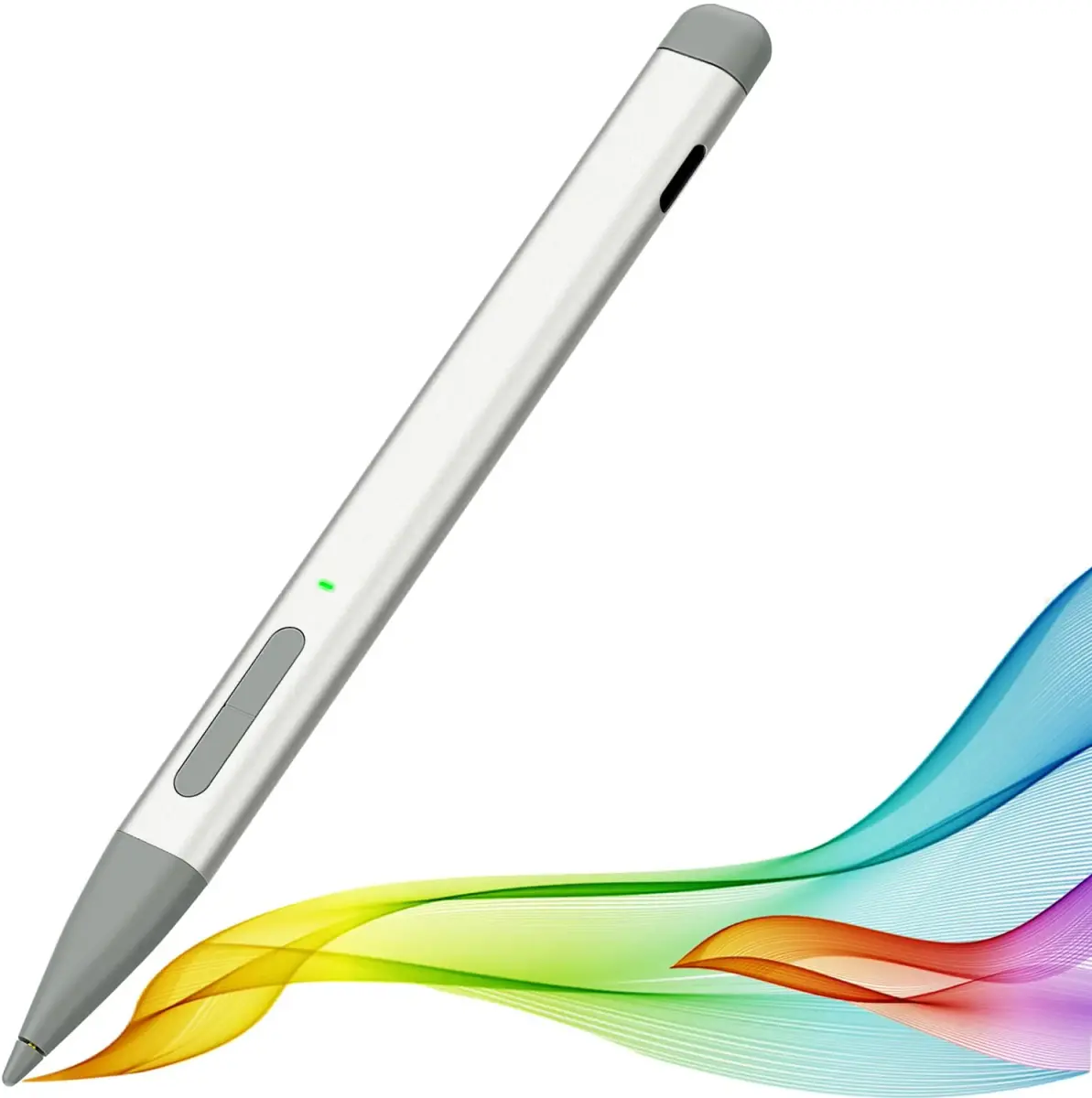
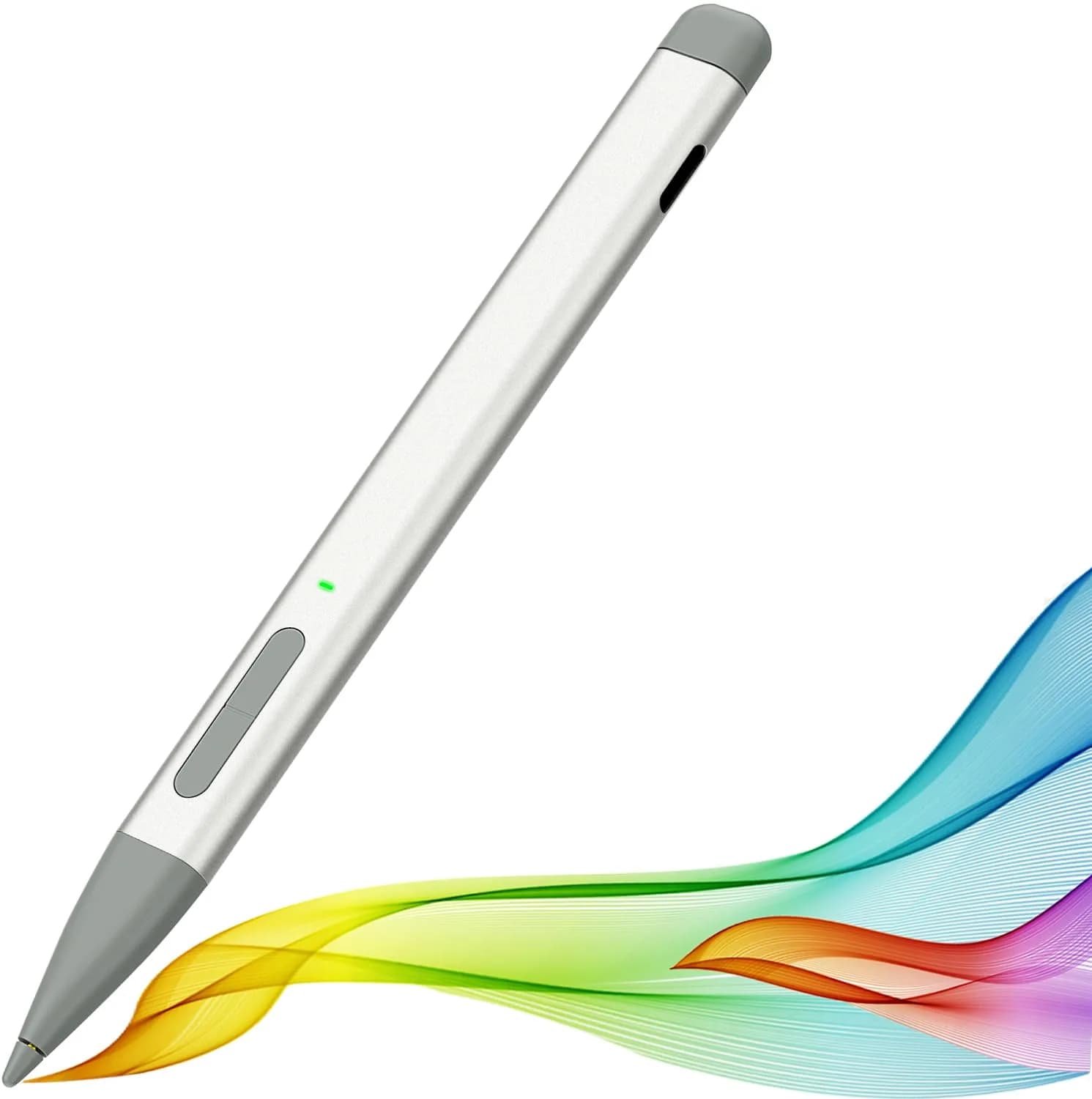
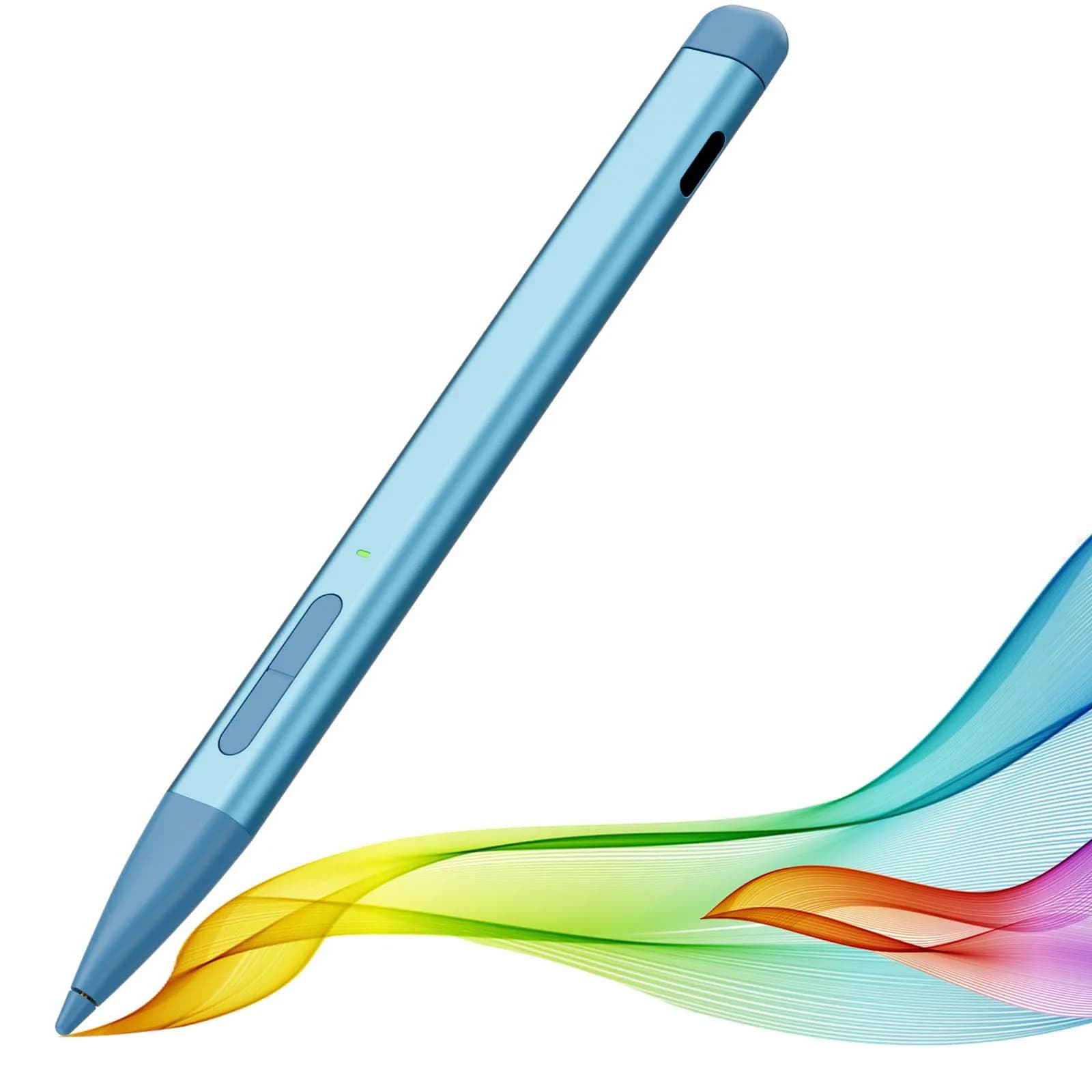
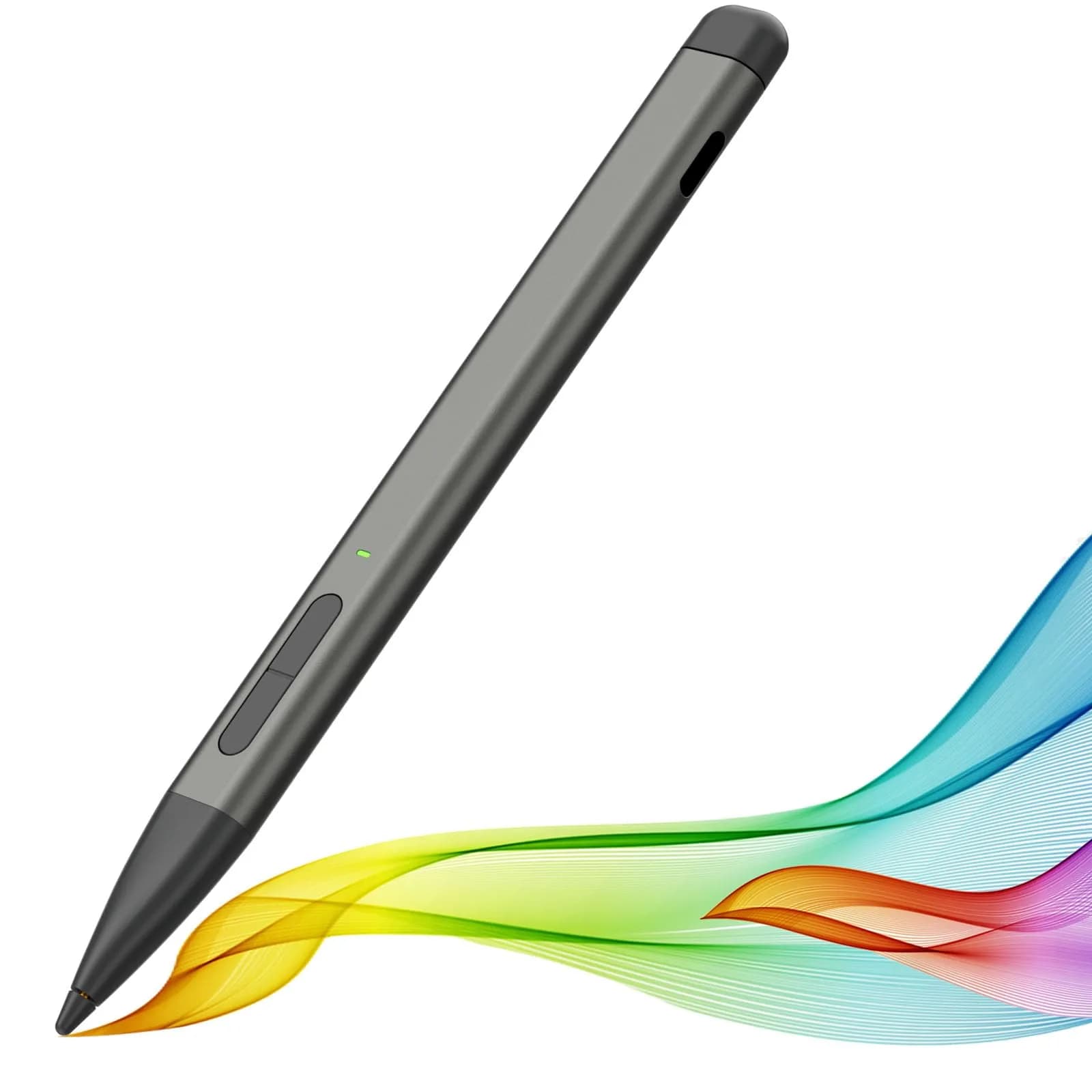
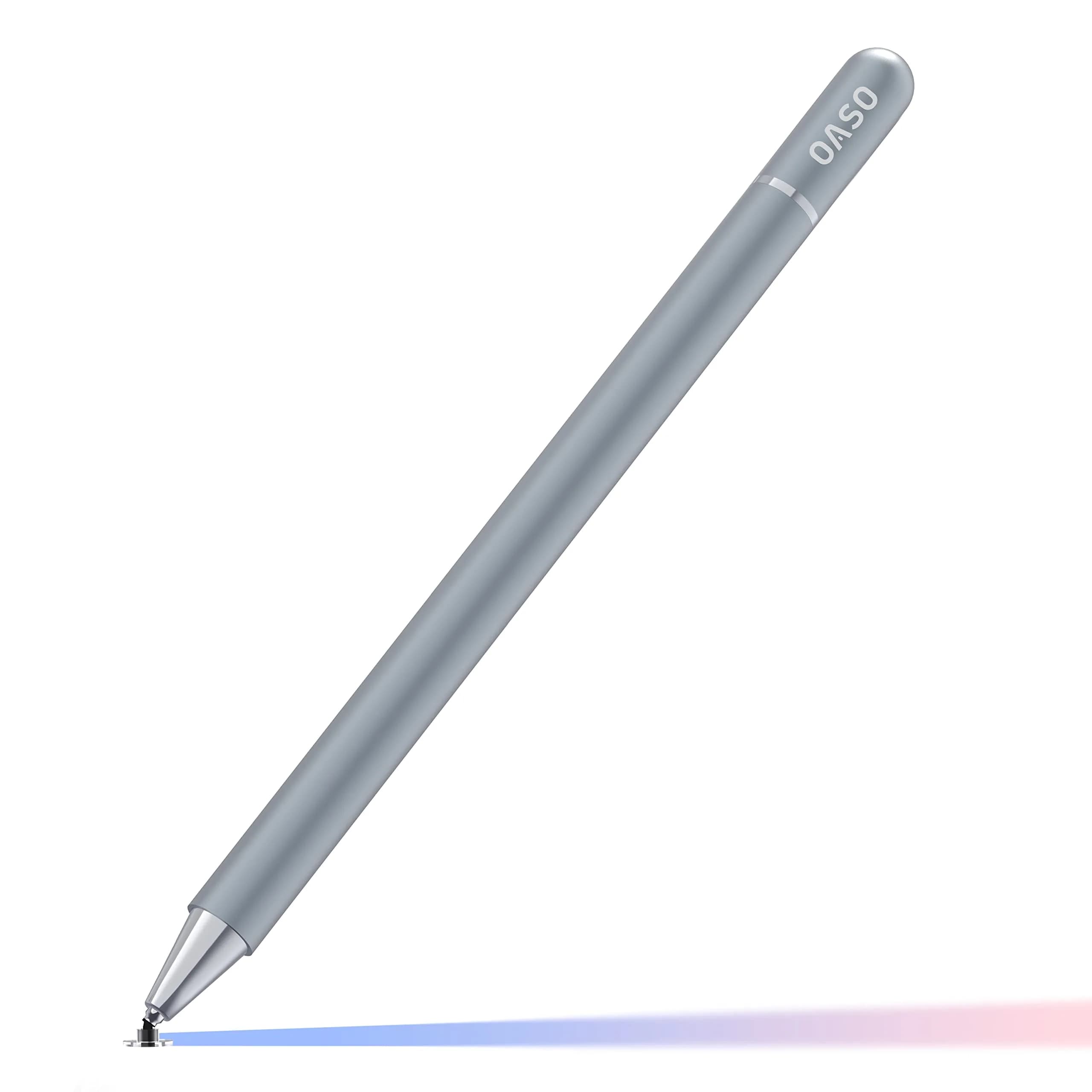
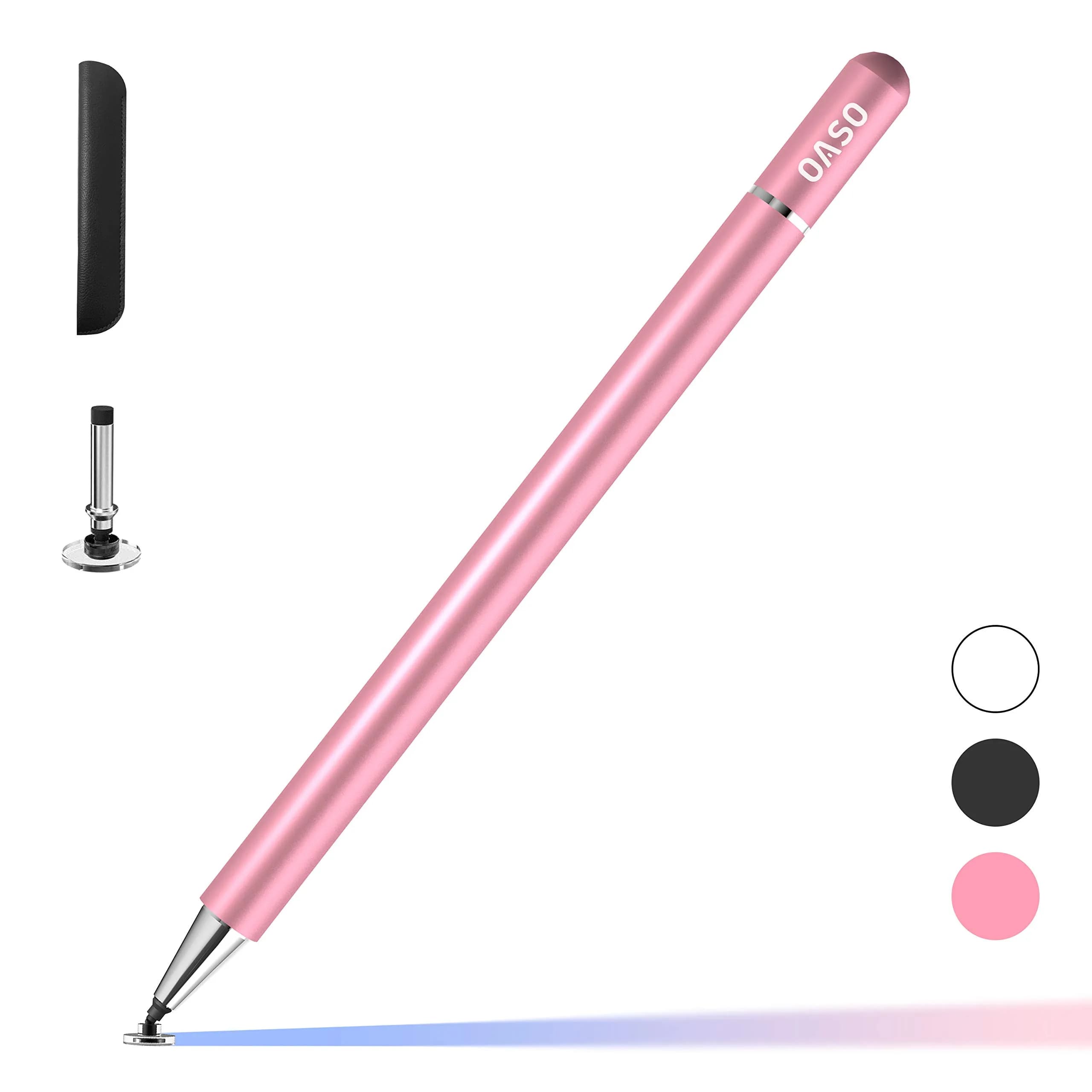
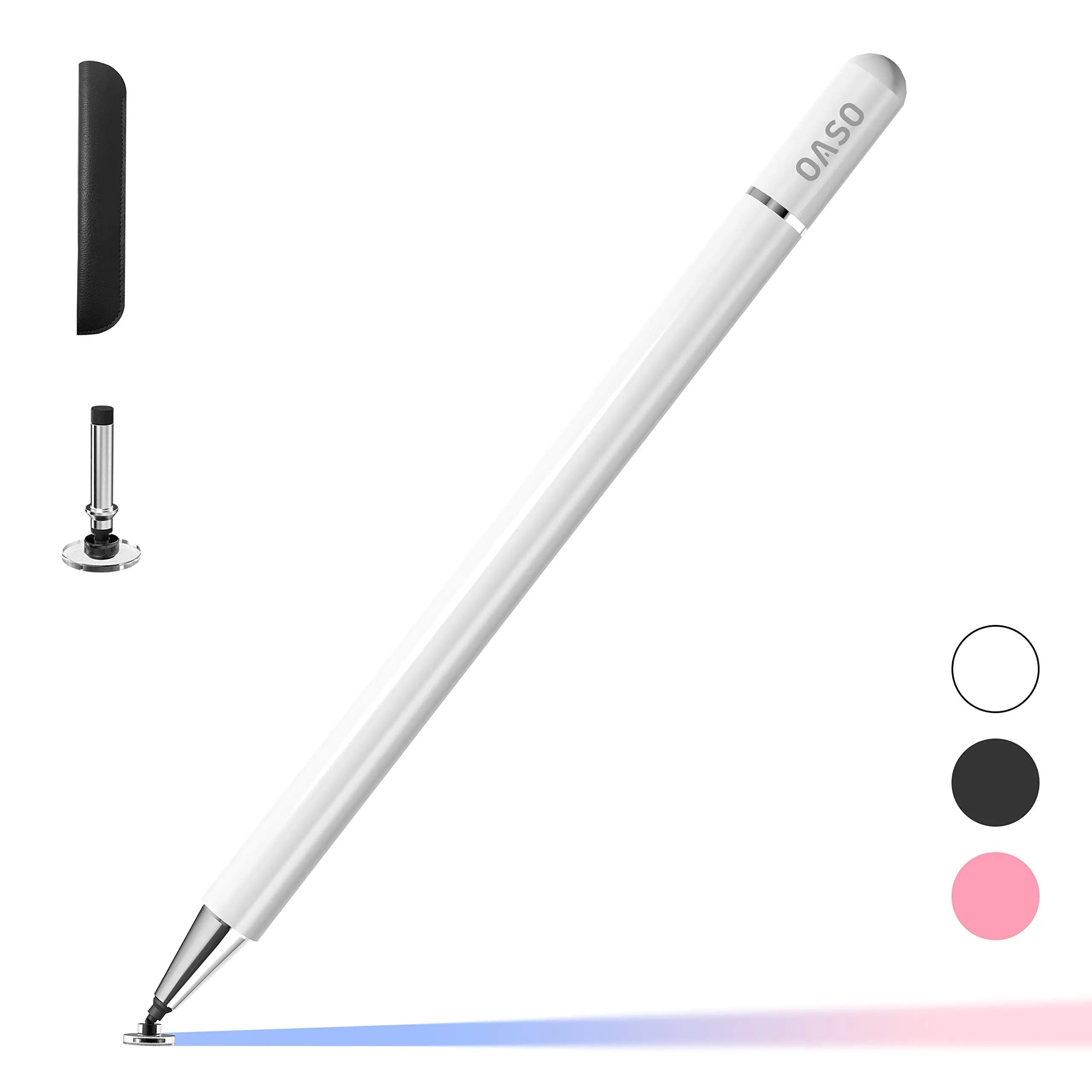
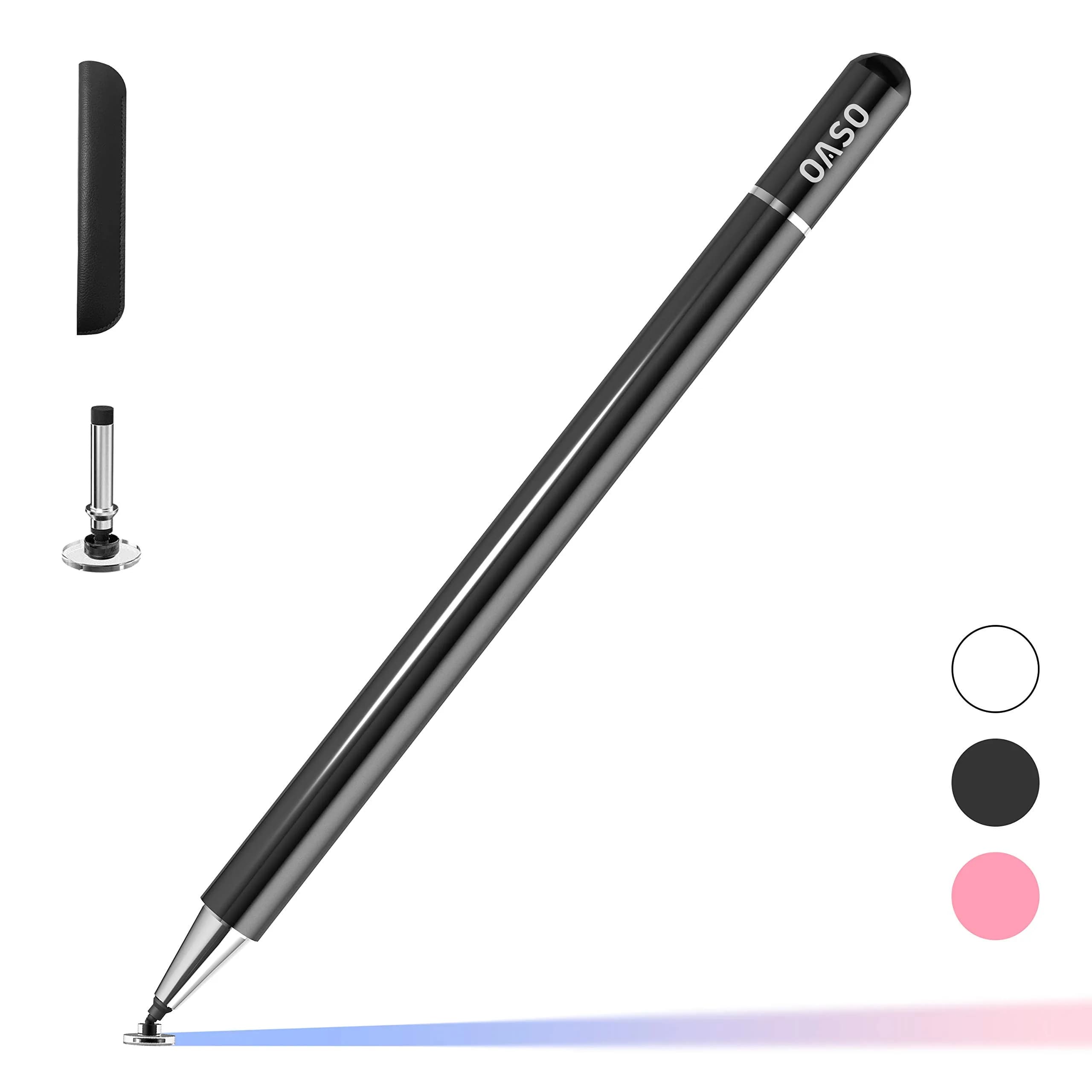
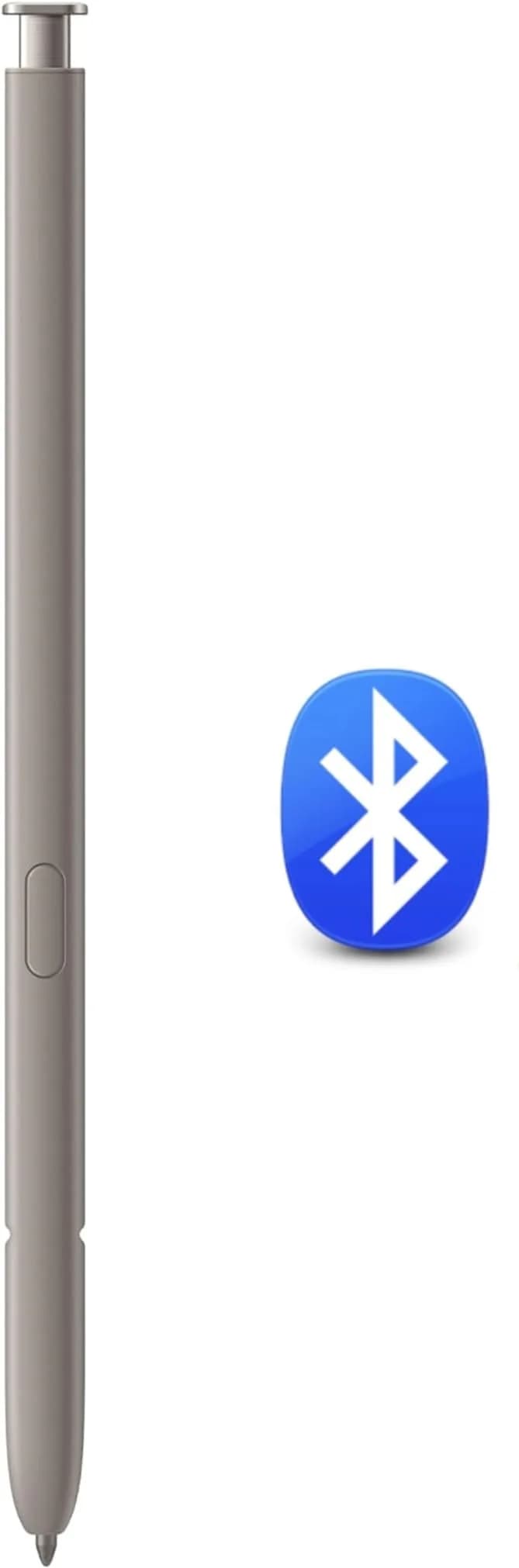
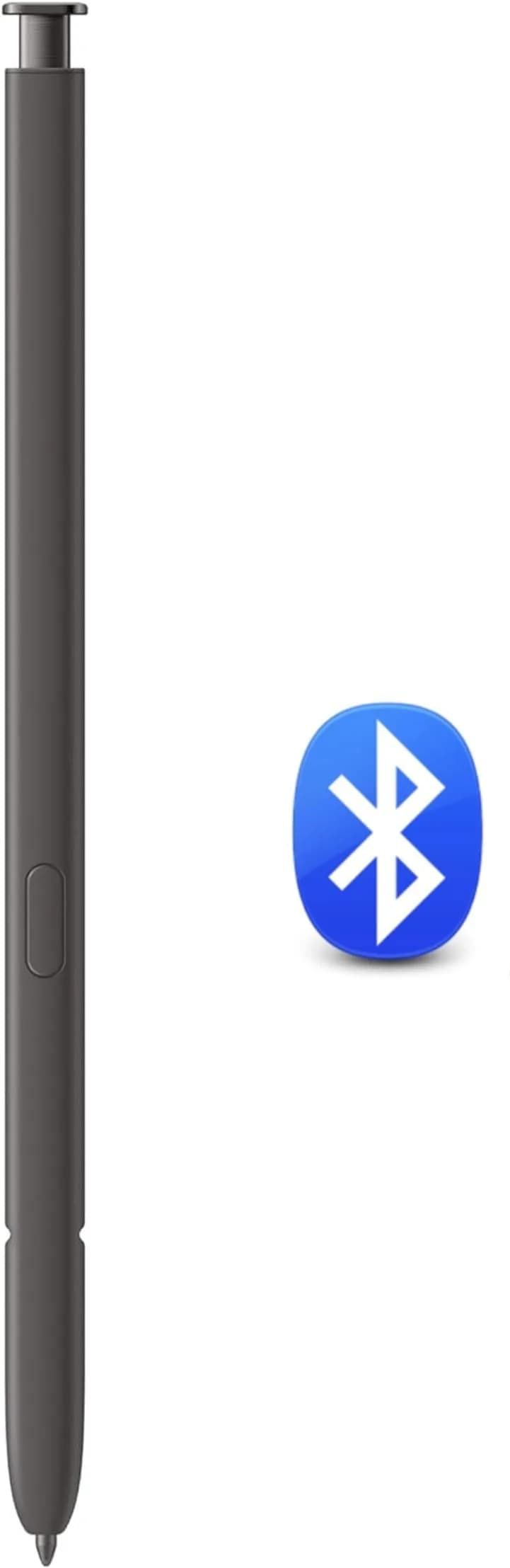
# JvKzaen Stylus Pen for Microsoft Surface Pro 12/11/10/X/9/8/7/6/5/4, Go 3/2/1, Book 3/2/1, Laptop 1-5 | 4096 Pressure Sensitivity, 66H Battery

**Brand:** JvKzaen
**SKU:** vnn7264
**ASIN:** B0CJJL116B
**Canonical URL:** https://crowcrowcrow.com/p/stylus-pen-microsoft-surface-jvkzaen-slim-4096-pressure-66h-long-battery-40min-fast/vnn7264
**Category:** electronics
**Subcategory:** Categories
**Availability:** in_stock
**Price (INR, all-inclusive):** ₹4,047
**Discount:** 22%
**Customer rating:** 4.20/5 from 516 ratings

## Description

JvKzaen Stylus Pen for Microsoft Surface devices. Offers 4096 pressure sensitivity, 66-hour battery, and Type-C fast charging. Compatible with most Surface Pro, Go, Book, Laptop, and Studio models. Imported from USA, duties included, arrives via ExpressBox.

## Highlights

- Precision Input for All Surface Devices — Compatible with over 20 Microsoft Surface models including Pro, Go, Book, Laptop, and Studio series. Offers 4096 pressure points for accurate, lag-free strokes and a responsive 1.0mm tip.
- Extended Battery Life & Fast Charging — Enjoy up to 66 hours of continuous use after just 1 hour of Type-C charging. Smart standby mode activates after 10 minutes of inactivity to save power, ensuring it's ready when you are.
- Ergonomic Design & Secure Attachment — Features an aluminum-alloy body with a flat surface for comfortable grip. Two strong magnets ensure the pen securely attaches to your Surface device, preventing loss and providing palm rejection for natural writing.
- Versatile Nib & PPT Control — Includes a cone tip for strong signals and an innovative graphite nib that mimics a pencil. The top button acts as a PPT remote, advancing slides or opening apps like Whiteboard and Sticky Notes.

## Key features

- 💻【Wide Compatibility】: Compatible with Surface Pro 12,Surface Pro 11th Edition, Surface Pro 10，Surface Pro 9, Surface Pro 8, Surface Pro 7+, Surface Pro 7, Surface Pro 6, Surface Pro 5, Surface Pro 4, Surface Pro 3, Surface Duo/ Duo 2, Surface Pro X, Surface Go/Go 2/Go 3, Surface Book/Book 2/Book 3, Surface Studio 1st Gen, Surface Studio 2, Surface Studio 2+, Surface Laptop 1/Laptop 2/Laptop 3/Laptop 4/Laptop 5. *Not compatible with Surface Laptop Go/ Laptop Go 2/ Laptop Go3/Laptop SE/Surface Hub 2s/Surface Laptop 6/Surface Laptop 7 and others touch screen computers
- ✍️【4096 Pressure Sensitivity& Eraser Side Button】Fine control with 4096 pressure points. Jvkzaen Surface pen ink flows out from a 1.0mm tip in real-time with no lag or latency. Delete mistakes quickly. An eraser button close to the place where your thumb will be put on.Besides, aluminum-alloy seamless body with a flat surface on both sides makes it more comfortable to grip and more likely to stay put on the desk.just like the Surface Slim Pen 2
- ✍️【Double Magnets & Palm Rejection】Jvkzaen Surface pen is always ready to firmly attach to your Microsoft Surface tablets with 2 stronger built-in magnets. No fatigue on the wrist with 2 hands on the screen, and no breaking points when writing either. Jvkzaen Surface pen is always there and ready to jot down when inspiration strikes
- 🔋【Type-C Charge &Smart Standby Surface Pen, No Panic】Enjoying Jvkzaen's leading Type-C charge and longer battery life,only 1hours of charging, 66 hours of use.Automatically turn in "Sleep Mode" if idle for 10 minutes to save power.Start writing instantly without Bluetooth pairing - perfect for impromptu boardroom annotations and client presentations (MPP protocol direct connection)
- ✍️【Advanced Conelike nib& Innovative graphite nib】Differ from the old-fashioned styluses with tubular tips,Jvkzaen Surface pen enjoys a cone tip for a strong signal and a more streamlined design on the whole. The innovative graphite nib can be used as a pencil, switching between tablet and paper at will. Don't worry about the loss of inspiration brought by switching pens, inspiration is uninterrupted. Creation continues. All the creations you want in one stroke
- ✎【PPT Remote Control】Easily pair your surface pen to your device via Bluetooth , once paired your surface stylus you can click the top button once to open Microsoft Whiteboard, double-clicking will open Snip & Sketch, and press and hold will open Sticky Notes. With the surface stylus as a PowerPoint remote control from across the office during a PowerPoint slide show, click the top button to advance to the next slide and press and hold the top button to return to the previous slide
- 📦【What‘s in the Package】❤1x Surface pen, ❤1x graphite nib, ❤1 x Type-c Charging adapter,❤1x User manual, What's more,quick reply in (24 hours), worry-free (12-month) warranty, friendly customer service. If you have other questions, please feel free to contact us.❌ * The graphite nib is leaving marks like a pencil on screen protector,if your device screen protector is paper feel, it is recommended that you use the POM nib

## Why choose this product

- Authentic Precision for Your Microsoft Surface — This JvKzaen stylus pen is imported directly from authorized US retailers, ensuring you receive an authentic accessory. It offers 4096 pressure sensitivity, crucial for detailed note-taking and digital art on your Surface device. Unlike generic pens, it's designed to work seamlessly with the MPP protocol, providing lag-free performance and palm rejection. The long-lasting battery and fast charging mean it's always ready for your tasks, whether in a boardroom presentation or a lecture hall.
- Who It's For vs. Who Should Skip It — Ideal for students, professionals, and artists who use Microsoft Surface Pro, Go, Book, Laptop, or Studio devices and need precise, responsive input. It's perfect for taking notes, sketching, annotating documents, and giving presentations. Skip this pen if you own a Surface Laptop Go/Go 2/Go 3/SE, Surface Hub 2s, Surface Laptop 6/7, or any non-Microsoft touch screen computer, as compatibility is specific to the Surface ecosystem.

## How to use

1. Connect the included Type-C cable to the stylus and a power source. A full charge takes approximately 1 hour and provides up to 66 hours of use. — Charge the Stylus
2. For basic writing, simply bring the pen close to your compatible Microsoft Surface device. For advanced features like PPT control, pair the pen via Bluetooth through your device's settings. — Connect to Your Surface
3. Use the pen with its 1.0mm tip for precise input. Utilize the 4096 pressure sensitivity for varied line thickness and the eraser side button to quickly correct mistakes. — Write and Draw
4. Attach the pen magnetically to your Surface for storage. Rest your palm on the screen while writing. Use the top button for PPT control or to launch specific apps like Whiteboard. — Utilize Special Features

## Product details

| Field | Value |
|---|---|
| Battery Type | Lithium-Ion Polymer |
| Battery Weight | 1 gram |
| Battery Energy Content | 1 Wh |
| Pressure Sensitivity | 4096 levels |
| Tip Type | Cone tip (standard), Graphite nib (pencil-like) |
| Charging Port | Type-C |
| Charge Time | 1 hour |
| Battery Life | 66 hours of use |
| Standby Time | Automatically enters Sleep Mode after 10 minutes of idle time |
| Connectivity | MPP protocol direct connection (no Bluetooth pairing required for basic functions) |
| Compatibility | Microsoft Surface Pro 12/11/10/X/9/8/7+/7/6/5/4, Surface Go 3/2/1, Surface Book 3/2/1, Surface Studio 2+/2, Surface Laptop 1-5. (Note: Not compatible with Surface Laptop Go/Go 2/Go 3/SE, Surface Hub 2s, Surface Laptop 6/7, and other non-Surface touch screen computers.) |
| Cost per use | 66 hours of use on a single charge: {{ccc_price_per_unit:66:hour}} |
| Shelf life after opening | N/A (electronic device) |
| Reapplication math | N/A (electronic device) |
| Contraindications | Not compatible with non-Microsoft Surface devices or specific Surface Laptop Go/SE models. |
| Allergens / common irritants | Aluminum alloy body (minimal direct skin contact) |
| Brand | JvKzaen |
| Color | Black |
| Material | Aluminum Alloy |
| Dimensions (Pen) | 13.7 cm x 1.17 cm x 1.17 cm (5.4 x 0.46 x 0.46 inches) |
| Weight | 11.3 grams |
| Country of Origin | Not stated by manufacturer — US retail version, sourced from authorized US retailers |

## Frequently asked questions

### How to buy an original JvKzaen Surface Pen in India?

Purchase the JvKzaen Surface Pen from authorized US retailers via crowcrowcrow.com. It is imported per-order, factory-sealed, and includes all customs duties and GST. Delivery is via ExpressBox tracked shipping, ensuring you receive an authentic product.

### Is this JvKzaen stylus pen compatible with my Microsoft Surface device?

This pen is compatible with most Microsoft Surface Pro (12/11/10/X/9/8/7+/7/6/5/4), Go (3/2/1), Book (3/2/1), Studio (2+/2), and Laptop (1-5) models. It is NOT compatible with Surface Laptop Go/Go 2/Go 3/SE, Surface Hub 2s, or Surface Laptop 6/7. Always check your specific Surface model against the compatibility list.

### What is the battery life and charging time for this Surface pen?

The JvKzaen Surface Pen offers an impressive 66 hours of use on a single charge. It takes approximately 1 hour to fully charge via the included Type-C adapter. The pen also features a smart standby mode, automatically entering sleep mode after 10 minutes of inactivity to conserve power.

### Does this Surface pen support palm rejection and magnetic attachment?

Yes, the JvKzaen Surface Pen features palm rejection technology, allowing you to rest your hand on the screen while writing without interference. It also has two strong built-in magnets for secure attachment to your compatible Microsoft Surface tablet.

### Can I use this pen for presentations as a remote control?

Yes, the top button of the JvKzaen Surface Pen can be paired via Bluetooth to function as a PowerPoint remote. A single click advances to the next slide, while a press-and-hold action returns to the previous slide. It can also be configured to open Microsoft Whiteboard or Snip & Sketch.

### What is the difference between the cone tip and the graphite nib?

The standard cone tip provides a strong signal for precise digital input. The innovative graphite nib is designed to function like a pencil, offering a different feel and marking capability, especially useful on screen protectors that mimic paper texture. The graphite nib may leave marks similar to a pencil.

### Does this stylus pen require Bluetooth pairing to work?

For basic writing and drawing functions, no Bluetooth pairing is required as it connects directly via the Microsoft Pen Protocol (MPP). Bluetooth pairing is only necessary for advanced features like the PPT remote control and app shortcuts.

## Compliance

No product-specific compliance warnings identified. Standard imported-goods terms apply: customs duties & GST paid; for personal use in India; follow the manufacturer's usage instructions on the packaging.

## Images

1. https://images.crowcrowcrow.com/B0CJJL116B-0.webp
2. https://images.crowcrowcrow.com/B0CJJL116B-3.webp
3. https://images.crowcrowcrow.com/B0CJJL116B-6.webp
4. https://images.crowcrowcrow.com/B0CJJL116B-9.webp
5. https://images.crowcrowcrow.com/B0CJJL116B-12.webp
6. https://images.crowcrowcrow.com/B0CJJL116B-15.webp

---

Source: https://crowcrowcrow.com/p/stylus-pen-microsoft-surface-jvkzaen-slim-4096-pressure-66h-long-battery-40min-fast/vnn7264

Returns: 30 days, free, by mail. Shipping: Free across India, 7–13 business days. Prices are all-inclusive (duties + GST).