# Panlong Bluetooth OBD2 Scanner for Android | Turns Your Phone into a Diagnostic Tool

**Brand:** Panlong
**SKU:** yka6127
**ASIN:** B00PJPHEBO
**Canonical URL:** https://crowcrowcrow.com/p/panlong-obd2-scanner-bluetooth-obdii-diagnostic-tool-car-code-reader-turn-off-check-engine/yka6127
**Subcategory:** Categories
**Availability:** in_stock
**Price (INR, all-inclusive):** ₹2,045
**Discount:** 11%
**Customer rating:** 4.30/5 from 9,059 ratings

## Description

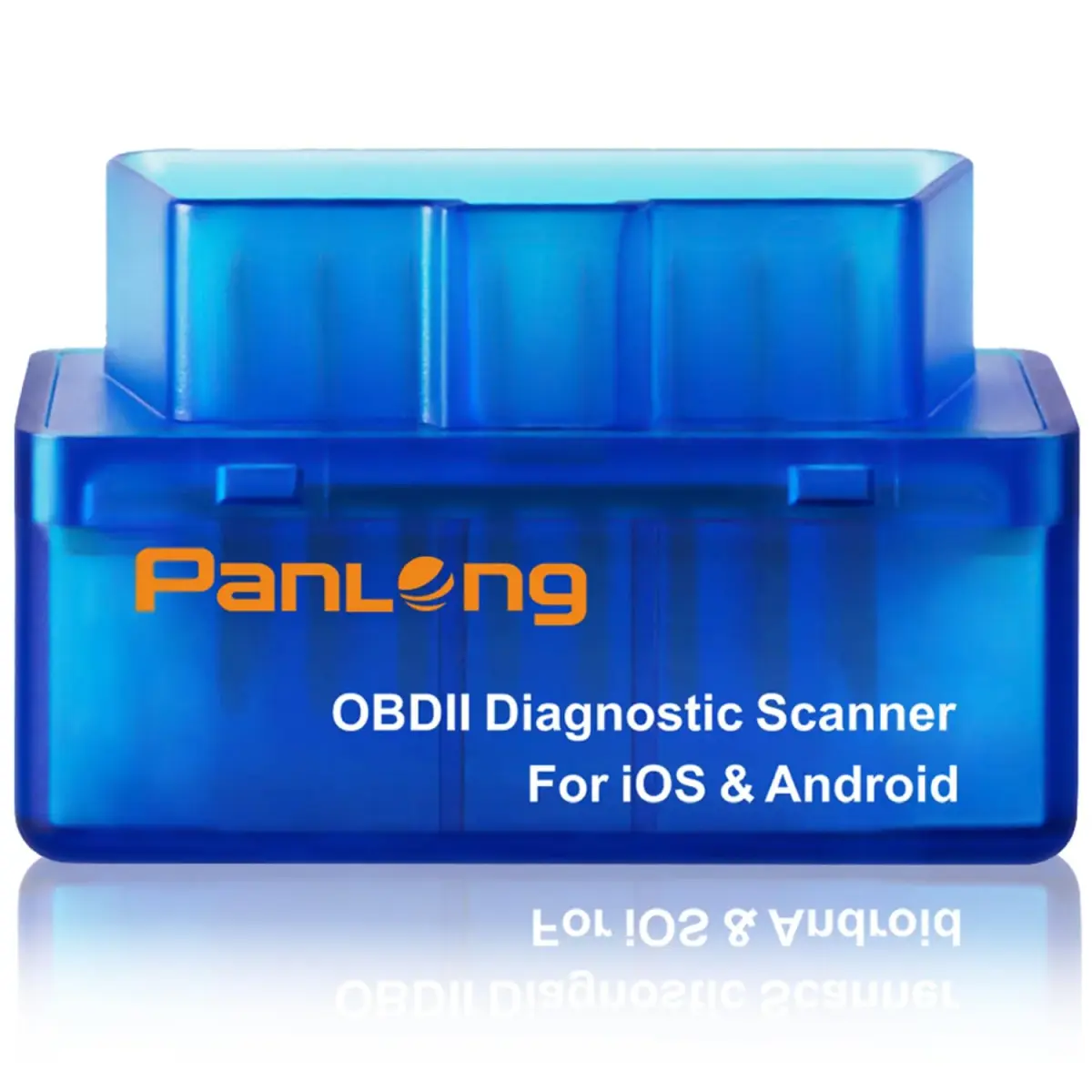
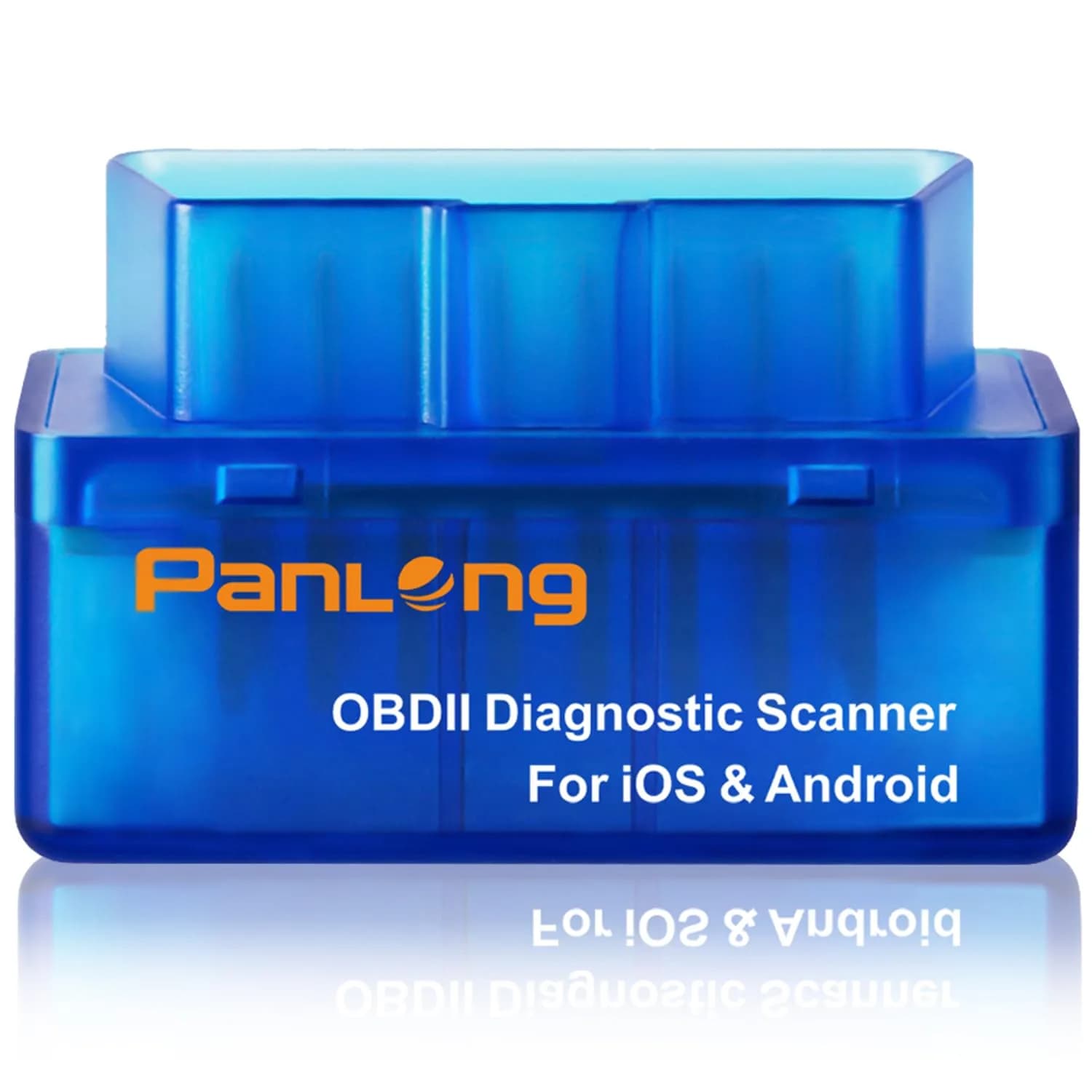
Panlong Bluetooth OBD2 scanner for Android transforms your phone into a diagnostic tool. Read/clear codes, turn off Check Engine Light, and view sensor data. Fully ELM327 compliant, supports 9 OBDII protocols for most 1996+ vehicles. Works with popular Android apps. Imported from USA.

## Highlights

- Android Compatibility — Works exclusively with Android phones and tablets, connecting via Bluetooth to popular diagnostic apps like Torque and OBD Fusion for comprehensive vehicle analysis.
- Check Engine Light Diagnosis — Read and clear error codes, understand their meanings, and turn off the Check Engine Light. View live sensor data to identify issues and save on mechanic visits.
- Wide Protocol Support — Fully ELM327 compliant, supporting 9 OBDII protocols for compatibility with most 1996 US-based and 2000+ EU/Asian 12V gas and light diesel vehicles.
- Cost-Effective Solution — A budget-friendly way to diagnose common car problems yourself, avoiding costly mechanic fees for simple fixes. Imported from USA with all duties included.

## Key features

- Panlong Bluetooth OBD2 scanner turns your Android phone or tablet into a professional-grade diagnostic tool, and allows you to access manufacturer-specific vehicle data
- Read/clear error codes, display their meaning, turn off Check Engine Light, show current sensor data, find out why check engine light is on before visiting a mechanic, save money by fixing simple problems yourself
- Fully ELM327 compliant, support 9 OBDII protocols, compatible with 1996 US-based, 2000 EU and Asian-based 12V gas-powered & light diesel vehicles, and newer OBDII domestic or import vehicles
- Work with Android cellphone and tablet; compatible Apps on Google Play: Torque, Dashcommand, Car Scanner ELM OBD2, OBD Fusion, OBD Auto Doctor... and Dr. Prius App for Toyota/Lexus hybrid; we recommend downloading free version first as there are many other Apps you may be interested in trying out
- Please Note: 1. this version supports Android phone/tablet only; 2. if you don't see "OBDII" on your phone Bluetooth device list, that's OK; go ahead to run App and it will find in App; 3. if you have two or more scanners, go to phone Bluetooth setting and unpair "OBDII" before you use the second one

## Why choose this product

**Unlock Your Car's Secrets** — Transform your Android device into a powerful diagnostic tool with the Panlong Bluetooth OBD2 Scanner. Access manufacturer-specific data, read and clear error codes, and understand why your Check Engine Light is on. This ELM327 compliant scanner supports 9 OBDII protocols, ensuring compatibility with a vast range of vehicles from 1996 onwards. It's designed for ease of use with popular Android apps, making car maintenance more accessible and affordable. Imported directly from authorized US retailers, this tool offers a reliable way to gain insight into your vehicle's health and save on potential repair costs.

**Who Should Use This Scanner?** — This scanner is ideal for Android users who want to perform basic diagnostics, clear fault codes, and monitor real-time sensor data on their cars. It's perfect for DIY enthusiasts, budget-conscious car owners, and anyone who wants to understand their vehicle's performance better. However, this specific version is for Android devices only and does not support iOS or Windows. If you require iOS compatibility or advanced manufacturer-specific functions beyond standard OBDII codes, you may need a different tool.

## How to use

1. Locate your car's OBDII port (usually under the dashboard near the steering column). Plug the Panlong Bluetooth OBD2 scanner firmly into the port. Ensure the scanner's LED indicator lights up. — Connect the Scanner
2. On your Android phone or tablet, go to Bluetooth settings. Turn on Bluetooth and search for available devices. Select 'OBDII' from the list to pair. You may need to unpair 'OBDII' if you have previously used another OBDII scanner. — Pair with Your Android Device
3. Open a compatible diagnostic app like Torque, OBD Fusion, or Car Scanner ELM OBD2. Within the app's settings, connect to the Bluetooth OBDII device. Once connected, you can start reading codes and viewing live data. — Launch Diagnostic App
4. Use the app to scan for Diagnostic Trouble Codes (DTCs). The app will display the code and its meaning. If it's a minor issue, you can use the app's function to clear the code and turn off the Check Engine Light. — Diagnose and Clear Codes

## Product details

| Field | Value |
|---|---|
| Compliance | Fully ELM327 compliant |
| Protocols Supported | 9 OBDII protocols (ISO 9141, KWP2000, ISO 15765 CAN, etc.) |
| Vehicle Compatibility | 1996+ US-based, 2000+ EU/Asian 12V gas & light diesel vehicles |
| App Compatibility | Android apps (Torque, Dashcommand, Car Scanner ELM OBD2, OBD Fusion, Dr. Prius App) |
| Setup | Plug into OBDII port, pair via Bluetooth with Android device, run compatible app. |
| Functionality | Read/clear DTCs, display sensor data, turn off Check Engine Light. |
| Brand | Panlong |
| Model Name | OBD2 Scanner Bluetooth |
| Part Number | PL-B02 |
| Model Number | B02 V1.5 |
| Color | Blue for Android |
| Style | For Android Only |
| Operating System | Android |
| Connectivity | Bluetooth |
| Power Source | OBDII Port |
| Item Weight | 0.04 pounds (0.018 kg) |
| Dimensions (Scanner) | 48 mm (L) x 25 mm (W) x 32 mm (H) |
| Package Dimensions | 6.8 cm x 6.9 cm x 2.9 cm |
| Number of Items | 1 |
| Country of Origin | Not stated by manufacturer — US retail version, sourced from authorized US retailers |

## Frequently asked questions

### Is this Panlong OBD2 scanner safe for my car in India?

Yes, this Panlong OBD2 scanner is safe for most cars sold in India from around 2010 onwards that are equipped with a standard 16-pin OBD2 port. It supports common OBDII protocols like ISO 15765 CAN, ensuring compatibility. Always confirm your specific vehicle's OBD2 port and protocol support before purchase.

### How do I use the Panlong OBD2 scanner with my Android phone?

Plug the Panlong OBD2 scanner into your car's OBDII port. On your Android device, go to Bluetooth settings and pair with 'OBDII'. Then, open a compatible app like Torque or OBD Fusion, and it will connect to the scanner to display vehicle data and diagnostic codes.

### What does it mean if I don't see 'OBDII' in my phone's Bluetooth list?

This is normal for this scanner. You do not need to see 'OBDII' in your phone's general Bluetooth device list. Simply proceed to open your chosen diagnostic app (like Torque), and the app will automatically find and connect to the scanner through Bluetooth.

### Can I use this scanner with my iPhone or iPad?

No, this specific Panlong OBD2 scanner is designed for Android phones and tablets only. It uses Bluetooth connectivity that is compatible with Android operating systems and apps. For iOS devices, you would need a scanner that supports iOS connectivity.

### What is the difference between this scanner and a handheld code reader?

This Panlong scanner is a Bluetooth dongle that connects to your Android phone or tablet, using an app for diagnostics. A handheld code reader has its own built-in screen and operates as a standalone device. This Bluetooth version offers flexibility by leveraging your existing mobile device.

### How to buy an original Panlong OBD2 scanner in India?

To ensure you receive an original Panlong OBD2 scanner, purchase from authorized US retailers via crowcrowcrow.com. Products are imported per order, factory-sealed, and include all customs duties and GST. Delivery is via ExpressBox tracked shipping for peace of mind.

### What if I have two or more OBDII scanners?

If you have multiple OBDII scanners, it's important to manage your phone's Bluetooth settings. Before using a second scanner, go to your phone's Bluetooth settings and unpair 'OBDII' to avoid connection conflicts. This ensures the correct scanner is paired for diagnostic use.

## Compliance

No product-specific compliance warnings identified. Standard imported-goods terms apply: customs duties & GST paid; for personal use in India; follow the manufacturer's usage instructions on the packaging.

## Images

1. https://images.crowcrowcrow.com/B00PJPHEBO-0.webp
2. https://images.crowcrowcrow.com/B00PJPHEBO-3.webp
3. https://images.crowcrowcrow.com/B00PJPHEBO-6.webp
4. https://images.crowcrowcrow.com/B00PJPHEBO-9.webp
5. https://images.crowcrowcrow.com/B00PJPHEBO-12.webp
6. https://images.crowcrowcrow.com/B00PJPHEBO-15.webp

---

Source: https://crowcrowcrow.com/p/panlong-obd2-scanner-bluetooth-obdii-diagnostic-tool-car-code-reader-turn-off-check-engine/yka6127

Returns: 14 days, free pickup, full refund on genuine issues. Shipping: Free across India, 7-9 days. Prices are all-inclusive (duties + GST).