Help us give you a better experience. We use cookies to remember your cart, speed up checkout, and show you authentic US products worth importing. You stay in control — your data is handled per India's DPDP Act 2023. Cookie Policy
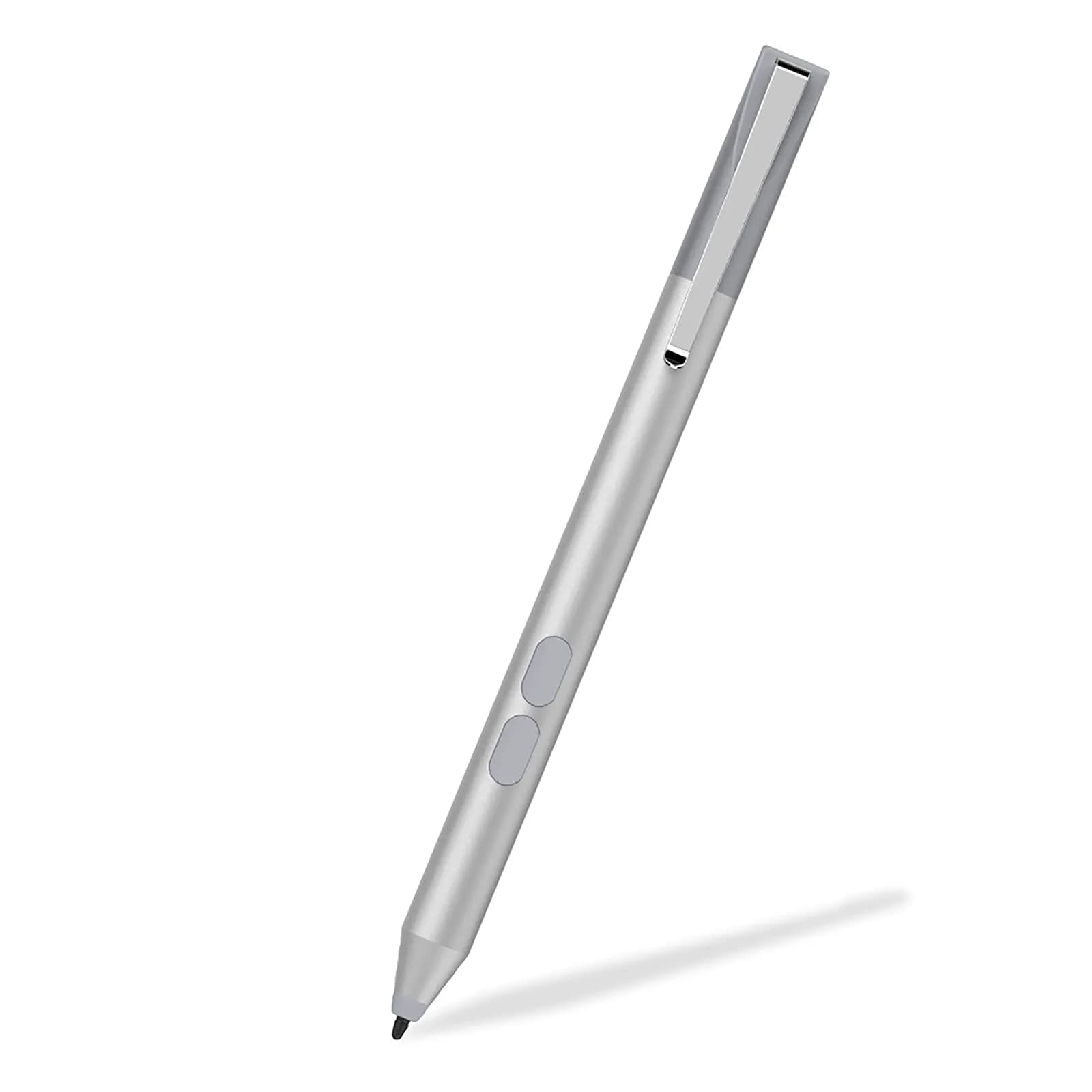
ANYQOO MPP Pen for HP Omnibook X Flip | 1024 Pressure Levels | Platinum
ANYQOO
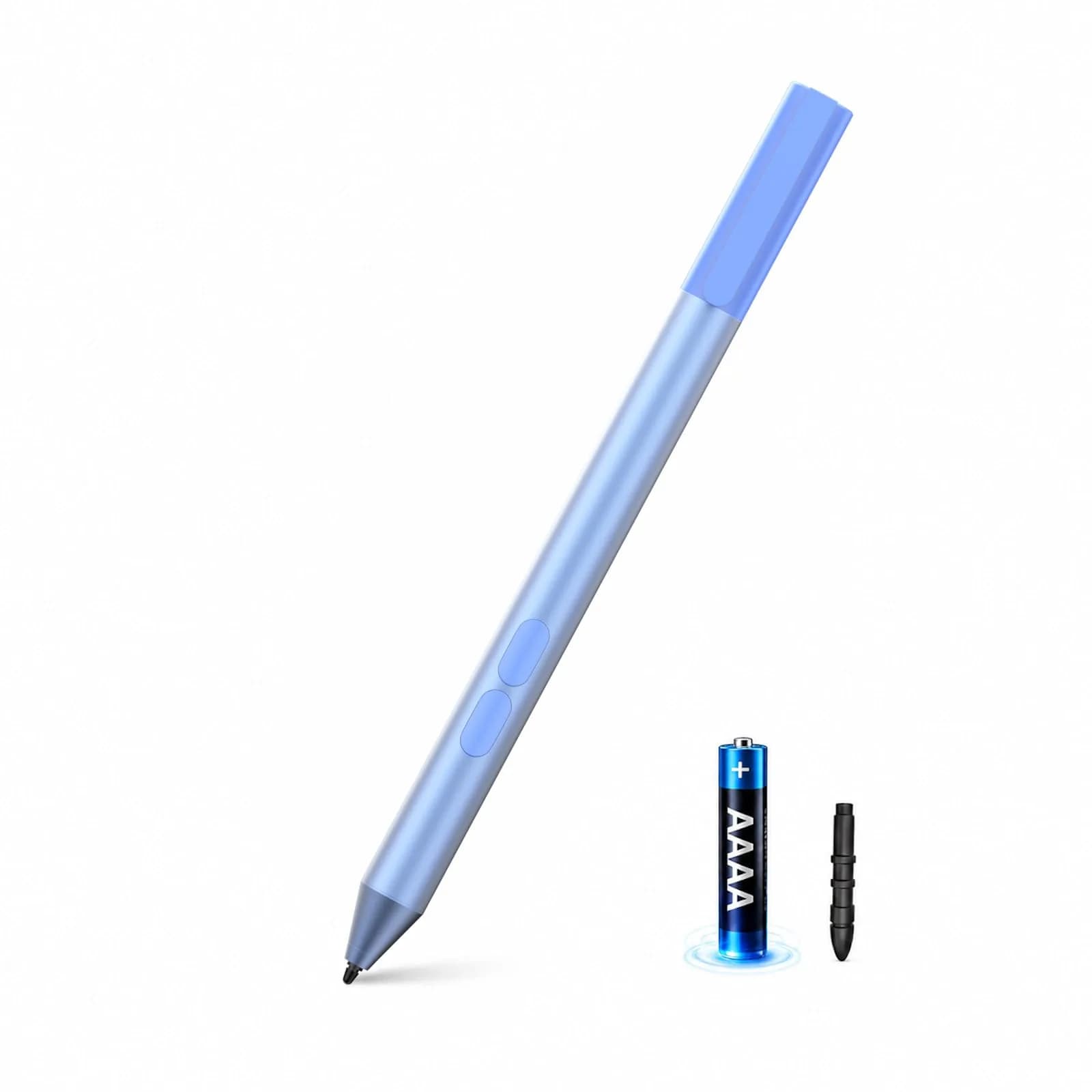
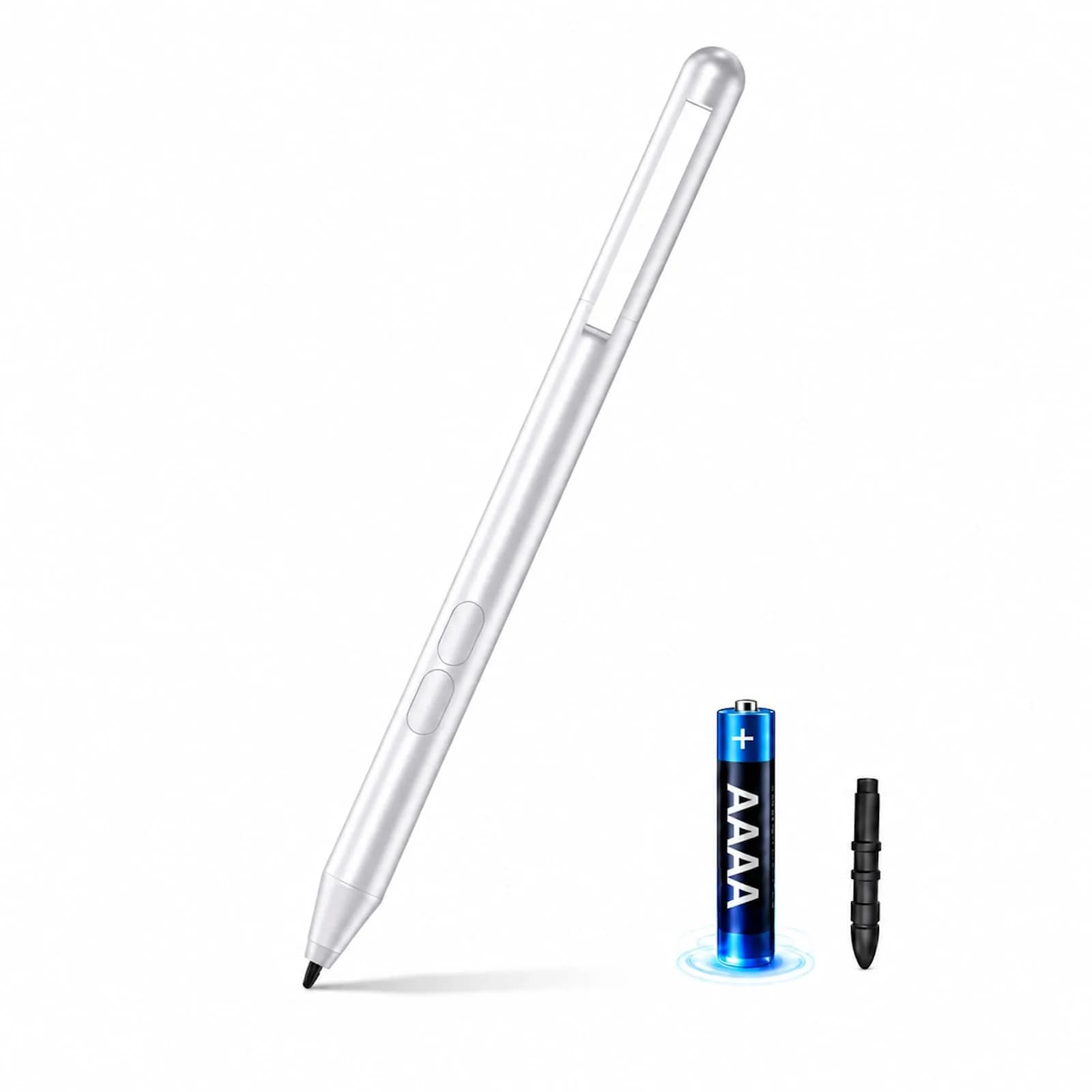
ANYQOO MPP Pen for HP Omnibook X Flip/Envy/Spectre/Pavilion x360 with 300-Day Battery | Platinum
4.3
(84 Ratings)
All-inclusive price — duties & taxes paid, no extra charges at delivery
The ANYQOO MPP Pen is engineered for HP Omnibook X Flip, Envy x360, Spectre x360, and Pavilion series laptops, providing a seamless and natural writing and drawing experience. Utilizing advanced MPP-1.51 technology, it connects instantly with minimal delay, offering precise input and smooth transitions. This pen is designed for users in India seeking authentic performance for their HP 2-in-1 devices.
Experience professional-grade precision with 1024 pressure levels and tilt recognition, allowing for fine line work and expressive shading that mimics a real pencil. Smart palm rejection technology ensures that your hand does not create accidental marks on the screen, making it perfect for extended note-taking, digital journaling, or signing documents without interruption. The pen features a comfortable aluminium alloy body with flat sides to prevent rolling.
Forget charging hassles; this pen runs for up to 300 days on a single AAAA battery, ensuring reliability for daily use. It requires no Bluetooth pairing or driver installation – simply turn it on and start writing. Two convenient shortcut buttons for erase and right-click functionality streamline your workflow. All customs duties and GST are included in the price, with delivery via ExpressBox tracked shipping.
Key Features
Designed for HP Omnibook X & Envy x360 — Specially tuned for HP Omnibook X Flip, Envy x360, Spectre x360, and Pavilion series. Thanks to the latest MPP-1.51 technology, the pen connects instantly without any delay – ideal for professionals and students who use their HP 2-in-1 devices daily.
1024 pressure levels & precise drawing — Unleash your creativity with professional tilt recognition and 1024 pressure levels. Whether sketching on the Omnibook 7 or shading on the Envy 15 – this pen feels like a real pencil and allows for the finest line work and natural expressive strength.
Wrist Rejection & Natural Writing Feel — Write and draw as if on paper. Smart palm rejection detects your palm and prevents accidental input on the touch screen. Ideal for hours of notes, digital journaling or signing documents without interruptions.
300 DAYS BATTERY LIFE - NO CHARGING NEEDED — Unlike USB C rechargeable pens, our pen requires a single AAAA battery for up to 300 days of runtime. No annoying cable, no empty battery on the go. Simply change the battery and continue writing immediately – reliable and practical for everyday use.
Just get started – without Bluetooth or drivers — Turn on and write: No complicated Bluetooth pairing, no driver installation. Two convenient shortcut keys (erase/right click) speed up your workflows. Perfectly compatible with HP Omnibook 5/7, Ultra Series and all MPP-enabled HP devices.
Why choose this product
Precision Performance for HP Devices
This MPP-certified pen is specifically tuned for HP Omnibook X Flip, Envy x360, Spectre x360, and Pavilion series. Its advanced MPP-1.51 technology ensures lag-free, natural writing and drawing, offering a superior experience compared to generic styluses. The 1024 pressure levels and tilt detection provide artistic control, while palm rejection guarantees uninterrupted workflow. It's designed for professionals and students who demand accuracy and reliability from their digital tools.
Ideal for Students & Professionals
This pen is perfect for anyone using compatible HP 2-in-1 devices for notes, sketches, or signatures. Its 300-day battery life means no charging worries during long study sessions or business trips. The simple plug-and-play setup and shortcut buttons enhance productivity. Skip it if you need a pen for non-HP devices or require Bluetooth connectivity for advanced features not supported by MPP 1.51.
How to use
Ensure your HP laptop (Omnibook X Flip, Envy x360, Spectre x360, Pavilion x360, or other MPP-enabled model) supports Microsoft Pen Protocol (MPP) 1.51 or 2.0. Confirm your device's operating system is Windows 10 or newer. — Check Compatibility
Unscrew the rear cap of the pen and insert one AAAA battery, ensuring correct polarity (+/-). Screw the cap back on securely. The pen is now ready for use; no charging is required. — Install Battery
Simply bring the pen close to your compatible HP device's screen. It will connect instantly without Bluetooth or drivers. Use the pen to write notes, sketch, sign documents, or navigate your device. Utilize the shortcut buttons for erase and right-click functions. — Start Writing or Drawing
Example scenarios
Typical situations where ANYQOO MPP Pen for HP Omnibook X Flip/Envy/Spectre/Pavilion x360 with 300-Day Battery | Platinum helps — illustrative scenarios, not customer reviews.
1
Scenario 1
Illustrative example
Where it helps
A student needs a reliable pen for taking notes during lectures on their HP Envy x360.
How this product helps
This ANYQOO MPP pen offers instant connection and 1024 pressure levels for clear, natural handwriting. Its 300-day battery life means no charging worries during long study days, and palm rejection prevents accidental marks on lecture slides.
2
Scenario 2
Illustrative example
Where it helps
A professional needs a precise tool for digital signatures and occasional sketching on their HP Spectre x360.
How this product helps
The pen's fine tip, 1024 pressure levels, and tilt detection provide the accuracy needed for detailed work. The comfortable aluminium body and shortcut buttons enhance usability for quick tasks, ensuring a smooth workflow without the need for charging.
Technical specifications
Setup & usage
Compatibility
HP Omnibook X Flip, Envy x360, Spectre x360, Pavilion x360 series, and other MPP-enabled HP devices with Windows 10+
Connection
Instant, no Bluetooth or drivers required
Cost per use
300 days of use: ₹29.94 per day (based on single AAAA battery)
Shelf life after opening
N/A (Durable product)
Reapplication math
N/A (Durable product)
Contraindications
Not compatible with non-MPP devices or other operating systems (e.g., macOS, Android).
Allergens / common irritants
N/A (Electronic device)
How we compare
Feature
ANYQOO MPP Pen
Others
Protocol & Compatibility
MPP 1.51/2.0 for HP Omnibook, Envy, Spectre, Pavilion x360. Instant connect, no drivers.
Varies by brand; some may use MPP, others proprietary or universal capacitive. Compatibility often limited to specific models or brands.
Pressure Sensitivity & Tilt
1024 levels with tilt detection for natural drawing and writing.
Varies; some offer 1024 levels, others fewer or none. Tilt support is less common in lower-cost local options.
Battery & Power
300-day battery life with single AAAA battery. No charging needed.
Many local options are rechargeable via USB-C, requiring regular charging. Battery life varies significantly.
Palm Rejection & Shortcut Buttons
Smart palm rejection and 2 shortcut buttons for erase/right-click.
Palm rejection is common in active styluses. Shortcut button availability varies by model and brand.
Cost per use
About ANYQOO
ANYQOO specializes in high-performance digital pens and accessories, focusing on MPP technology for seamless integration with HP devices.
Compliance & Legal
No product-specific compliance warnings identified. Standard imported-goods terms apply: customs duties & GST paid; for personal use in India; follow the manufacturer's usage instructions on the packaging.
FAQ, See What Others Asked
Is this ANYQOO MPP Pen safe for daily use?
Yes, the ANYQOO MPP Pen is designed for reliable daily use on compatible HP devices. It features a durable aluminium alloy body and a long-lasting AAAA battery that provides up to 300 days of runtime, eliminating the need for frequent charging. Its simple plug-and-play operation ensures ease of use for students and professionals alike.
How do I know if this pen is compatible with my HP laptop?
This pen is compatible with HP laptops that support Microsoft Pen Protocol (MPP) 1.51 or 2.0. This includes models like the HP Omnibook X Flip, Envy x360, Spectre x360, and Pavilion x360 series. Check your HP device's specifications or the manufacturer's website to confirm MPP support before purchasing.
Does the ANYQOO MPP Pen require Bluetooth or drivers?
No, the ANYQOO MPP Pen does not require Bluetooth pairing or driver installation. It connects instantly to compatible HP devices using MPP technology, allowing you to start writing or drawing immediately after turning it on. This simplifies setup and ensures a hassle-free user experience.
What is the benefit of 1024 pressure levels and tilt detection?
The 1024 pressure levels and tilt detection allow the pen to mimic the natural feel of a real pencil or brush. This means you can vary line thickness and shading intensity by pressing harder or tilting the pen, offering greater control and expressiveness for detailed drawings, sketches, and nuanced handwriting.
Can I use this pen on my iPad or Samsung tablet?
No, this ANYQOO MPP Pen is specifically designed for HP devices that support the Microsoft Pen Protocol (MPP). It will not work with iPads (which use Apple Pencil) or Samsung tablets (which may use their own S Pen or a different protocol). Ensure your device is MPP-enabled for compatibility.
How to use the shortcut buttons on the ANYQOO MPP Pen?
The ANYQOO MPP Pen features two convenient shortcut buttons located on the thumb position. These buttons are typically configured for quick erase and right-click functions, allowing you to speed up your workflow without needing to switch tools or navigate menus. Their exact function may vary slightly depending on your HP device's software settings.
How to choose a digital pen for HP laptops?
When choosing a digital pen for HP laptops, prioritize pens that explicitly state support for Microsoft Pen Protocol (MPP) 1.51 or 2.0. Look for features like pressure sensitivity (1024 levels or higher), tilt detection, palm rejection, and long battery life. Ensure the pen is designed for your specific HP model series (e.g., Envy x360, Spectre x360) for optimal performance.
What are the side effects of using a digital pen?
Digital pens themselves generally have no direct side effects on the user. However, prolonged use can lead to hand fatigue if proper posture and breaks are not maintained. Ensure your device's screen protector is compatible with stylus use to avoid screen damage or reduced sensitivity. The primary concern is ensuring compatibility with your specific device model.
What are the benefits of using the ANYQOO MPP Pen?
The ANYQOO MPP Pen offers a lag-free, natural writing and drawing experience with 1024 pressure levels and tilt detection. Its 300-day battery life, palm rejection, and instant connectivity without drivers or Bluetooth make it highly convenient for students and professionals. It provides precise control and enhances productivity on compatible HP devices.
Can I use this pen daily for notes and drawing?
Yes, this pen is designed for daily use. Its comfortable aluminium alloy body, long battery life, and precise input capabilities make it ideal for extensive note-taking, digital journaling, sketching, and signing documents. The instant connection and shortcut buttons further enhance its suitability for everyday productivity tasks.
Your Order Journey: From Purchase to Doorstep
You Order
Place your order
USA Warehouse dispatch
Packed & shipped
International Air Shipping
Fast transit
Consignment to India Warehouse
Customs cleared
Doorstep delivery
Delivered to you
You Order
Place your order
USA Warehouse dispatch
Packed & shipped
International Air Shipping
Fast transit
Customer Reviews
Share your experience
Bought this from CrowCrowCrow? Other buyers want to hear how it went.
No reviews yet. Be the first to share your experience!
Product Comparison
Attributes
Current
ANYQOO MPP Pen for HP Omnibook X Flip/Envy/Spectre/Pavilion x360 with 300-Day Battery | PlatinumBuy Now
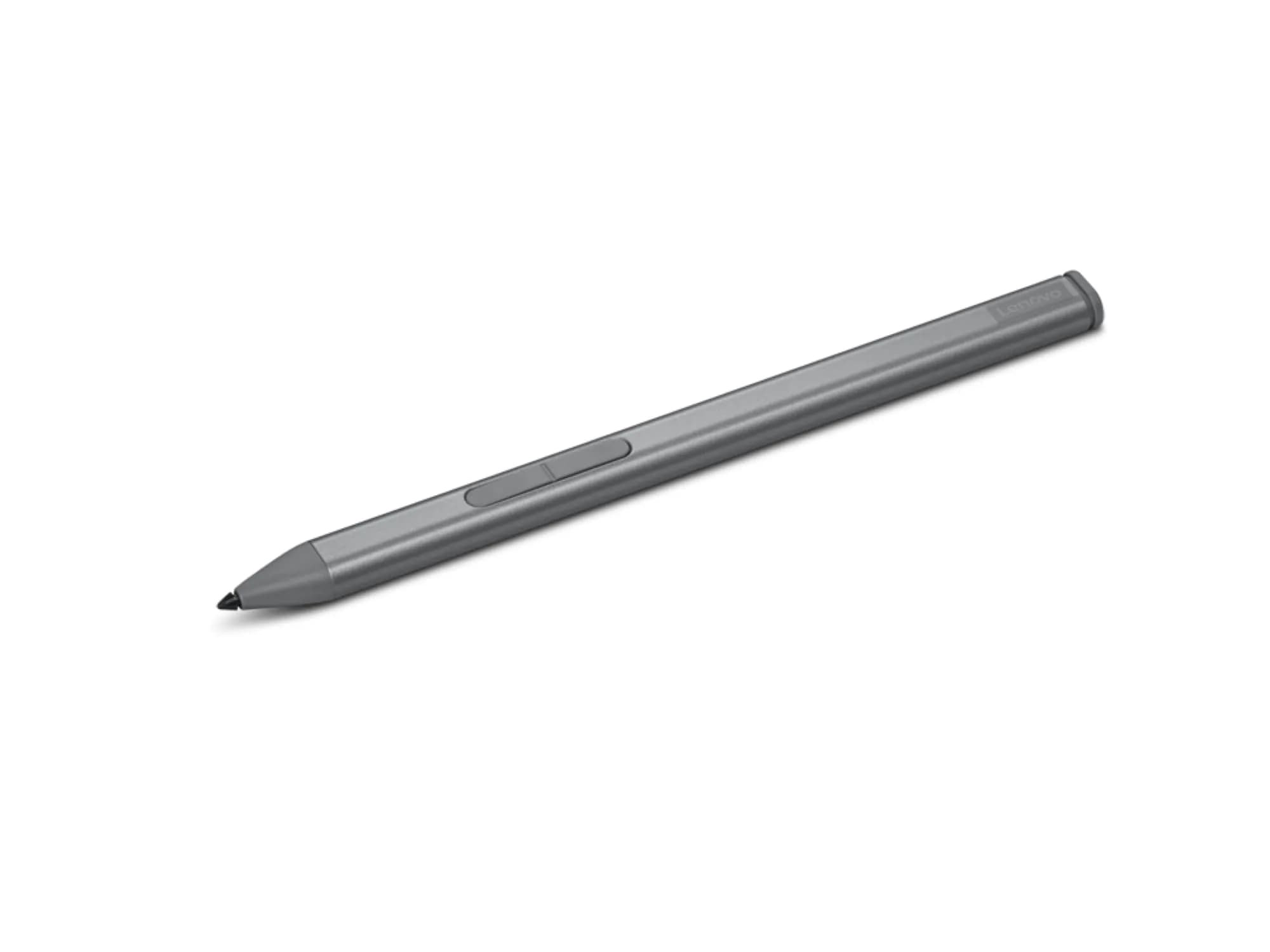
Lenovo Slim Pen Magnetic Precision Stylus for Laptops | 4096 Pressure Levels, Tilt Sensitivity, RechargeableBuy Now
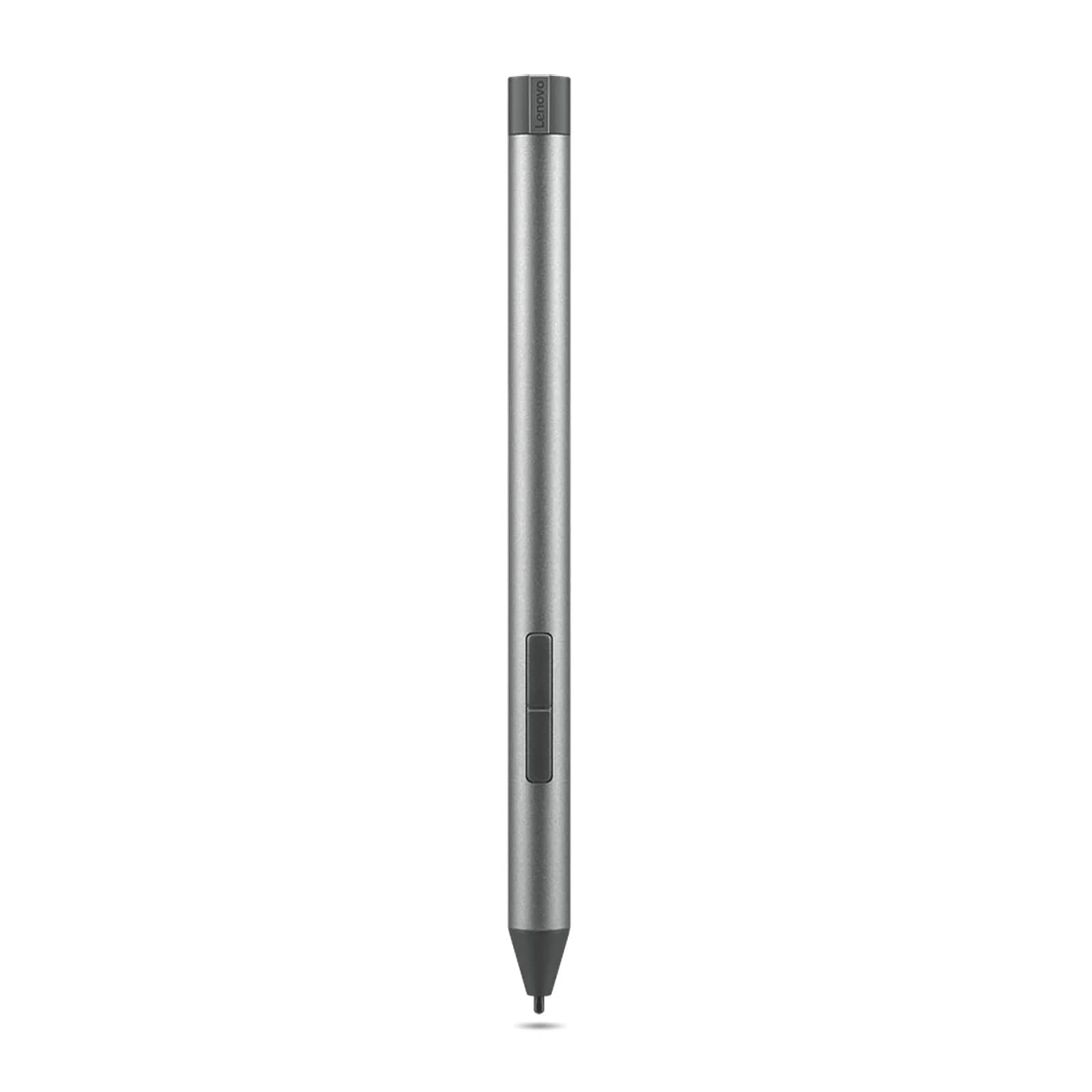
Lenovo Digital Pen 2 Active Stylus 17.3g (0.61 oz) | 4096 Pressure Levels for Natural WritingBuy Now
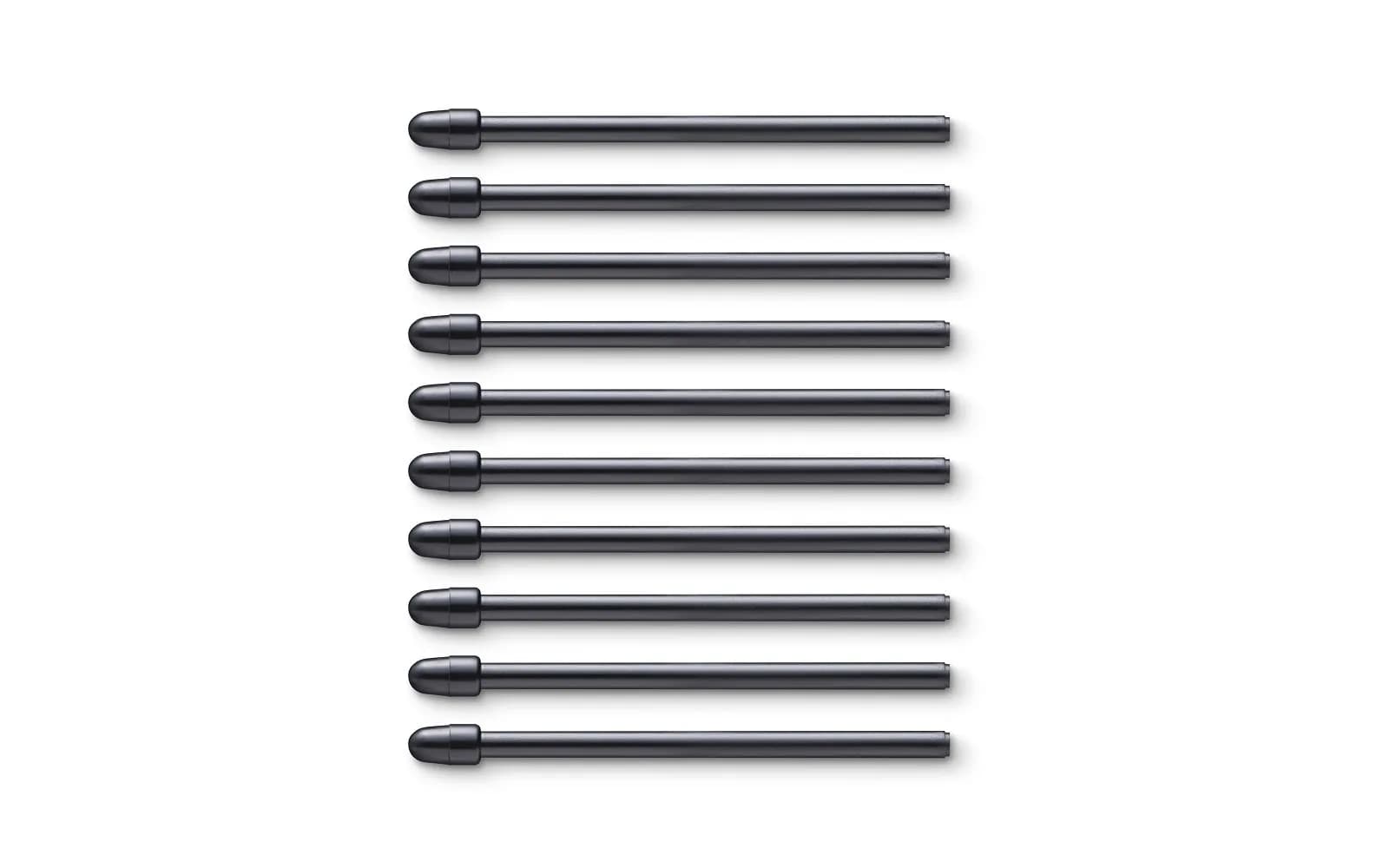
Wacom Standard Nibs for Pro Pen 2 (10 Pack) | Authentic Replacement NibsBuy Now
Wacom One Pen Replacement Stylus | Cordless, Battery-Free, Pressure SensitiveBuy Now
ANYQOO Active Stylus Pen for HP Laptops, 1024 Pressure Levels, 300-Day Battery, SapphireBuy Now
ANYQOO Active Stylus Pen for HP Omnibook Envy x360 Spectre Pavilion 1024 Pressure Levels | MPP 1.51 TechnologyBuy Now
Spec
Price
300 days of use: ₹29.94 per day (based on single AAAA battery)
Local rechargeable pens may have lower upfront cost but require charging. Battery replacement cost for AAAA is typically low.