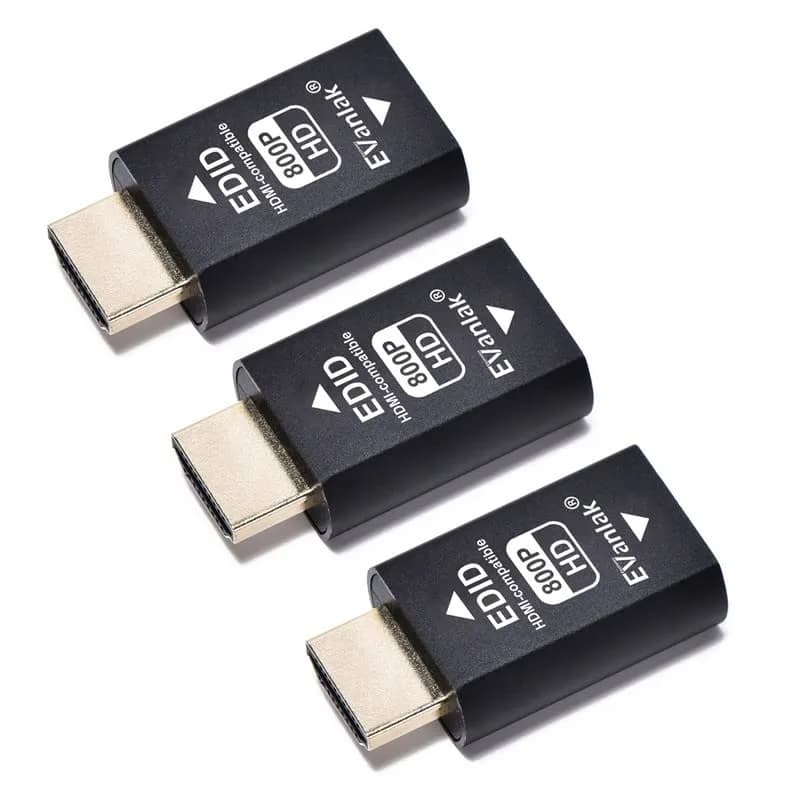
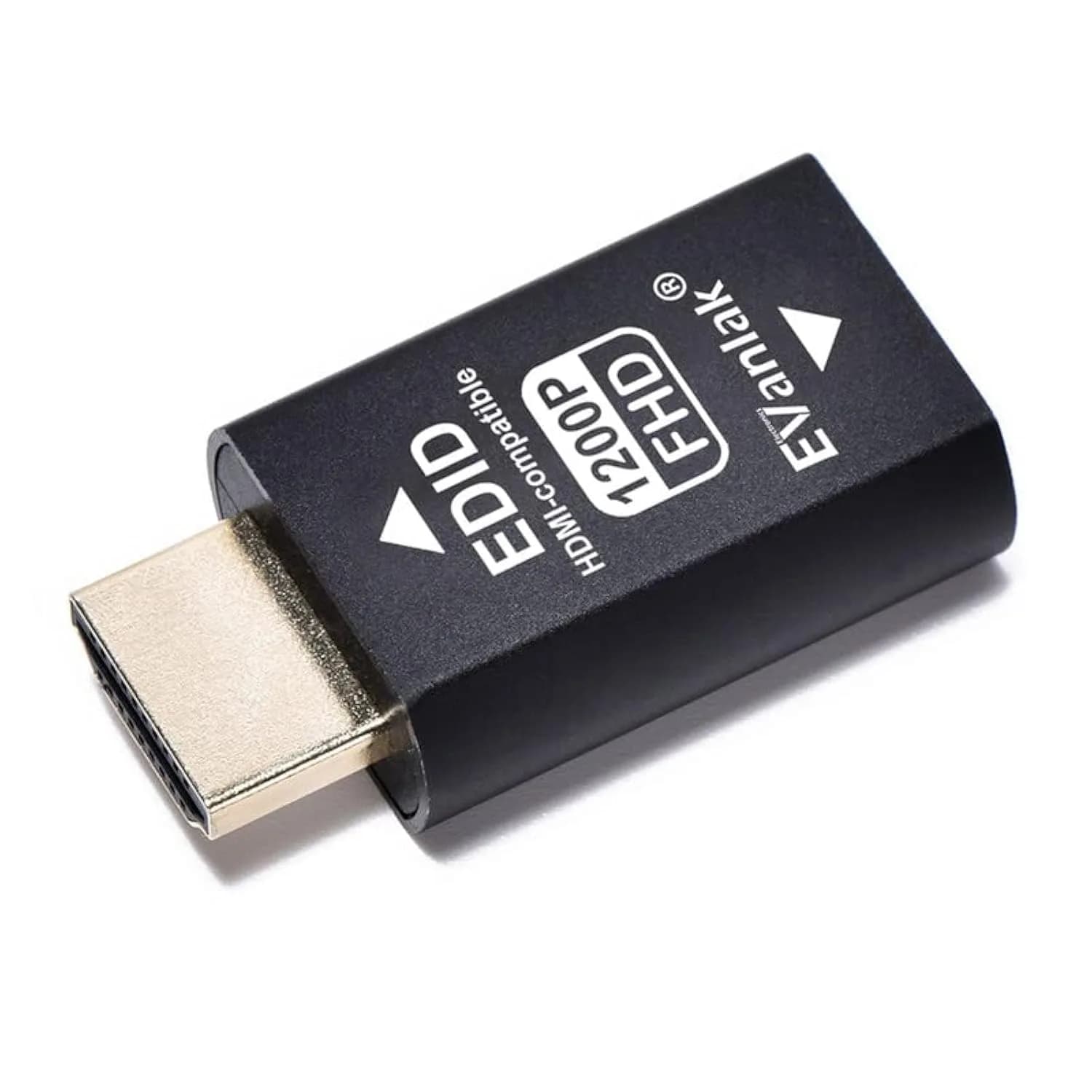
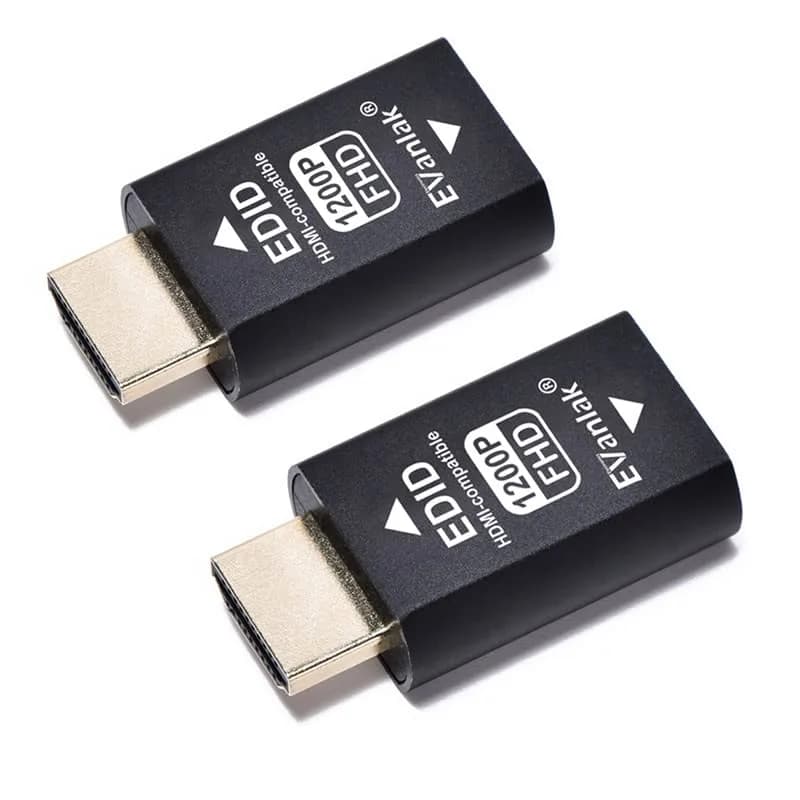
# EVanlak HDMI EDID Emulator Dongle (3rd Gen Aluminum) | Passes EDID Data for Mac Thunderbolt to HDMI

**Brand:** EVanlak
**SKU:** mtc9882
**ASIN:** B085H78N8F
**Canonical URL:** https://crowcrowcrow.com/p/evanlak-hdmi-edid-emulator-passthrough-dongle-3rd-generrtion-aluminum-eliminated-adapter/mtc9882
**Category:** electronics
**Subcategory:** Categories
**Availability:** in_stock
**Price (INR, all-inclusive):** ₹2,952
**Discount:** 14%
**Customer rating:** 3.10/5 from 17 ratings

## Description

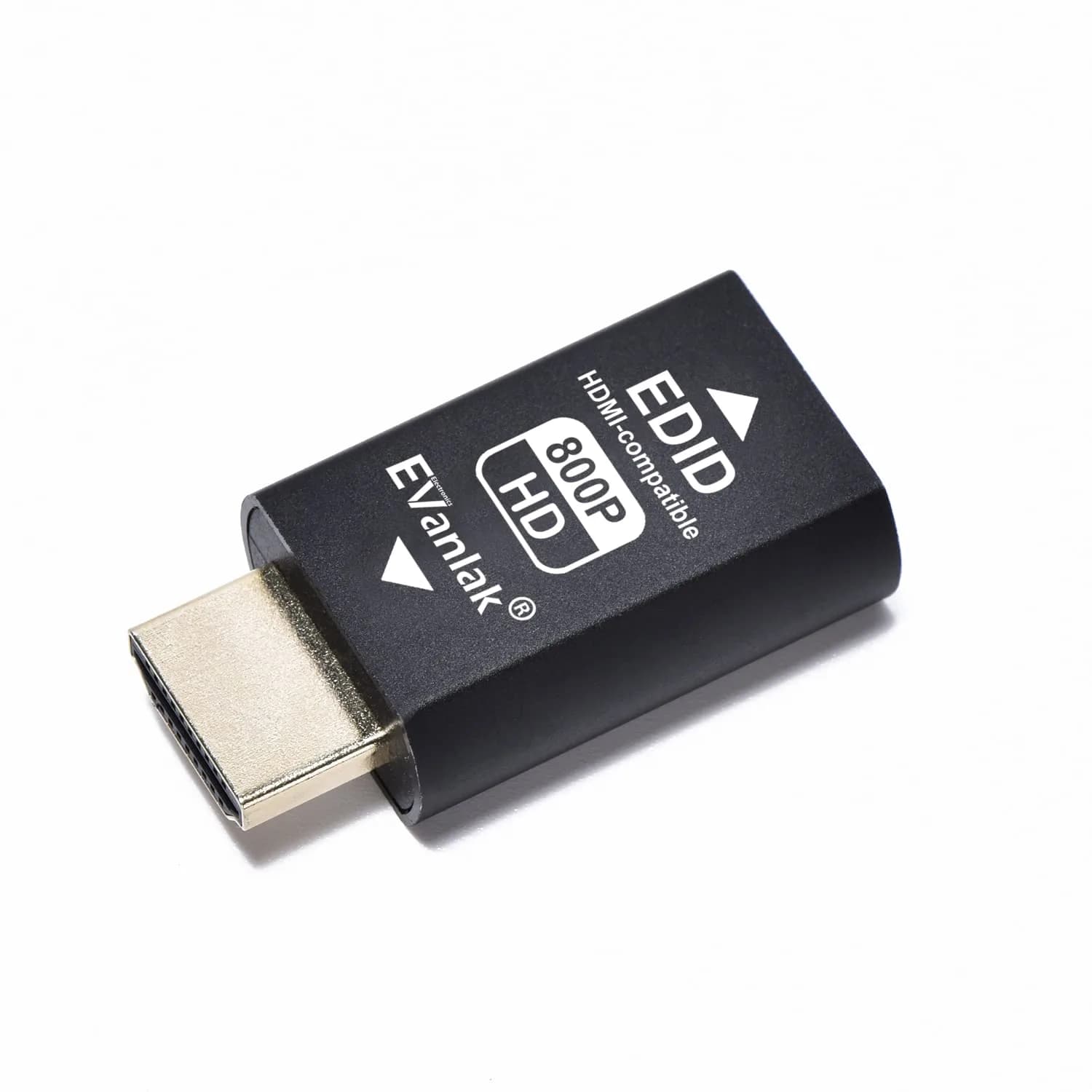
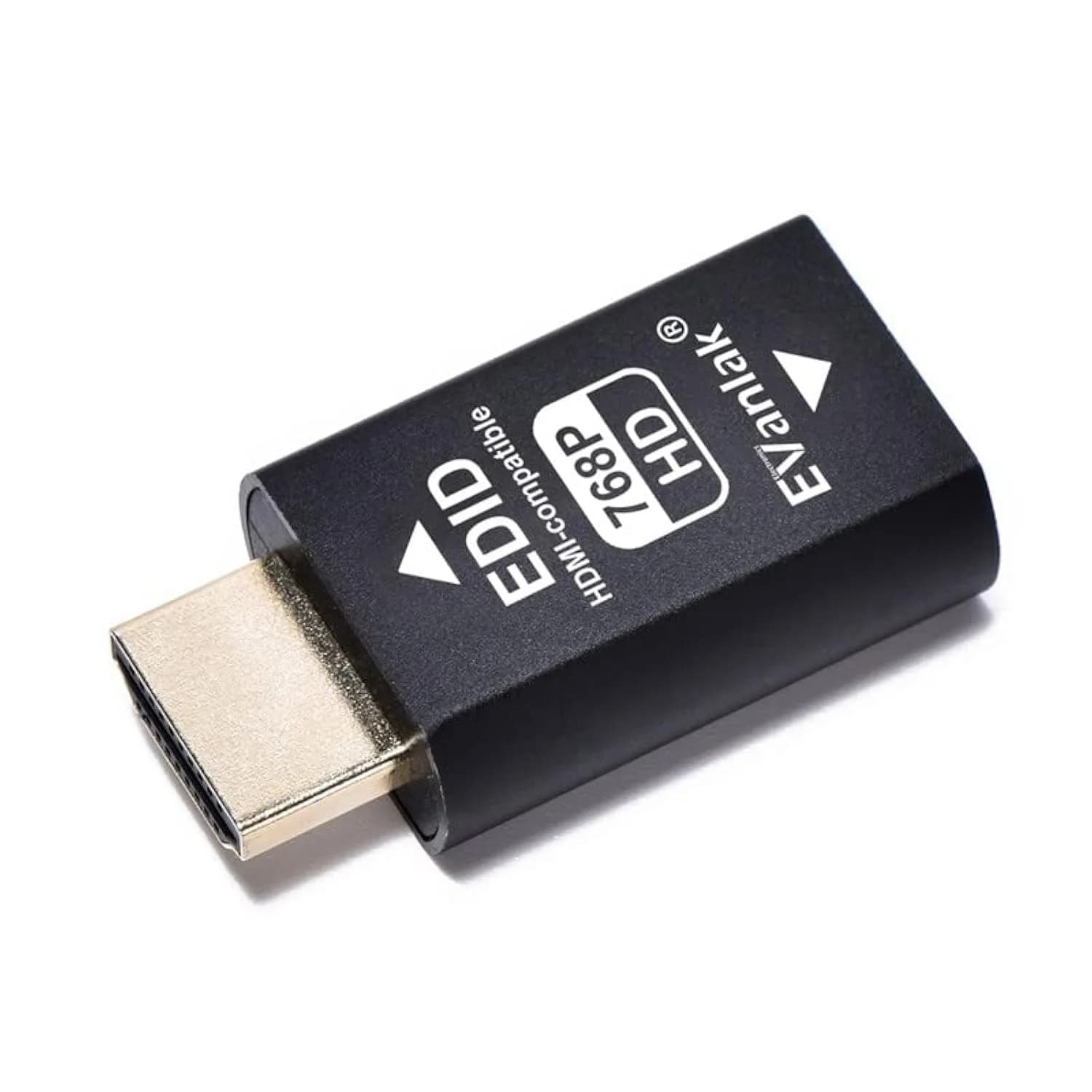
EVanlak HDMI EDID Emulator Dongle (3rd Gen Aluminum) ensures your Mac Thunderbolt or other devices correctly identify HDMI displays. Prevents resolution issues with switches, extenders, and AV receivers. Premium aluminum build. 20-23 days

## Highlights

- Reliable EDID Passthrough — Ensures your source device (Mac Thunderbolt, PC) correctly identifies connected HDMI displays, switches, or extenders, preventing resolution loss or black screens.
- Premium Aluminum Build — Durable 3rd generation aluminum casing protects the internal components and offers a premium feel, designed for frequent use and reliable signal integrity.
- Wide Compatibility — Works with various HDMI setups including switches, extenders, AV receivers, and monitors, ensuring broad application for different display configurations.
- Plug-and-Play Setup — Simple to use with no drivers or software required. Just plug the dongle into your HDMI source and connect your display or distribution device.

## Key features

- Reliable EDID Passthrough — Ensures your source device (Mac Thunderbolt, PC) correctly identifies connected HDMI displays, switches, or extenders, preventing resolution loss or black screens.
- Premium Aluminum Build — Durable 3rd generation aluminum casing protects the internal components and offers a premium feel, designed for frequent use and reliable signal integrity.
- Wide Compatibility — Works with various HDMI setups including switches, extenders, AV receivers, and monitors, ensuring broad application for different display configurations.
- Plug-and-Play Setup — Simple to use with no drivers or software required. Just plug the dongle into your HDMI source and connect your display or distribution device.

## Why choose this product

**Seamless Display Emulation for India** — The EVanlak HDMI EDID Emulator Dongle (3rd Gen Aluminum) is your solution for consistent display detection in India. It ensures your Mac Thunderbolt or PC correctly communicates with HDMI switches, extenders, or AV receivers, bypassing common resolution issues. Unlike generic adapters, its premium aluminum build guarantees durability and reliable EDID passthrough. This imported device is designed for users who need a stable connection for their home theatre or professional setups, ensuring your display is always recognized at its optimal resolution. All customs duties and GST are pre-paid, simplifying your purchase.

**Who Should Use This vs. Who Should Skip** — This EDID emulator is ideal for users experiencing resolution problems, black screens, or incorrect display detection when connecting devices through HDMI switches, extenders, or when using a Mac Thunderbolt adapter. It's perfect for home theatre enthusiasts, IT professionals, or anyone needing to ensure their source device always 'sees' a compatible display. Skip this if you are connecting devices directly via HDMI without any intermediate switches or extenders, as the EDID information is passed directly. Also, skip if your issue is with the HDMI cable itself or the display's native resolution capabilities.

## How to use

1. Plug the male HDMI end of the EVanlak EDID emulator directly into the HDMI output port of your source device, such as a Mac Thunderbolt adapter or PC. — Connect Emulator to Source
2. Connect your standard HDMI cable from the female HDMI port on the emulator to the HDMI input of your display, HDMI switch, extender, or AV receiver. — Connect HDMI Cable
3. Turn on your source device and display. The emulator requires no external power and should automatically pass EDID information, allowing your source to detect the display's capabilities. — Power On and Verify

## Product details

| Field | Value |
|---|---|
| Specific Uses | TV, Video Output Emulation |
| Compatible Devices | PC, Mac Thunderbolt, HDMI Switches, Extenders, AV Receivers |
| Control Method | Passthrough (No Remote) |
| Brand | EVanlak |
| Model Number | 783103401010 |
| Color | HDM EDID 800pp |
| Material | Aluminum |
| Connector Type | HDMI |
| Connector Gender | Male-to-Female |
| Number of Ports | 1 |
| Item Dimensions (L x W x H) | 1.6 x 0.8 x 0.5 inches (4.1 x 2.0 x 1.3 cm) |
| Item Weight | 0.02 kg (20 g) |
| Package Weight | 0.02 kg (20 g) |
| Package Dimensions (L x W x H) | 5.6 x 9.3 x 1.7 cm |
| Power Plug Type | No Plug (HDMI Powered) |
| Batteries Included | No |
| Batteries Required | No |
| Country of Origin | Not stated by manufacturer — US retail version, sourced from authorized US retailers |

## Frequently asked questions

### What is an HDMI EDID emulator and why do I need it?

An HDMI EDID emulator, like this EVanlak dongle, tricks your source device (e.g., Mac Thunderbolt) into thinking a display is always connected and capable of specific resolutions. This is crucial when using HDMI switches, extenders, or when the display's EDID information isn't properly passed, preventing resolution issues and ensuring optimal video output.

### Will this EVanlak HDMI EDID emulator work with my Mac Thunderbolt port?

Yes, this EVanlak HDMI EDID emulator is designed to work with devices that output HDMI signals, including Macs using a Thunderbolt to HDMI adapter. It ensures the EDID data is correctly passed through, allowing your Mac to output the intended resolution to your connected display or HDMI distribution system.

### How do I connect the EVanlak HDMI EDID emulator?

Connecting is simple: plug the male HDMI end of the emulator into your source device's HDMI output (or adapter), and then connect your HDMI cable from the display, switch, or extender to the female HDMI port on the emulator. It requires no drivers or external power.

### Can I use this EDID emulator with 4K displays or HDMI 2.1 setups?

This EDID emulator passes through EDID data, meaning it supports the resolutions and refresh rates that your source device and display are capable of. For 4K or higher resolutions, ensure your source, the emulator, and the display all support the desired HDMI version and bandwidth.

### Does this EVanlak HDMI EDID emulator require drivers or software?

No, this EVanlak HDMI EDID emulator is a plug-and-play device. It does not require any drivers or software installation. It functions passively by passing EDID information between your source and display devices.

### What is the difference between this EDID emulator and a regular HDMI adapter?

A regular HDMI adapter primarily converts signal types (e.g., Thunderbolt to HDMI). An EDID emulator specifically intercepts and passes EDID data, ensuring the source device always receives correct display information, which is vital for troubleshooting resolution or compatibility issues in complex HDMI setups.

### How to buy an original EVanlak HDMI EDID emulator in India?

To buy an original EVanlak HDMI EDID emulator in India, purchase from authorized importers like CrowCrowCrow. We source directly from authorized US retailers, ensuring the product is factory-sealed and imported per order. All customs duties and GST are included, and delivery is via ExpressBox tracked shipping.

## Compliance

No product-specific compliance warnings identified. Standard imported-goods terms apply: customs duties & GST paid; for personal use in India; follow the manufacturer's usage instructions on the packaging.

## Images

1. https://images.crowcrowcrow.com/B085H78N8F-0.webp
2. https://images.crowcrowcrow.com/B085H78N8F-3.webp
3. https://images.crowcrowcrow.com/B085H78N8F-6.webp
4. https://images.crowcrowcrow.com/B085H78N8F-9.webp
5. https://images.crowcrowcrow.com/B085H78N8F-12.webp
6. https://images.crowcrowcrow.com/B085H78N8F-15.webp

---

Source: https://crowcrowcrow.com/p/evanlak-hdmi-edid-emulator-passthrough-dongle-3rd-generrtion-aluminum-eliminated-adapter/mtc9882

Returns: 14 days, free pickup, full refund on genuine issues. Shipping: Free across India, 20-23 days. Prices are all-inclusive (duties + GST).